




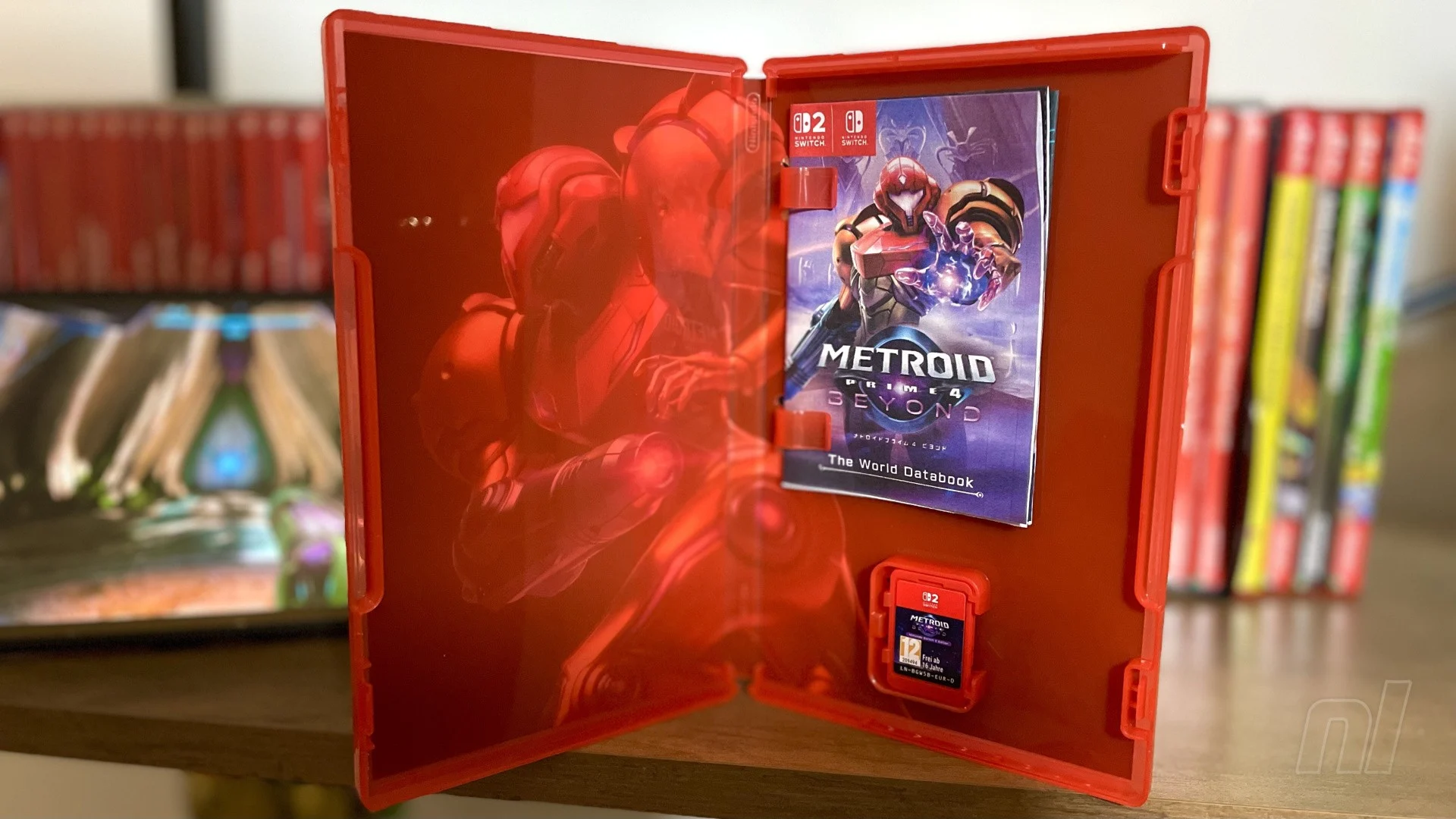

Bar a few exceptions, the days of opening your boxed copy of a new game and eagerly flipping through the instruction booklet are behind us. But it looks like Nintendo isn't ready to give up on the nostalgia just yet, as it has released a printable 'databook' for Metroid Prime 4: Beyond, that just makes our hearts sing (thanks for the heads up, @ninpatentswatch).
The booklet is only available on the Japanese Nintendo website at the time of writing — with all of the text in Japanese, natch — but it scratches such a retro itch for us that we're amazed the big N doesn't do something similar for all its releases.
The 24-page 'World Databook', to give it its official title, is full of a lot of things you would expect from a classic instruction manual, including game controls and character introductions, but there are also rundowns of the game's main locales and mechanics, with a sneaky bit of lore peppered in there, too.
Here's a couple of pages, so you can get a taste for what's inside:
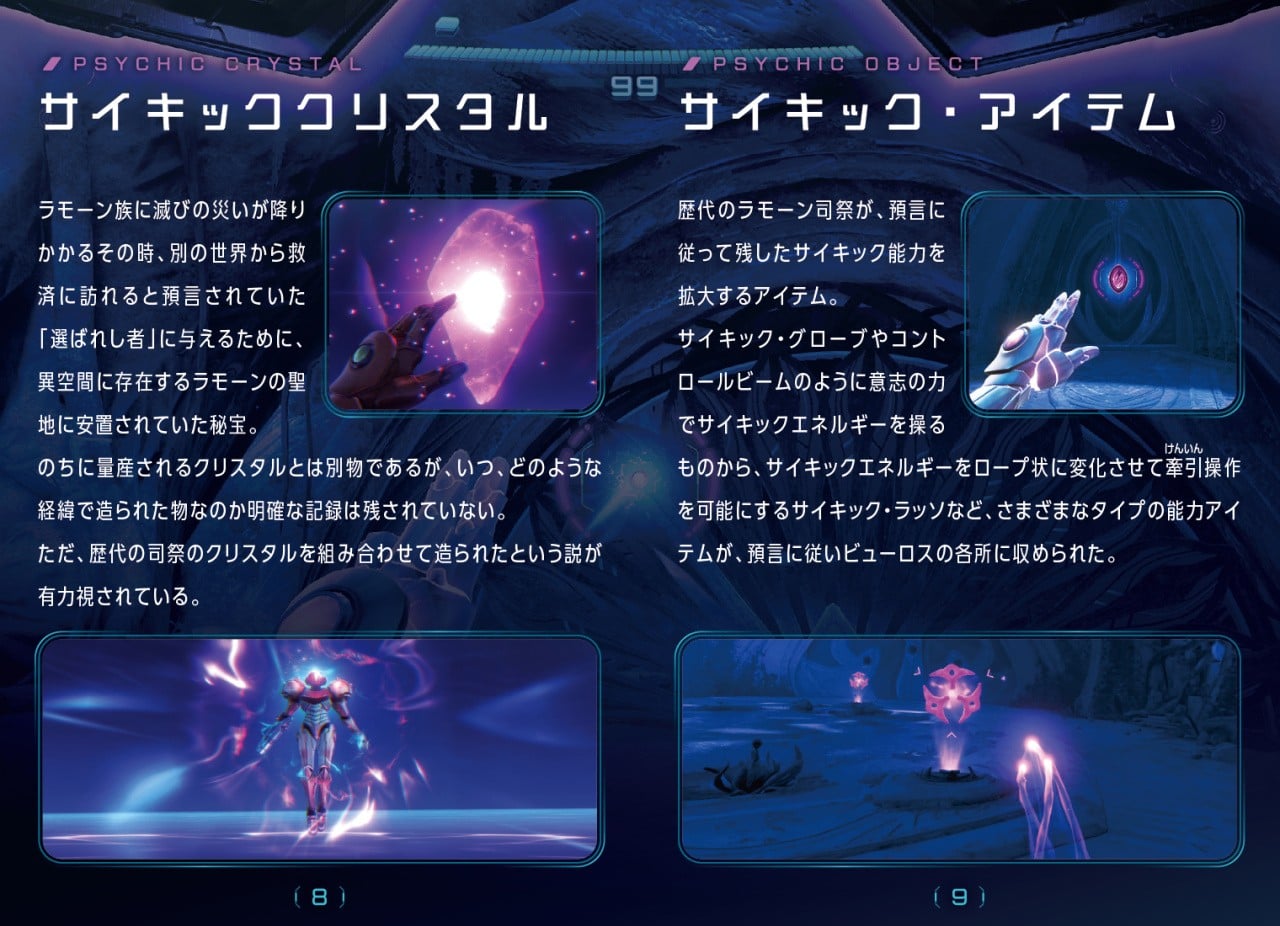
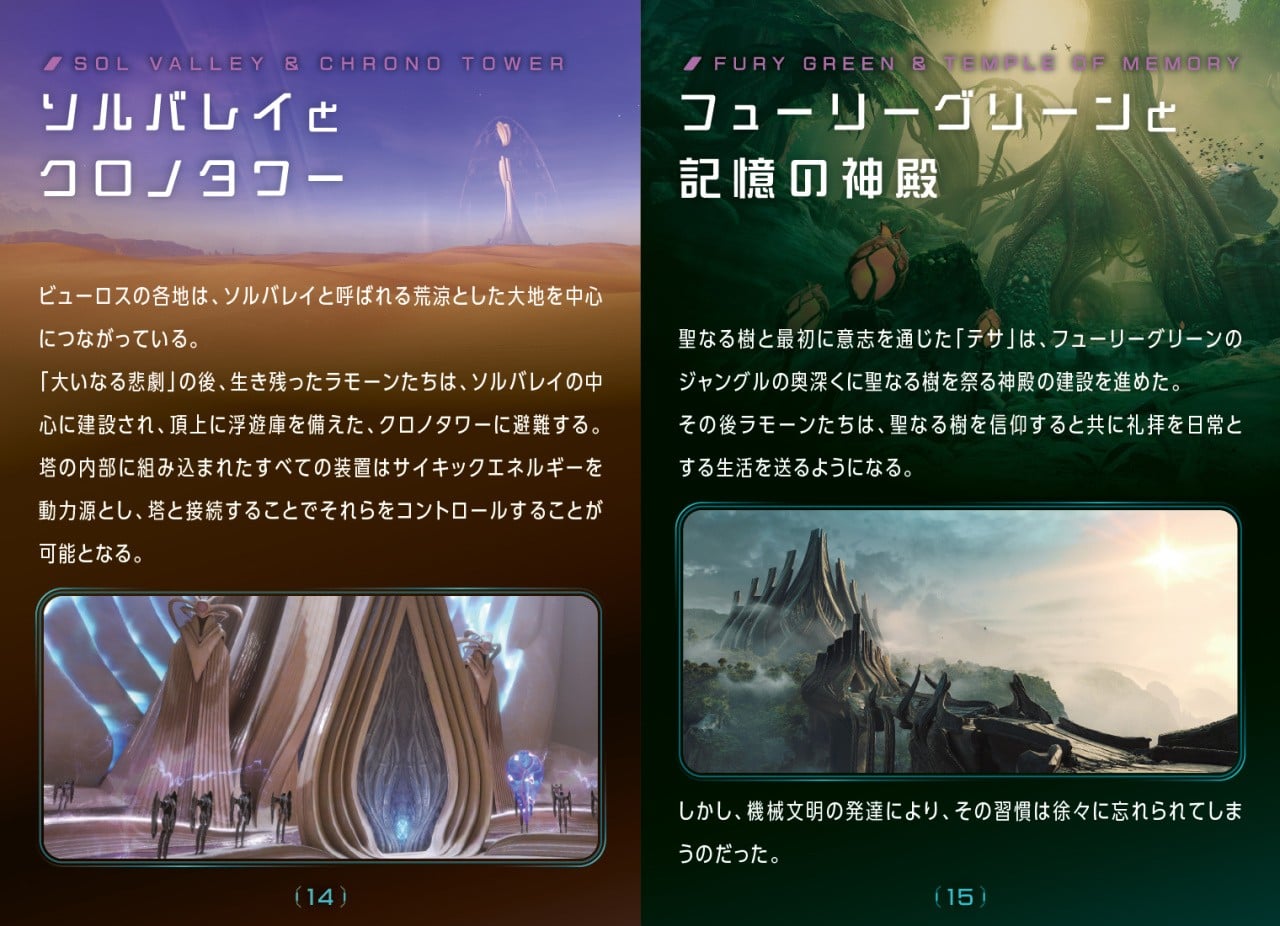
Images: Nintendo
The full PDF has instructions for how to print and fold the booklet, so you can rest easy knowing that it'll slot nicely into those under-utilised plastic clips that occupy the top half of all modern game cases.
Would opening the in-game menu and looking up the controls that way be an awful lot easier? Sure it would. But come on, where's the fun in that?
Recommended Comments