




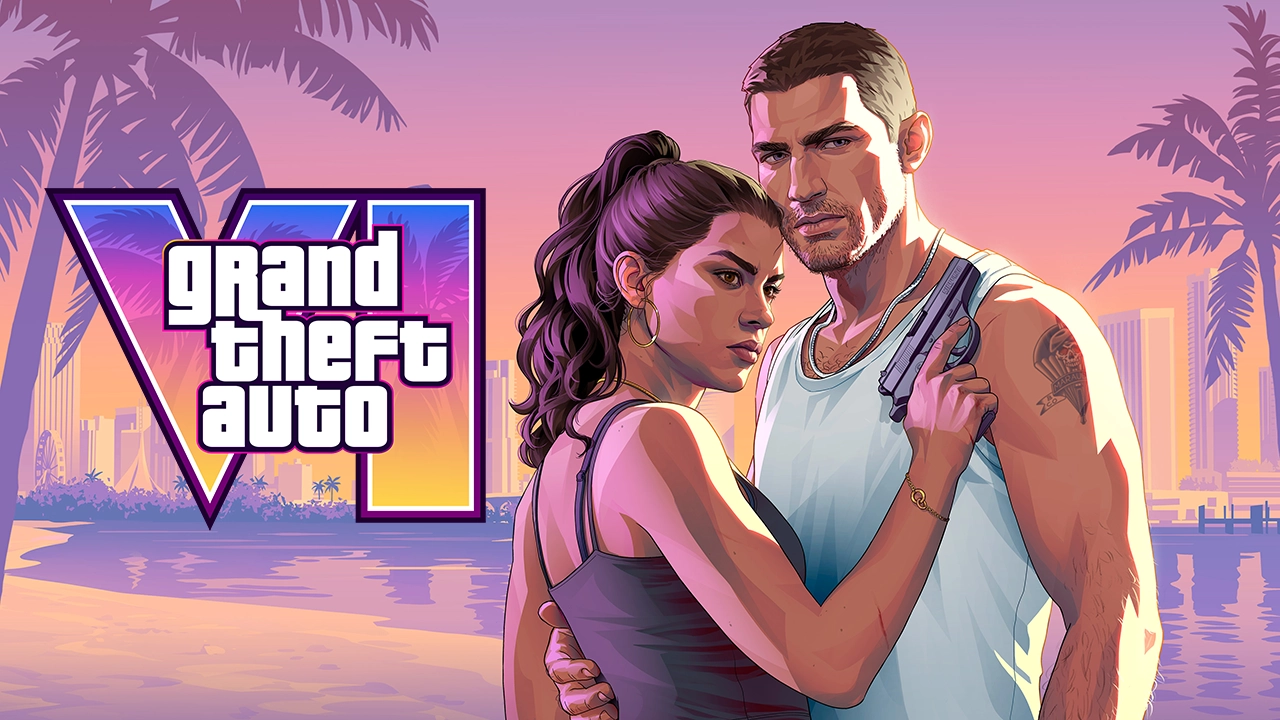

PlayStation has added a set of official GTA VI backgrounds to the PS5, a few days into the game's launch.
Rockstar Games and PlayStation made five new wallpapers available. The set follows a similar dashboard takeover on Xbox the day before.
How to Get the GTA VI Backgrounds on PS5
The wallpapers are built into the console, so there is nothing to buy or download from a store page.

Turn on your PS5 and open the Welcome Hub. Its logo now shows a Vice City sunset gradient.
Select the pill-shaped icon with the VI logo, labeled "New Backgrounds Available."
Open the Change Background menu and go to the Games tab.
Open the GTA VI folder to see all five wallpapers.

What's in the Pack
Four of the five wallpapers show Jason and Lucia. They reuse artwork from GTA VI's earlier marketing, so fans will recognize them. The fifth is Lucia's cover artwork.
The Welcome Hub change is a small touch. The PlayStation logo there now carries the Vice City sunset gradient, in the same pink and orange as the game's key art.
Xbox Got Its Own Takeover
Xbox dashboards were taken over on November 18 with Jason and Lucia artwork. Xbox users can also upload any image as a wallpaper, so they have more freedom to use their own GTA VI art.
A Launch Week Full of Tie-Ins
The backgrounds are one of many promotions around the release. They arrive alongside GTA Online's GTA VI Launch Week event, which runs November 19 to 25, and the wave of marketing partnerships that has built up to launch.
Recommended Comments