




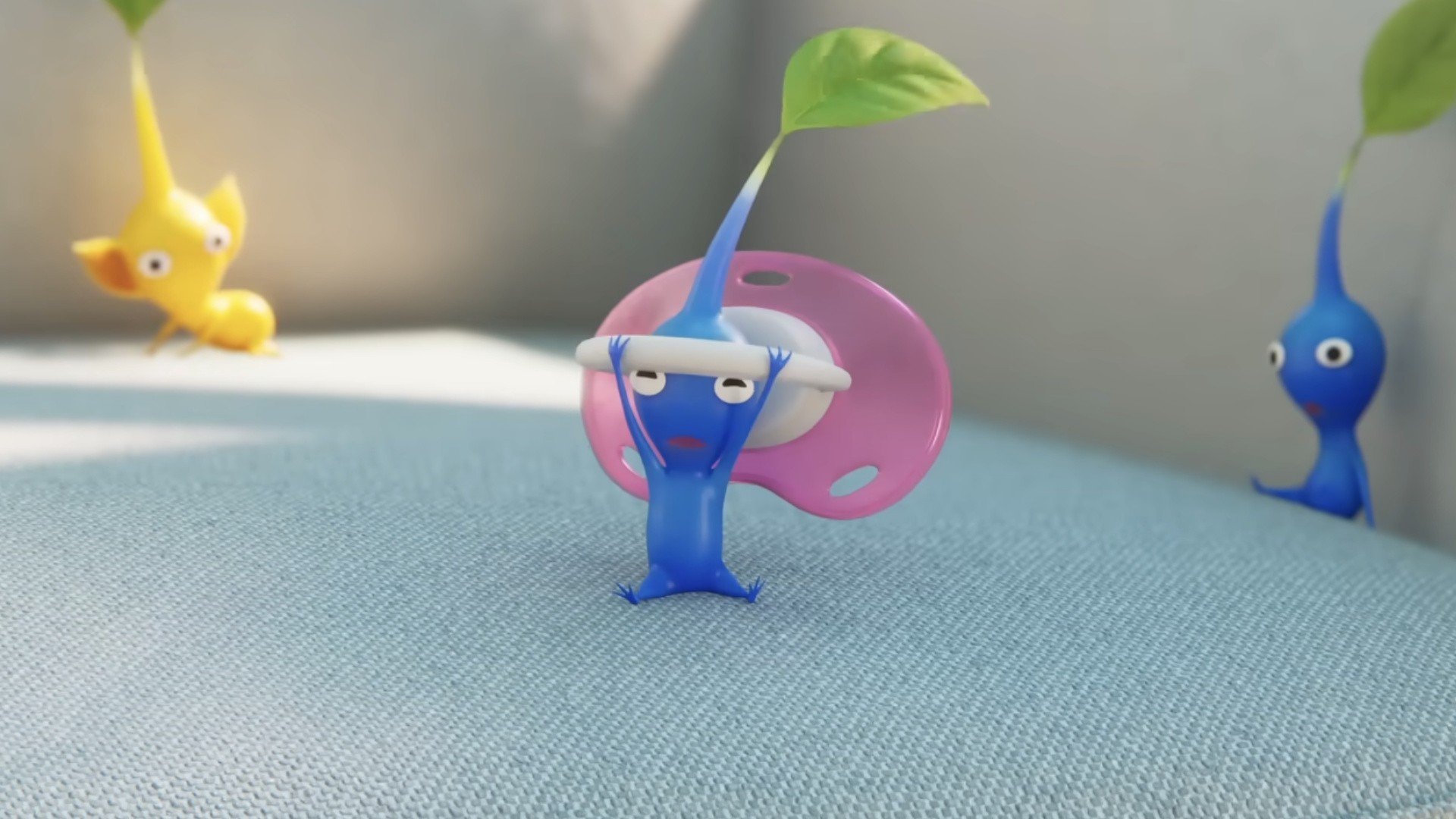

Remember Nintendo's short film, Close to You? The adorable baby animation with which the company kept us on tenterhooks for three days straight as it drip-fed us information about its context? Well, it looks like it'll be cropping up again, this time in an upcoming Pikmin Bloom event.
As of tomorrow (27th November), anyone logging into Pikmin Bloom will receive a Gold Seedling, which promises a special Decor Pikmin inside. And this isn't any old Decor Pikmin either, oh no, this is a Seedling that "seems to have a connection to the short movie Pikmin Close to You". At least, that's how the Pikmin Bloom blog post puts it.
We don't know the exact form that this Seedling will take, but considering that Decor Pikmin usually style a cute bit of — you guessed it — decor on their heads, we'd wager it will be something along the lines of a Pikmin wearing a stylish pacifier, rattle or some sort of stuffed toy. Talk about synergy, eh?
You'll be able to collect this special Seedling from the app's home screen simply by logging in any time between 27th Nov 2025 and 26th Nov 2026, so you have a whopping great year to make sure that you pick it up.
It's unclear whether anything else will come of the Pikmin short movie for the time being, but that sure was a fun week while it lasted. Here's hoping there will be a couple more cameos from the little guys in The Super Mario Galaxy Movie, or how about that Nintendo Switch 2 Edition of Pikmin 4 that we're all after? Whatever it takes to keep us Pikmin fans happy...
Recommended Comments