




.jpg.f342a36f48e27e1f44f383565cdc8c6c.jpg)

If you're into cozy games with crafting, farming, and the like, but also like driving around in an open world, Dutch studio Square Glade Games has announced that Outbound is coming to Switch 2.
Previously announced for the original Switch (don't worry, it's still coming to that console if you're a Switch 1 faithful), the game was a Kickstarter success back in 2024, raising a chunky €265,679 to bring Outbound to PC and consoles in Q2 2026, and that now includes Switch 2.
The trailer above will give you a good idea of the gameplay blend the small team is working up, but it looks to be combining elements of open-world exploration (co-op with up to three other players if you want) with campervan decoration, crafting, farming, cooking, patting the dog - all the cozy things you might want wrapped up in a Firewatch-esque art style.
The Kickstarter broke every stretch goal going, so you've also got fishing, beekeeping, other minigames, and a character editor. Here's the offical blurb and feature rundown, plus a bunch of screenshots showcasing the breadth of options available, not to mention the incredible breadth of your camper's roof that allows for all that customisation:
Outbound is an open-world exploration game set in a utopian near future. Start with an empty camper van and turn it into the home of your dreams - alone or together with your friends. Build and explore at your own pace. Scavenge materials, craft, and build in and on top of your vehicle with modular parts. Advance in technology and efficiently use energy to power your home. Adjust your playstyle to adapt to new landscapes and changing environmental conditions.
Source Energy
Power your electric camper van with energy from the sun, wind, or water.
Build
Build your moving base with a modular building system. Customize your vehicle with paint, decorations, and furniture to create your own perfect cozy place.
Craft
Craft workstations and tools from resources provided by Mother Nature. Research advanced technology to refine and combine them into new materials.
Grow
Create gardens to nurture delicate and delicious plants and mushrooms. Eat them raw or cook delicious meals to refill your needs.
Play together
Explore a colorful open world with a variety of biomes, resources, and secrets, together with your friends. Play Outbound alone or with up to 4 players cooperatively.
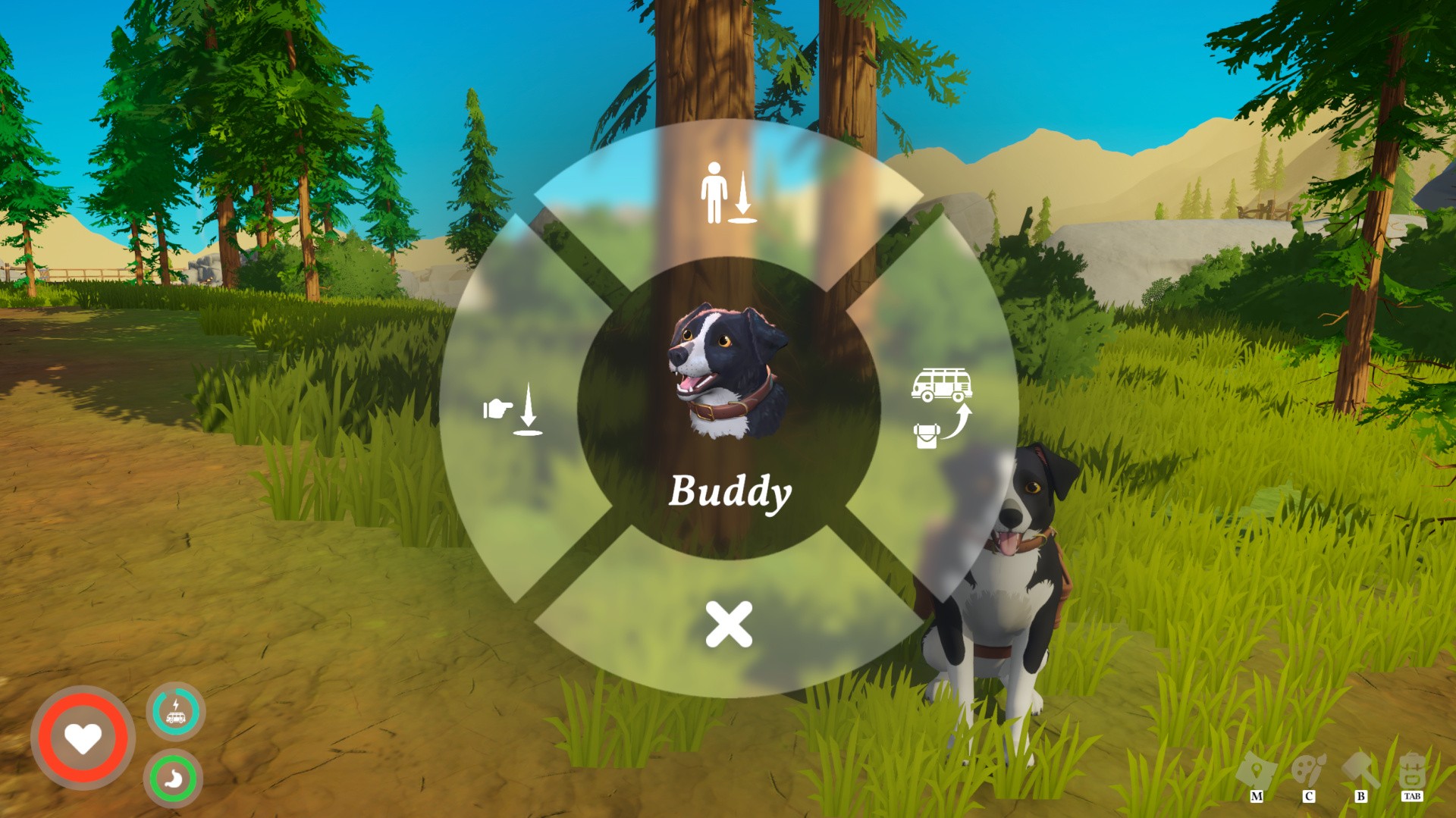
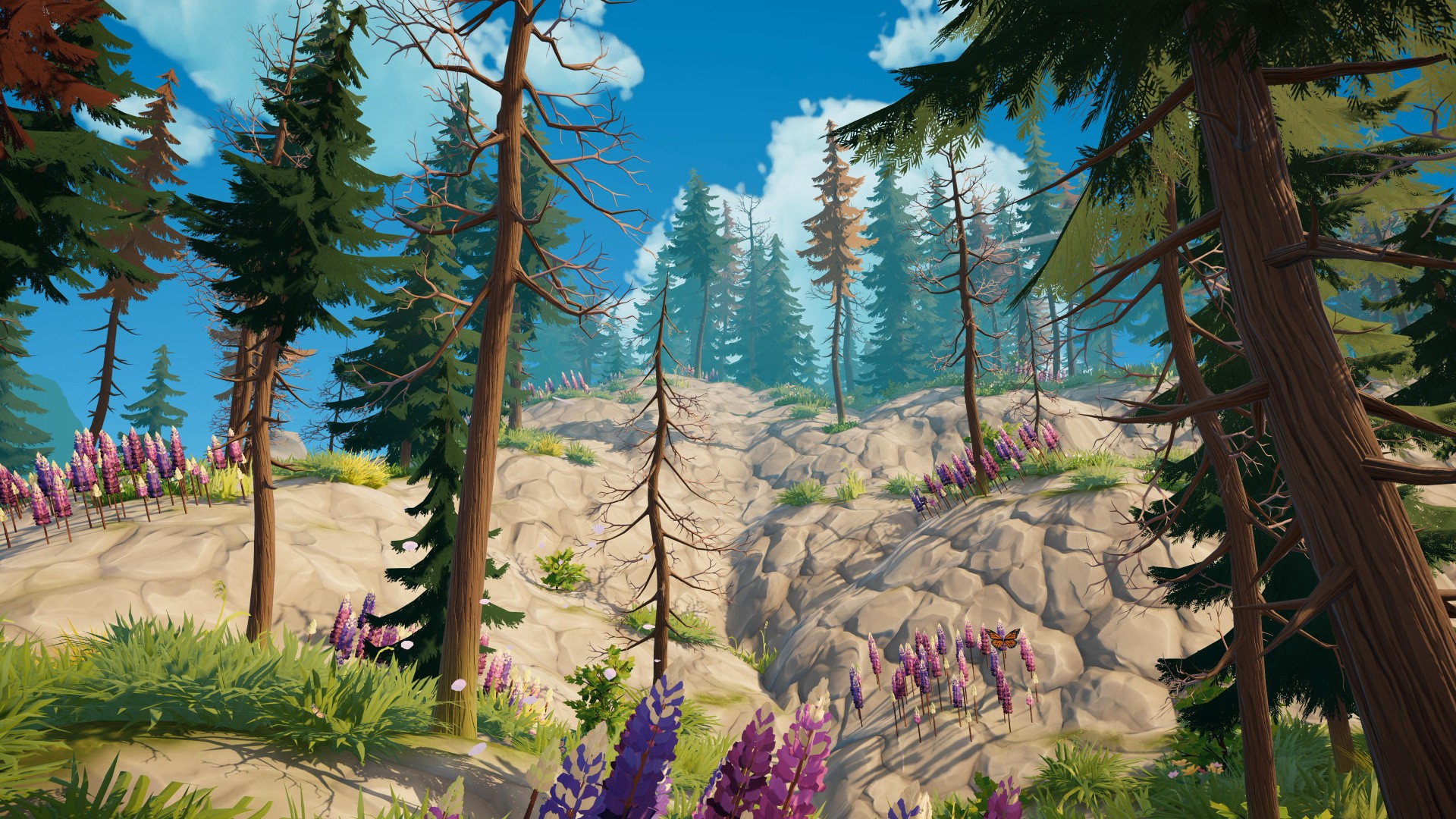
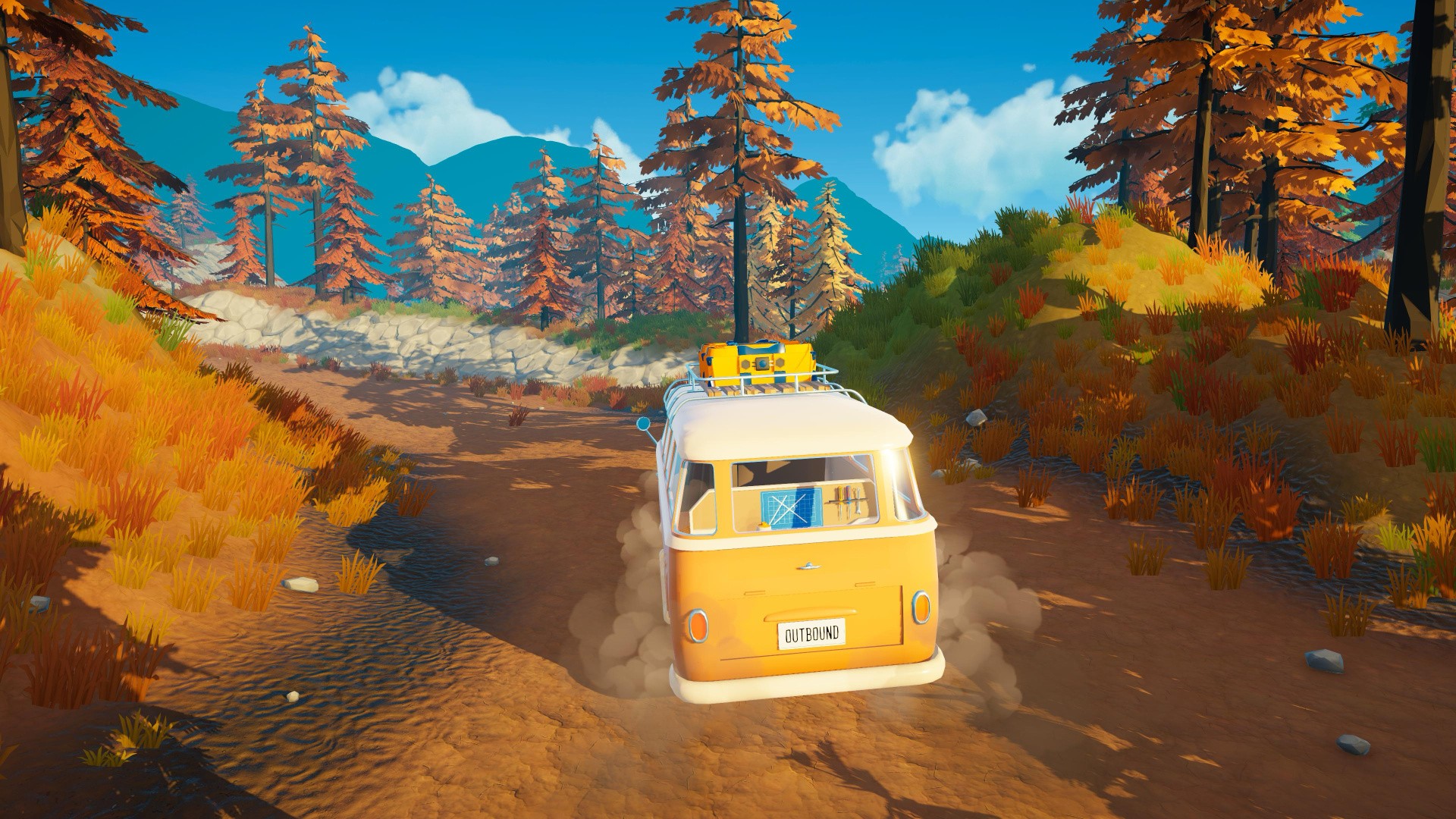
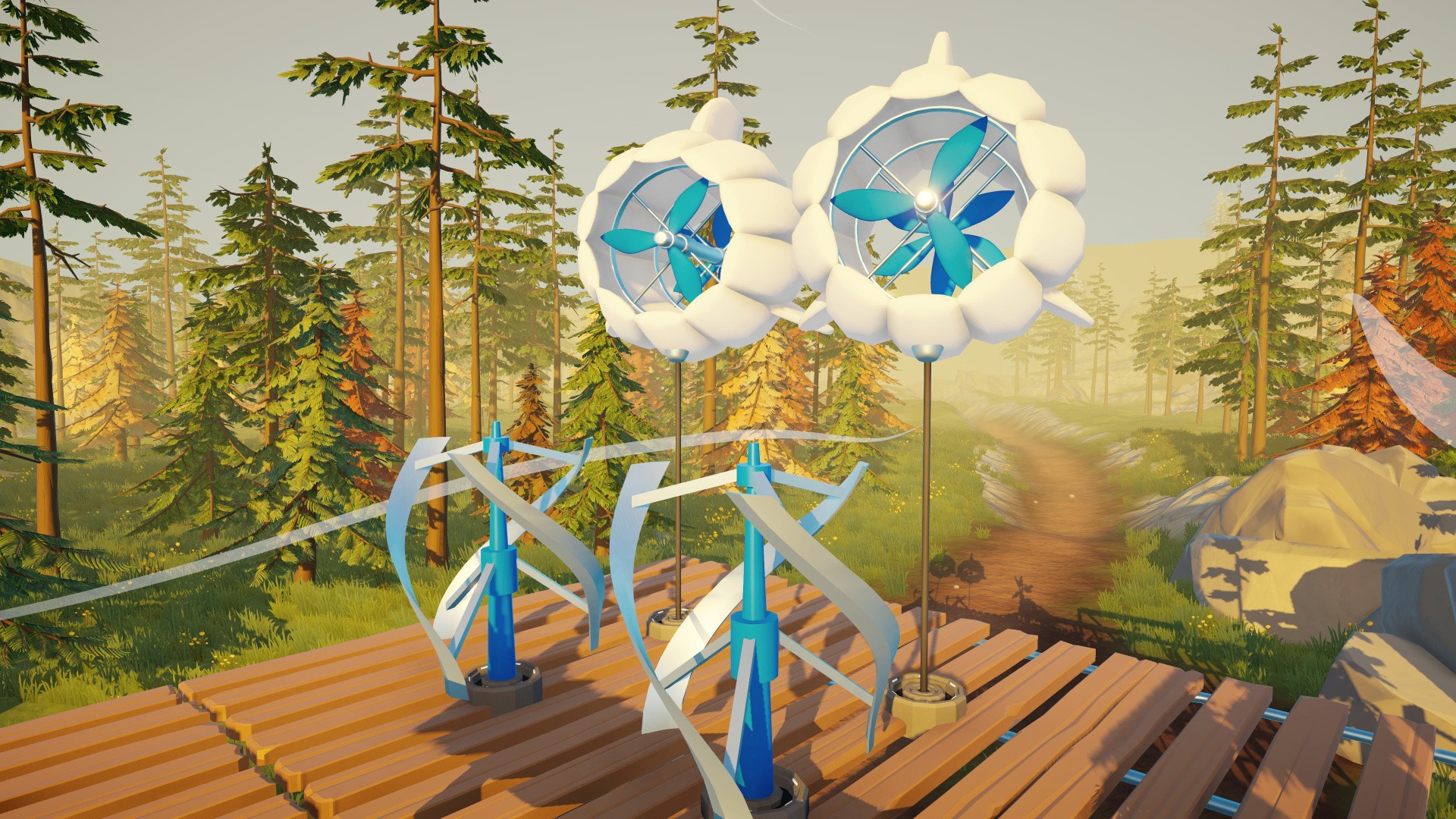
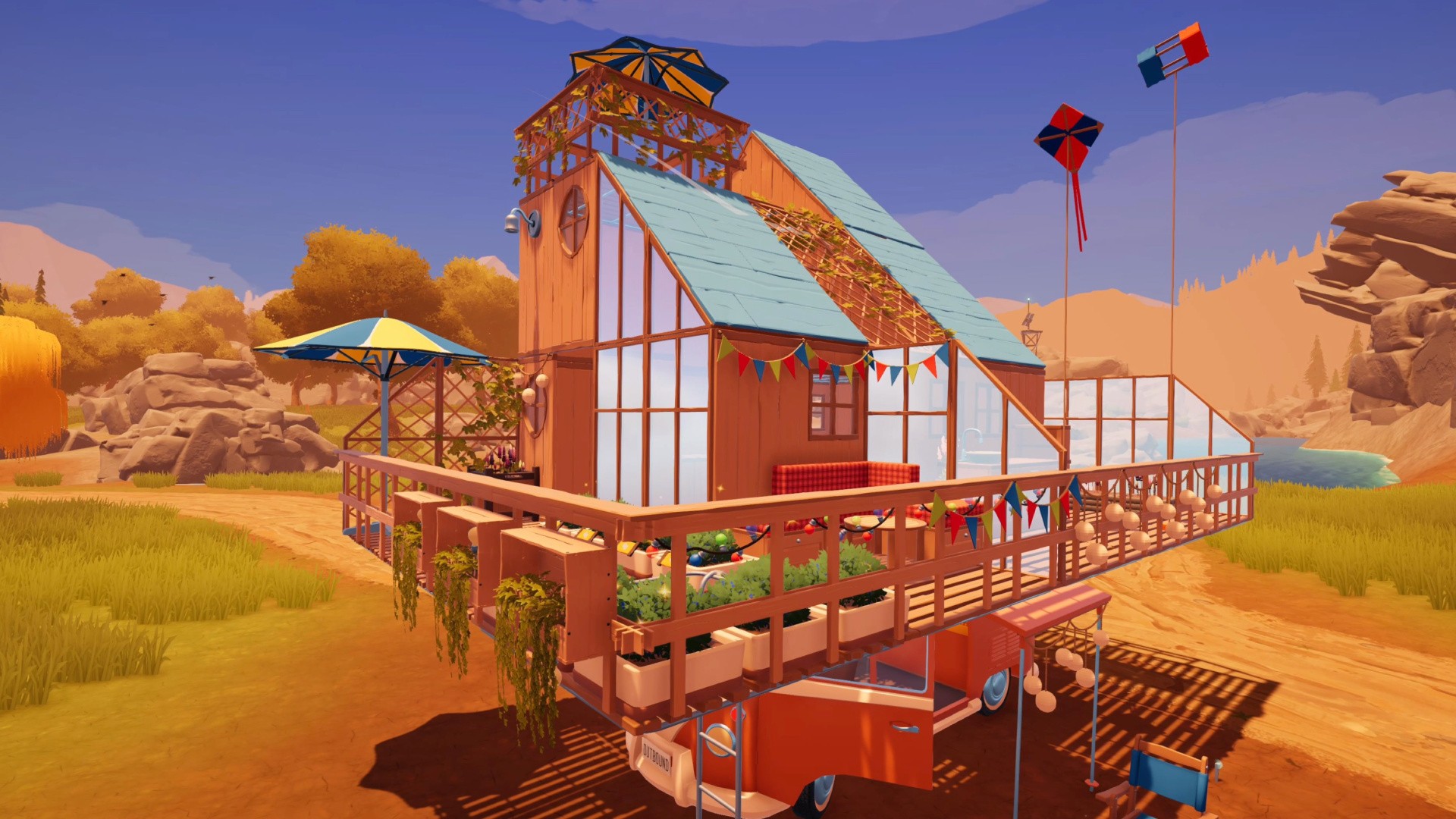
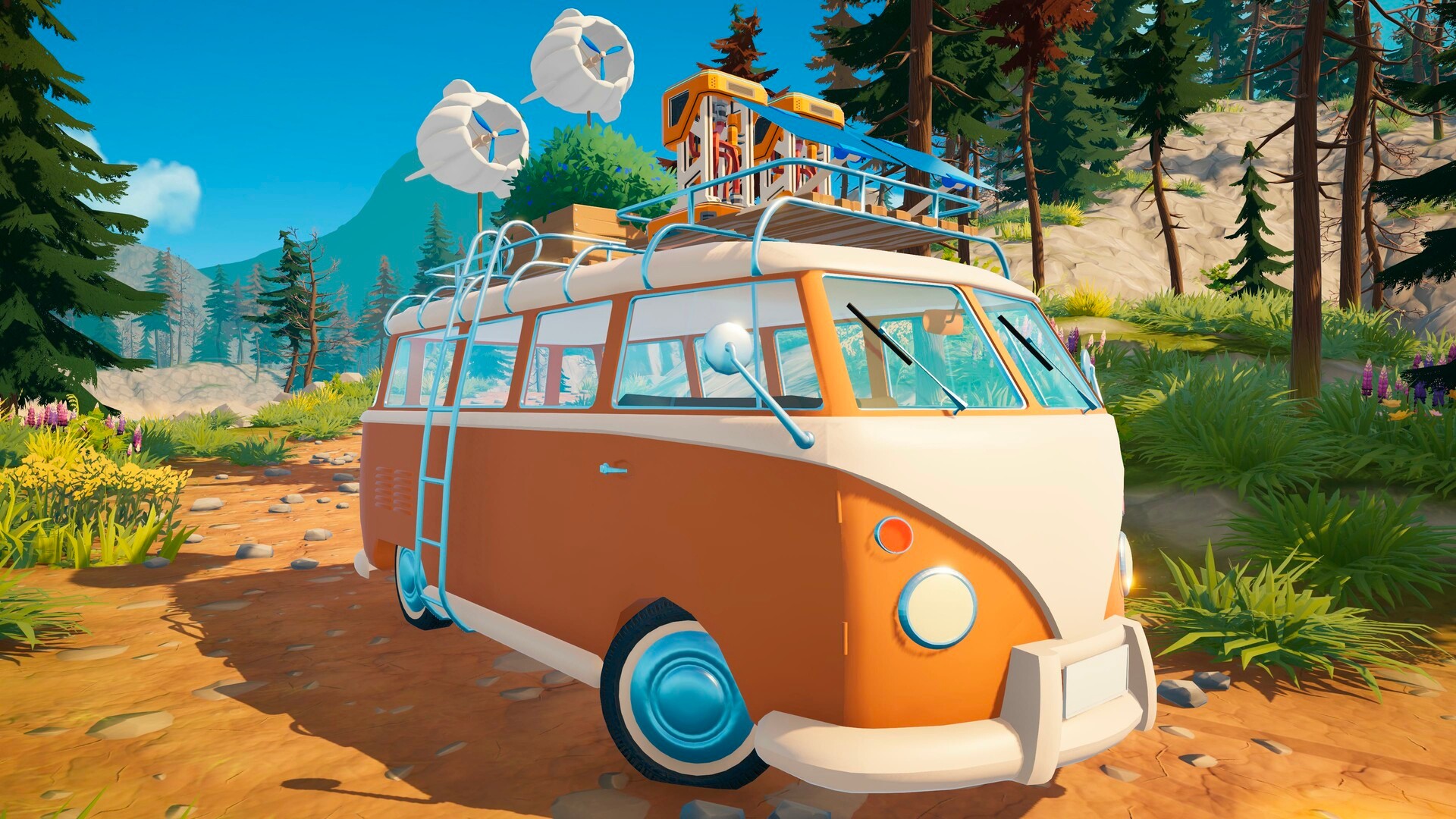
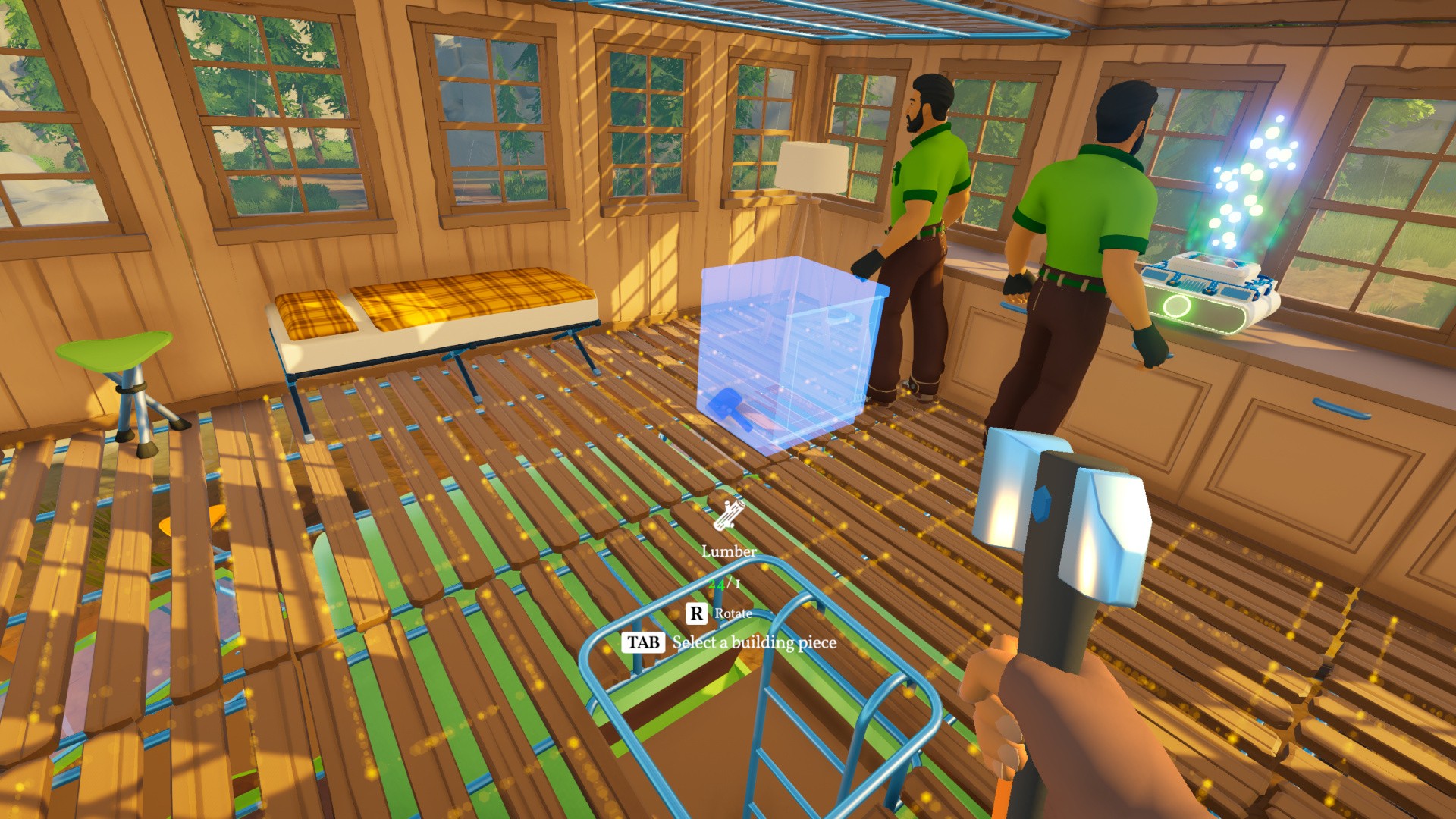
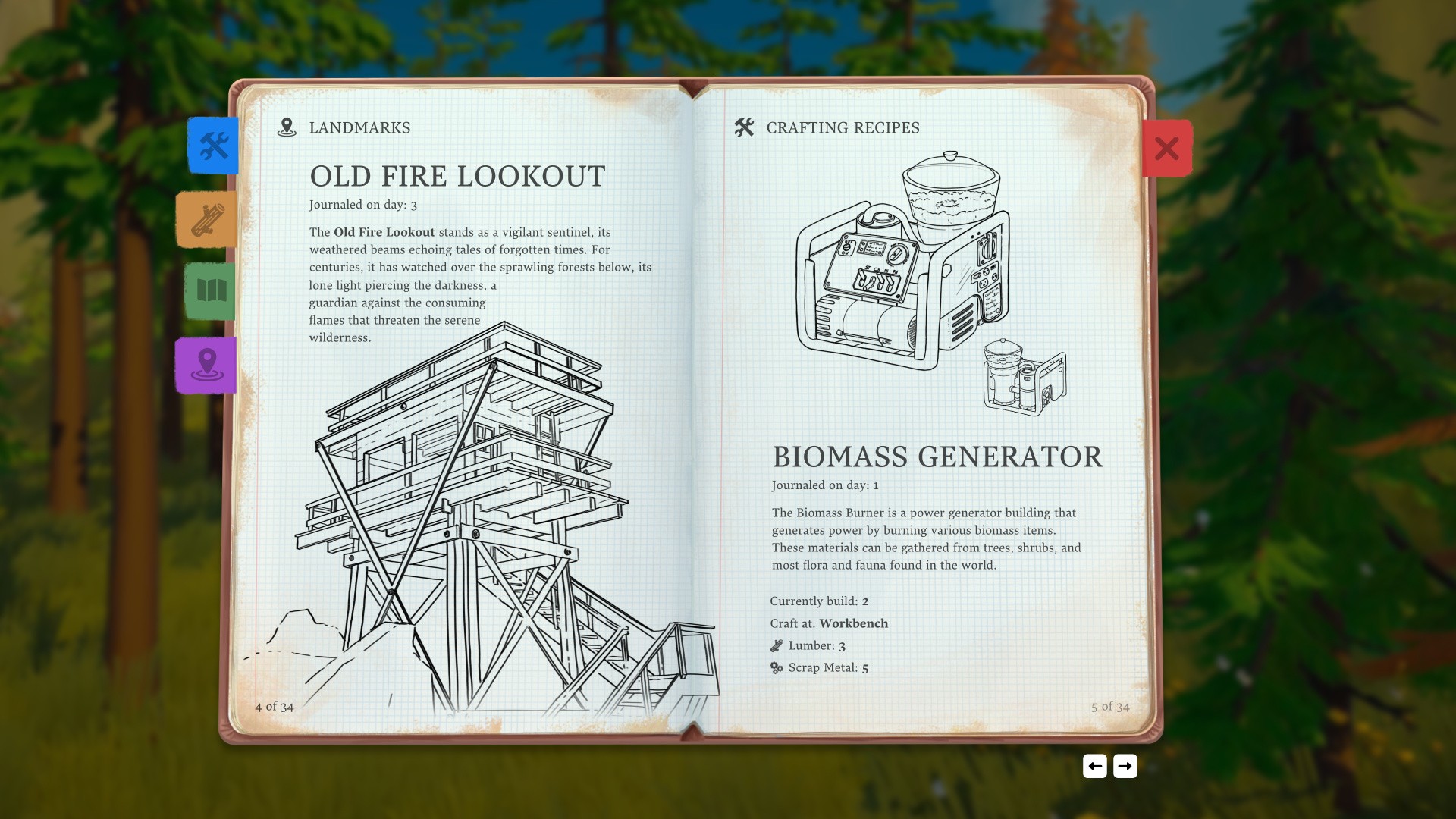
Images: Square Glade Games
"A utopian near future..." Yep, we'll have a drop of that, please.
The Kickstarter page still has an estimated delivery date of January 2026, but Q2 2026 is the official word at the moment. Given the ambition (we particularly like the sound of the four-player co-op) of this two-person team indie endeavour, we'll be impressed if it doesn't slip a little.
See? Not a single mention of BOTW visual vibes. Let us know below if you like the look of Outbound and plan on getting away from it all sometime in the first half of 2026.
Recommended Comments