




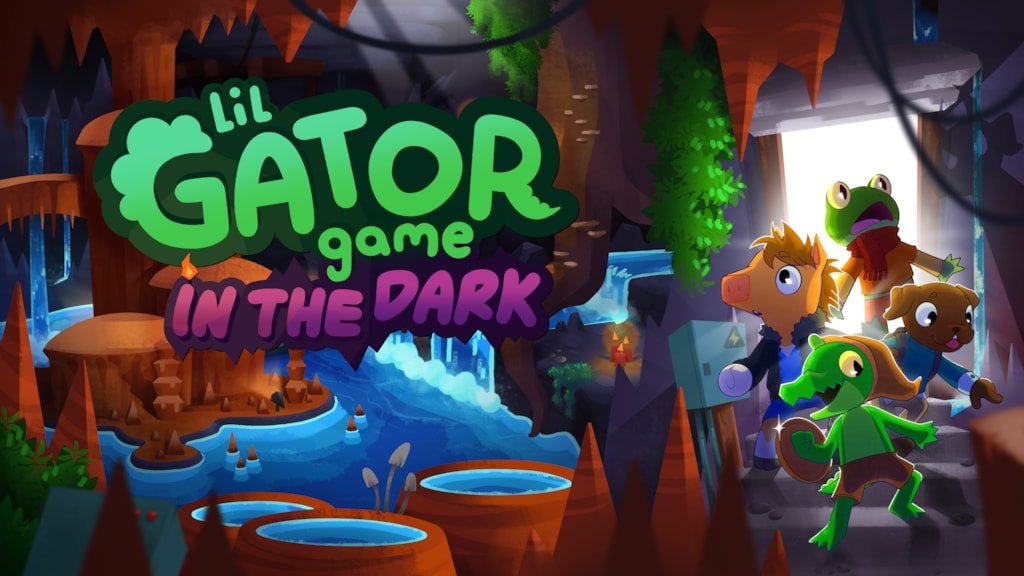

Lil Gator Game, one of the cutest action adventure titles available on PS5 and PS4, is about to get a whole lot bigger.
Publisher Playtonic Friends has announced a release date for its major expansion DLC, In the Dark, by way of a new trailer:
It's due out on 12th February 2026, meaning it's just a couple of months away.
One of the most notable things about the DLC is its size; apparently it doubles the size of the world you can explore, with lots of new underground areas to navigate.
As well as the extra space to explore, In the Dark adds new characters to meet, secret treasure to find, and quests to complete.
It even adds new equipment and movement abilities, such as gymnastic ribbons that give you a double jump, and a gadget that allows you to slam into the ground. Pretty classic platformer stuff.
In addition to the expansion, Lil Gator Game: Gator of the Year Edition has been dated. This is a version of the game that includes the base adventure as well as In the Dark in one package.
It'll be available digitally on the same day as In the Dark, while a physical version will hit store shelves on 27th February.
Are you looking forward to Lil Gator Game: In the Dark? Tell us in the comments section below.
Recommended Comments