
Jump to content
View in the app

A better way to browse. Learn more.

GTA Forum

A full-screen app on your home screen with push notifications, badges and more.

To install this app on iOS and iPadOS
  1. Tap the Share icon in Safari
  2. Scroll the menu and tap Add to Home Screen.
  3. Tap Add in the top-right corner.
To install this app on Android
  1. Tap the 3-dot menu (⋮) in the top-right corner of the browser.
  2. Tap Add to Home screen or Install app.
  3. Confirm by tapping Install.

Register

Interested in GTA ? Join our community on the GTA Forum ! Exchange knowledge, learn about new things, use guides, and stay up to date with GTA Online and FiveM.

Now You Can Smell As "Good" As Snake With These Official Metal Gear Solid Delta Toiletries

Given that Naked Snake has to crawl through some pretty fetid conditions during the events of Metal Gear Solid Delta, I'm not entirely sure I'd want to stand near him in a confined space – or have his scent rubbed all over my pale, chubby dad-bod in the shower, for that matter.

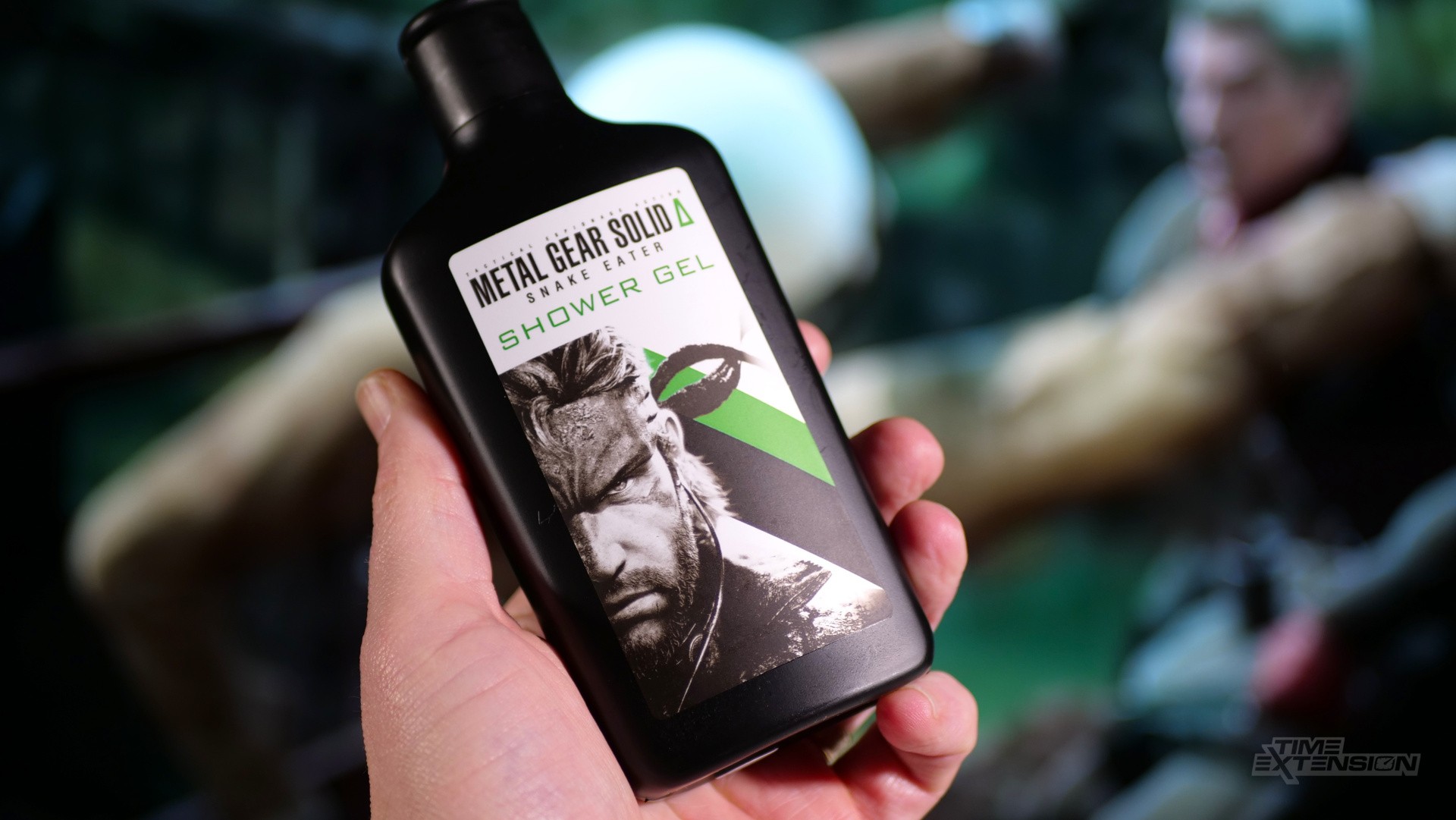
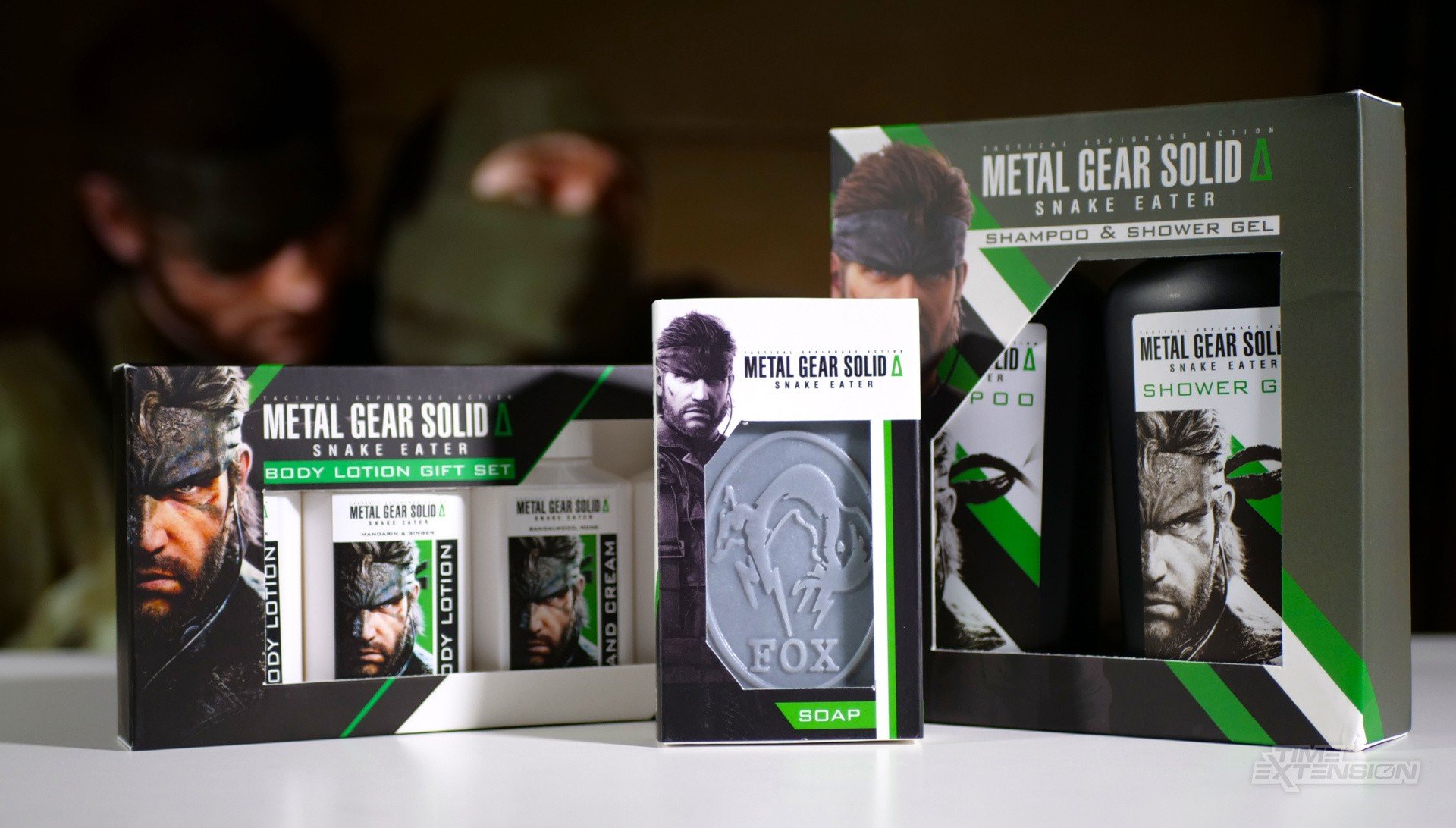
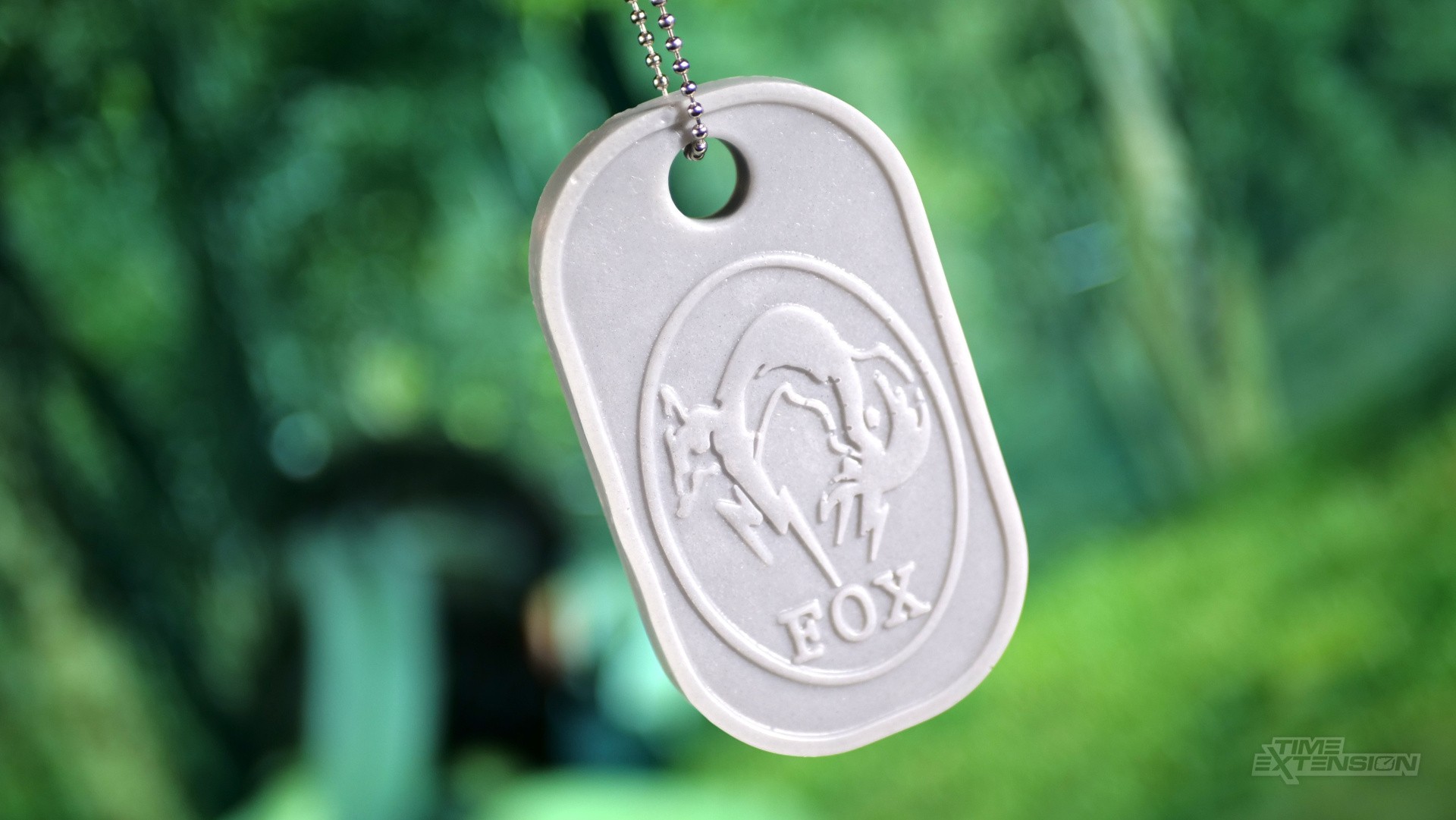
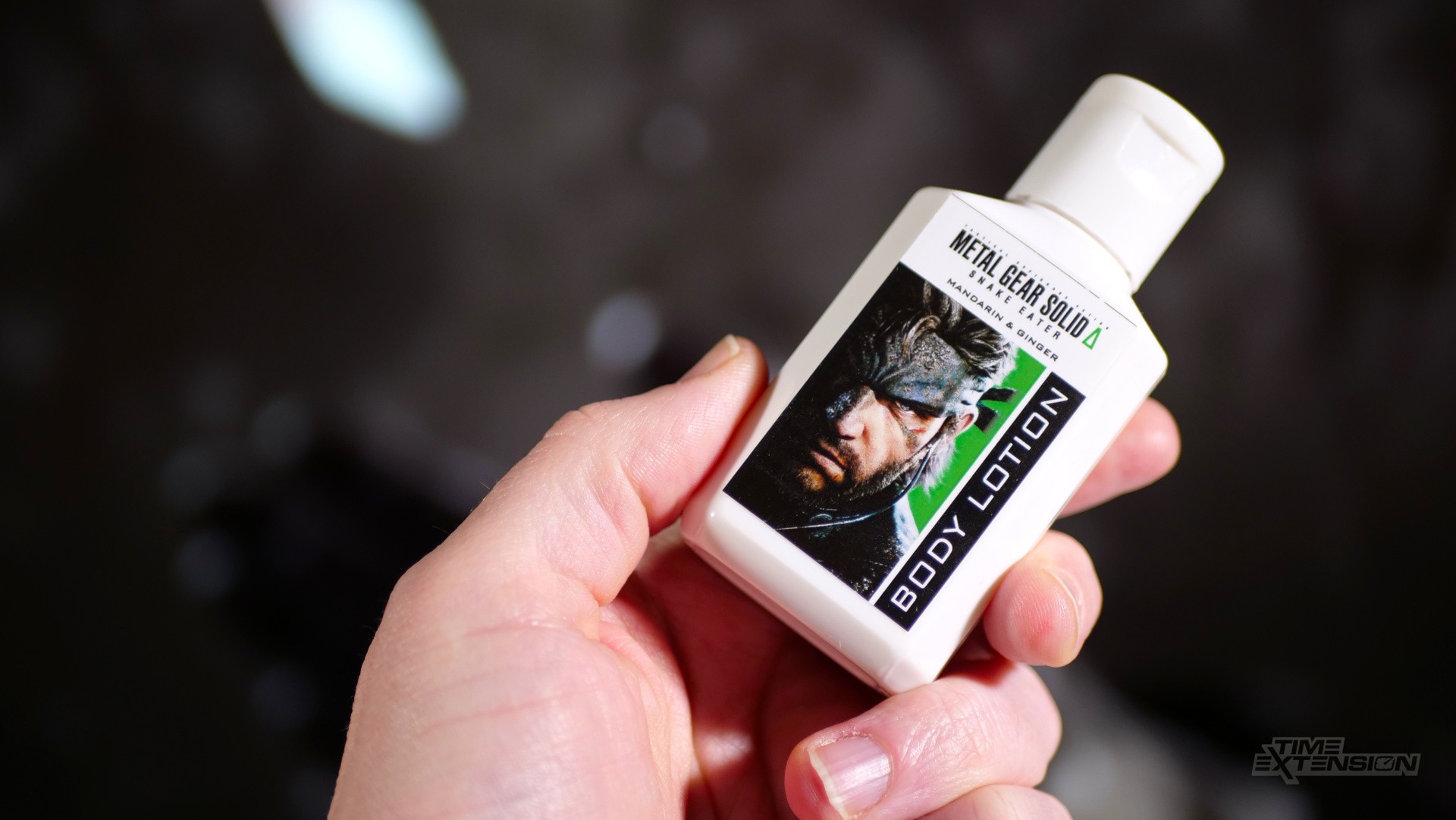
However, Numskull has defied common sense and released a series of Metal Gear Solid Delta-themed bathroom products, including soap, shower gel, and body lotion.

The shower gel and shampoo gift set costs £24.99, while the body lotion combo is £17.99. The soap is £7.99.
Random: Now You Too Can Smell As Good As Snake With These Official Metal Gear Solid Delta Toiletries 2

Random: Now You Too Can Smell As Good As Snake With These Official Metal Gear Solid Delta Toiletries 3 Random: Now You Too Can Smell As Good As Snake With These Official Metal Gear Solid Delta Toiletries 4

Mercifully, despite my initial fears, the scents used here aren't 'sweaty mercenary who has just eaten a frog', but a combination of infinitely more pleasant smells, like sandalwood, rose, juniper, lime, spearmint and ginger.

This isn't the first time that Konami's famous sneak 'em up has been immortalised in a scent – we had a themed cologne not so long ago.

If you'd like to pick up some of these for Christmas, head over to the Numskull site.

User Feedback

Recommended Comments

There are no comments to display.

Forum Statistics

  • Total Topics 409
  • Total Posts 430

Configure browser push notifications

Chrome (Android)
  1. Tap the lock icon next to the address bar.
  2. Tap Permissions → Notifications.
  3. Adjust your preference.
Chrome (Desktop)
  1. Click the padlock icon in the address bar.
  2. Select Site settings.
  3. Find Notifications and adjust your preference.