




.jpg.2604db6536da277669fd9029953e9f59.jpg)

If you keep up with the Nintendo Music app's release schedule, you probably noticed Nintendo didn't update the app at the regular time earlier this week.
Unsurprisingly, it's all linked to the release of Metroid Prime 4: Beyond, with Nintendo announcing it's added seven tracks from the new game as a special release. This adds up to 48 minutes of music and will give you a nice sample of the game's "main theme", environments and more.
Here's the full tracklist and you can hear some of them in Nintendo's official sample below:
Metroid Prime 4: Beyond - Nintendo Music Special Release
Metroid Prime 4 Main Theme
Fury Green
The Sacred Tree
Vi-O-La
Ice Belt Power On
Carvex
Volt Forge
Although Nintendo Music has mostly received retro game soundtracks, this isn't the first time Nintendo has released an update based on a Switch 2 game. We've previously seen similar track releases for Donkey Kong Bananza and Kirby Air Riders.
If you want to listen to music on the Nintendo Music mobile app, you'll need to have an active Switch Online subscription.
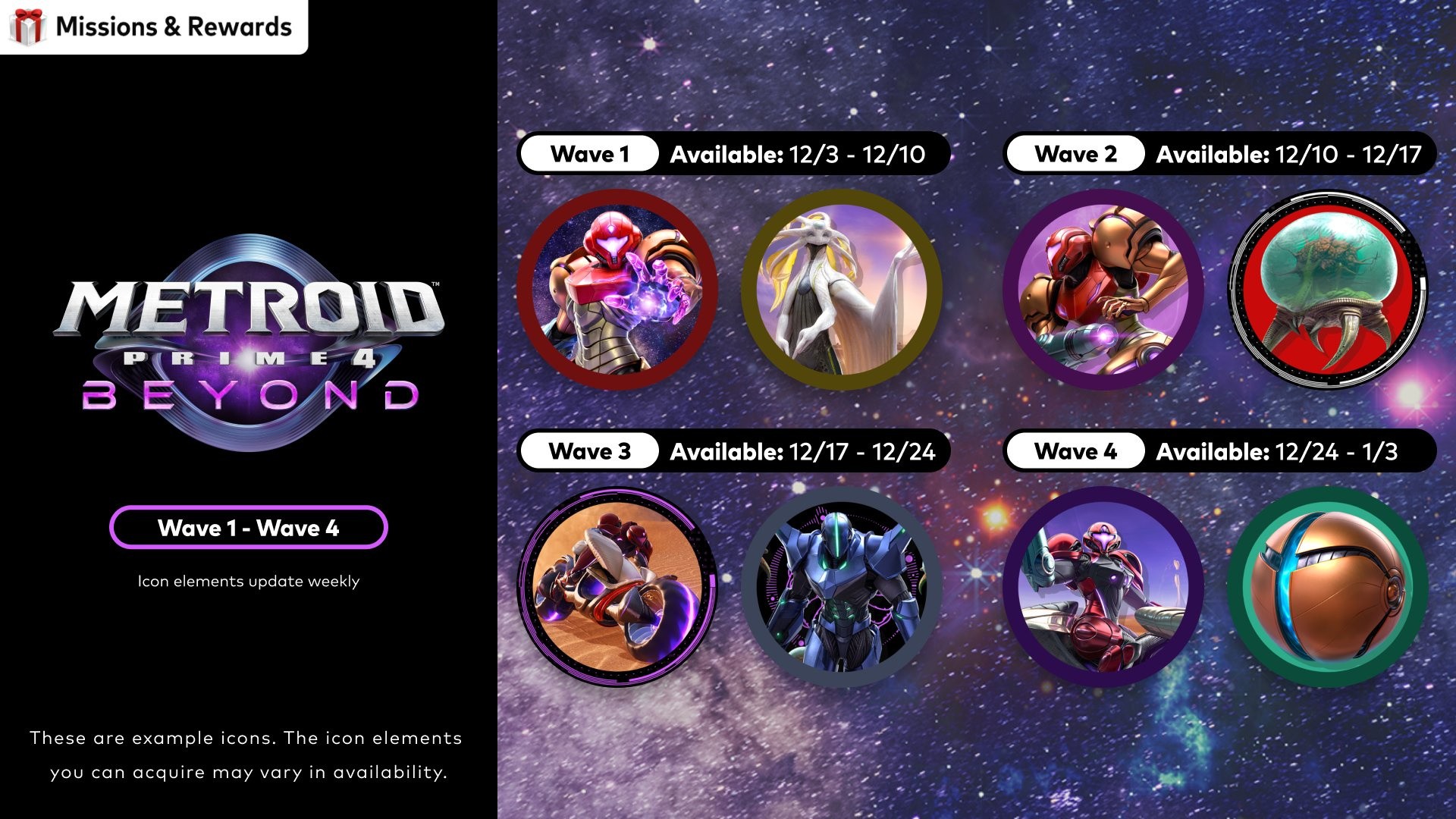
In some other Metroid Prime 4: Beyond news, Nintendo has also released new custom icons today as part of the Switch Online 'Missions & Rewards' service. The first wave is available now and will be followed by weekly updates.
Recommended Comments