




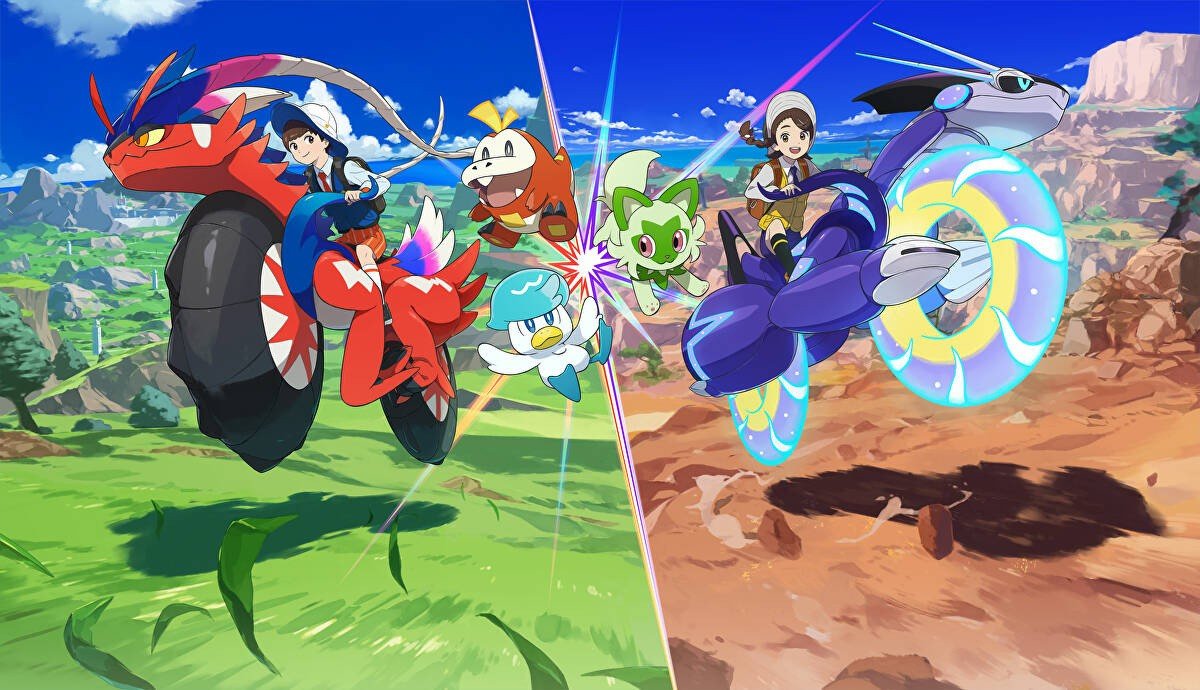

Although the new game Pokémon Legends: Z-A is now in full swing with its events and unlocks, The Pokémon Company and Game Freak are still showing support for Pokémon Scarlet and Violet with distribution events.
With this in mind, the latest one is now live and it offers up a Whimsicott based on the same one used by Federico Camporesi to win the 2025 Pokémon North America International Championships (thanks for the heads up, Serebii.net). This also lines up with the 2026 Latin America International Championships running this weekend.
To obtain this latest distribution Pokémon, the code you'll need is LA1C26TA1LW1ND. You can redeem it in the mystery gift section of the game, and it's available until 30th November 2025.
The same titles are currently giving trainers the opportunity to catch a Goodra with the Mightiest Mark. This event is now underway and will repeat on 28th November - 30th November 2025.
In case you missed it, earlier this year, Pokémon Scarlet and Violet also received a free Switch 2 upgrade - adding frame rate improvements and higher resolution. You can find out more about this in the full patch notes for Version 4.0.0.
Apart from this new distribution event for Scarlet and Violet this week, Pokémon Legends: Z-A also revealed a new Mega Evolution recently for its upcoming DLC, due out next month. The new entry's Ranked Battle Season 3 start date and rewards have also been detailed.
Recommended Comments