






The latest week in GTA Online has arrived, bringing a high-stakes new mode to Los Santos. From January 15th through January 21st, 2026, players can break into luxury homes in the new "Mansion Raid" mode, enjoy massive quadruple rewards on Business Battles, and take advantage of deep discounts on Nightclub properties.
Here is everything you need to know about this week’s update.
New Mode: Mansion Raid

Rockstar Games has introduced a brand-new Adversary Mode titled Mansion Raid. This multi-stage mission challenges teams of 4 to 8 players to infiltrate opposing mansions and steal from the vault.
Bonus: Winning your first match grants a $200,000 bonus (delivered within 72 hours).
Rewards: The mode is paying out 2x GTA$ and RP all week long.
Bonuses & Rewards

If you are looking to grind for cash this week, focus on your Nightclub and Business Battles.
4x GTA$, RP, and Nightclub Goods on Business Battles.
2x GTA$ and RP on Nightclub Daily Income.
2x GTA$ and RP on G's Cache.
2x GTA$ and RP on the Community Race Series.
Weekly Challenge: Complete one Business Battle to earn a bonus GTA$100,000.
Vehicle Rotations

Showrooms & Test Rides
Podium Vehicle: Spin the Lucky Wheel for a chance to win the Declasse Impaler LX (valued at roughly $1.46M).
Prize Ride: Place Top 2 in LS Car Meet Series races for 4 days in a row to win the Grotti Itali GTO.
Luxury Autos Showroom: Grotti GT750 & Übermacht Sentinel XS24.
Premium Deluxe Motorsport (Simeon’s): Canis Kalahari, Dewbauchee Rapid GT, Dundreary Landstalker XL, LCC Avarus, and Vapid Blade.
Test Track: Grotti Carbonizzare, Grotti GT500, and Grotti Stinger.
Premium Test Ride (PS5/Xbox Series/PC): Annis Euros X32.
Salvage Yard Robberies

The Cargo Ship Robbery: Pegassi Zorrusso
The Duggan Robbery: Mammoth Patriot Mil-Spec
The McTony Robbery: Albany Cavalcade XL
Discounts

This is the perfect week to get into the nightlife business or upgrade your fleet.
Properties:
40% Off: Nightclub Properties (including upgrades and modifications).
Vehicles (30% Off):
Rhino Tank
Albany Cavalcade XL
Declasse Vigero ZX
Obey Omnis e-GT
Vapid Dominator FX
Albany Hermes
Cheval Taipan
Karin Everon
Dashound
Gun Van Inventory
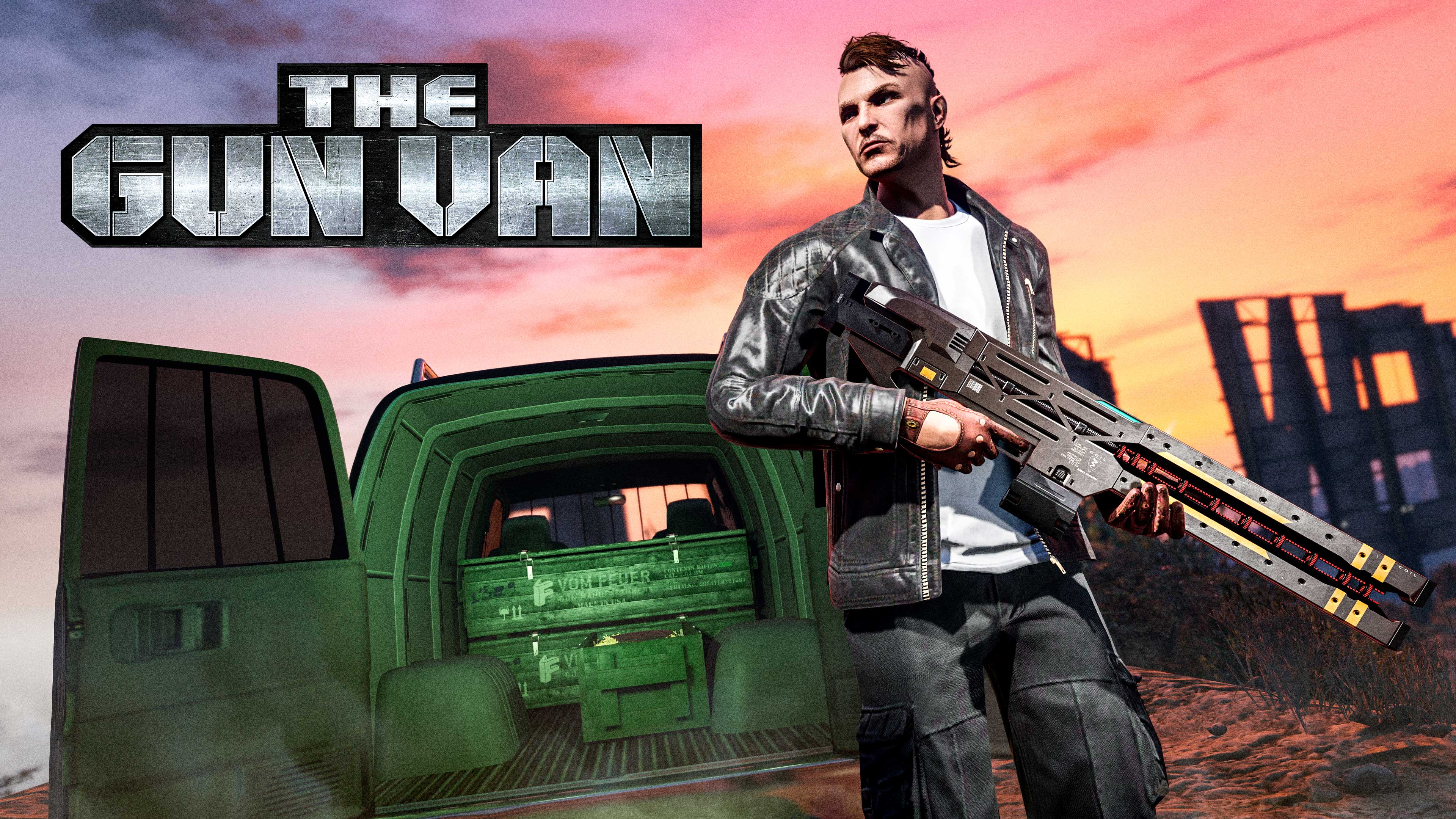
Check the Gun Van for discounts on weaponry, including 50% off the Railgun and a free Pistol .50 for GTA+ members. Other notable stock includes the Stun Gun, Battle Rifle, and Combat MG.
Stay tuned for next week's update, and good luck with the Mansion Raids!
Recommended Comments