






Fancy topping up your Microsoft Rewards earnings over the next week?
Well, there's a new promotion on the Microsoft Rewards dashboard that's allowing you to "double your points" until early December through Bing searches, which you can do on PC, mobile or through the Microsoft Edge browser on Xbox.
To find it, you just need to head to the Microsoft Rewards dashboard and look for the relevant banner and "activate now" button that'll hopefully show up in your region. Here's what it looks like:
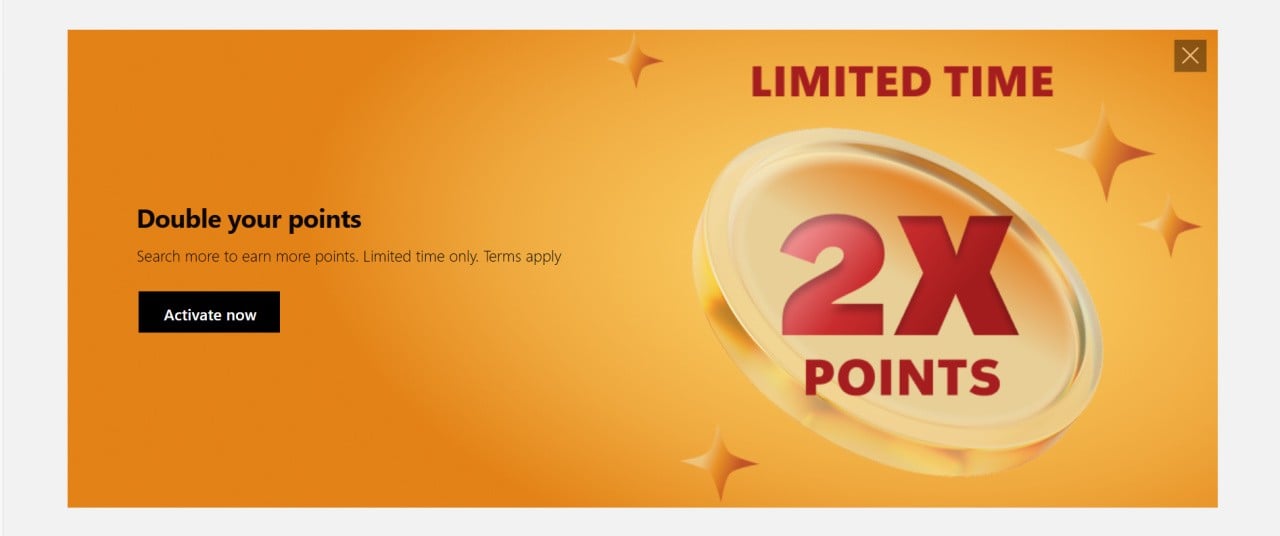
After this, you'll get a brief explanation of what "double your points" means:
"Limited time search offer: Earn more Microsoft Rewards points by completing searches in Bing on PC or mobile during the promotion period, Nov 27 - Dec 3, 2025. During the promotion period the daily search cap has doubled, limits will vary by market. Points awarded per search are based on your current Rewards member level. To qualify, the member must activate this offer on the Rewards dashboard, Rewards email, or other advertisement placements. Microsoft reserves the right to modify or cancel this offer at any time. Markets excluded from this promotion are: India, Columbia, New Zealand, and Mexico."
For me personally, I can see that the cap of earning 90 Microsoft Rewards points through Bing searches on PC every day has now risen to 180 points, and the cap of earning 60 points on mobile every day has now risen to 120 points.
If you're someone who makes these Bing searches part of their daily routine, you're set to earn a lot more Microsoft Rewards points with this! Just make sure you go and activate it first - it doesn't apply unless you specifically ask it to.
Recommended Comments