




.jpg.f80decb69d7e92d212e926a5adf8668c.jpg)

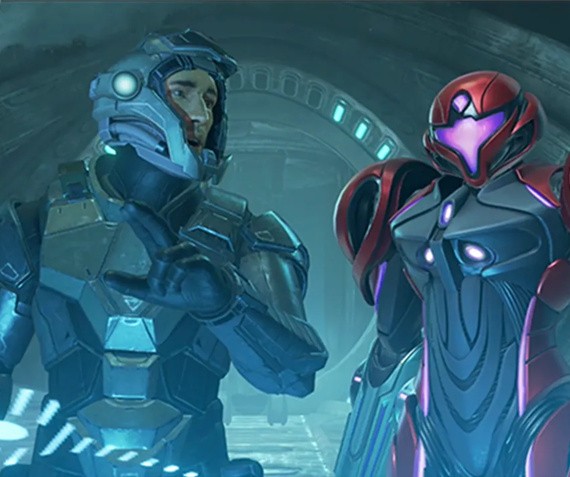
Metroid Prime 4: Beyond marks a completely new story where the legendary bounty hunter Samus Aran is unexpectedly transported to the unknown planet Viewros. As you've probably already seen, she's also joined by a team of Galactic Federation soldiers.
In the same recently published article on Nintendo's Japanese website, there's an official introduction to the team of soldiers who have also been transported to the same location. Throughout this new adventure, Samus will work and fight alongside all of these characters to return home alive.
If you don't want any spoilers, you might want to navigate away from this page right now. Below is a look at each of the Galactic Federation soldiers and a description. Apart from MacKenzie's description (based on the in-game logbook which has already been shared online), the other descriptions are translated from Nintendo's website. Here's what you can expect:
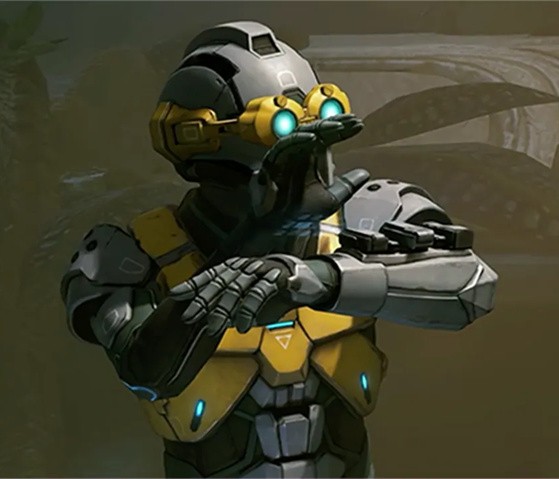
Myles MacKenzie
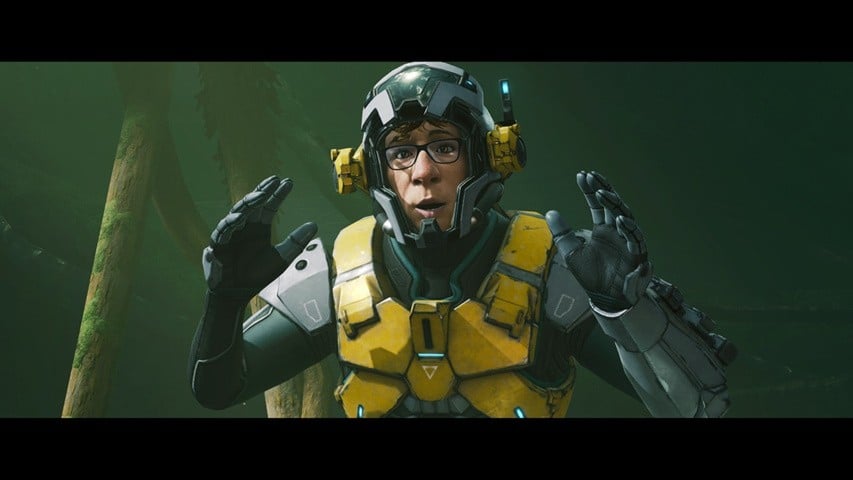
Image: Nintendo
"Myles MacKenzie is an engineer with the Galactic Federation. His duties include the maintenance and repair of several vehicle types and programming software used for weapons development. He is known to be extremely talkative, even while alone. Although his restless energy and curiosity make him prone to danger, his excessive caution is enough to keep him from harm. He has a strong moral compass and work ethic, making him a reliable problem solver no matter the situation."
Tokabi
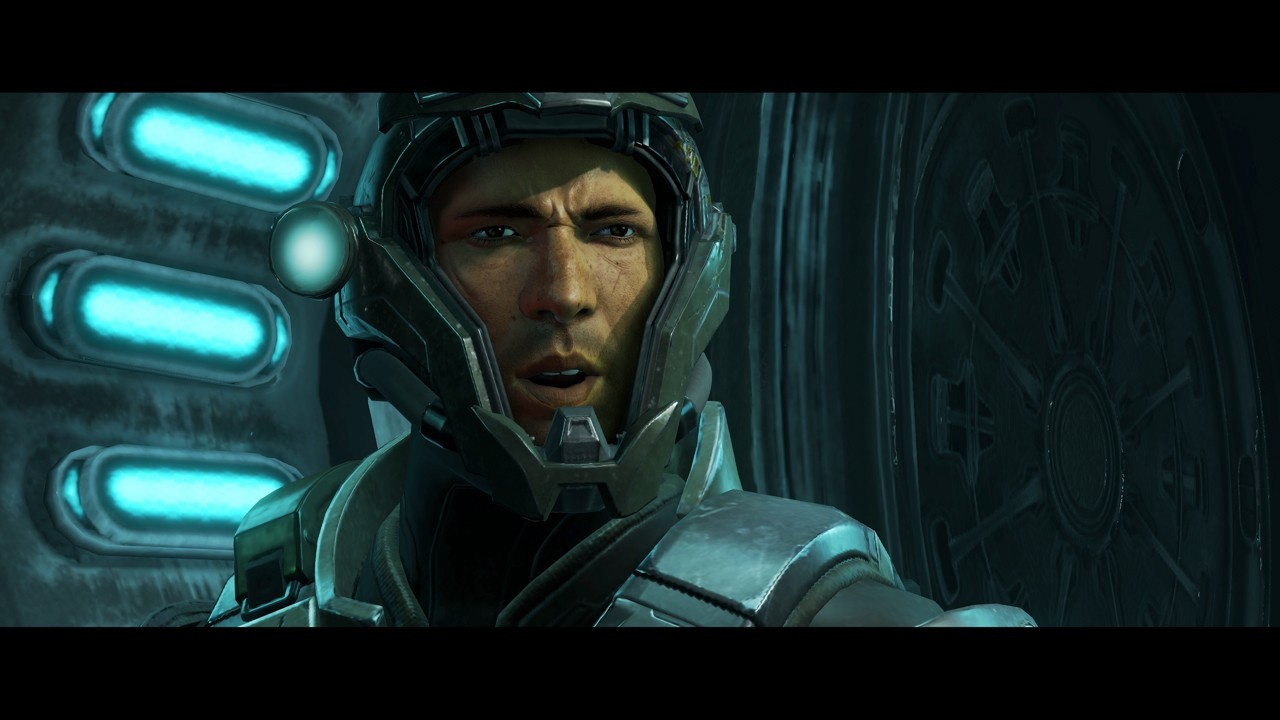
Image: Nintendo
"A solitary hunter who volunteered for the federal army in search of a stable life . He always carries a talisman in the shape of a tiger, and believes that it is its protection that has allowed him to escape from difficult situations."
Sergeant 'Duke'
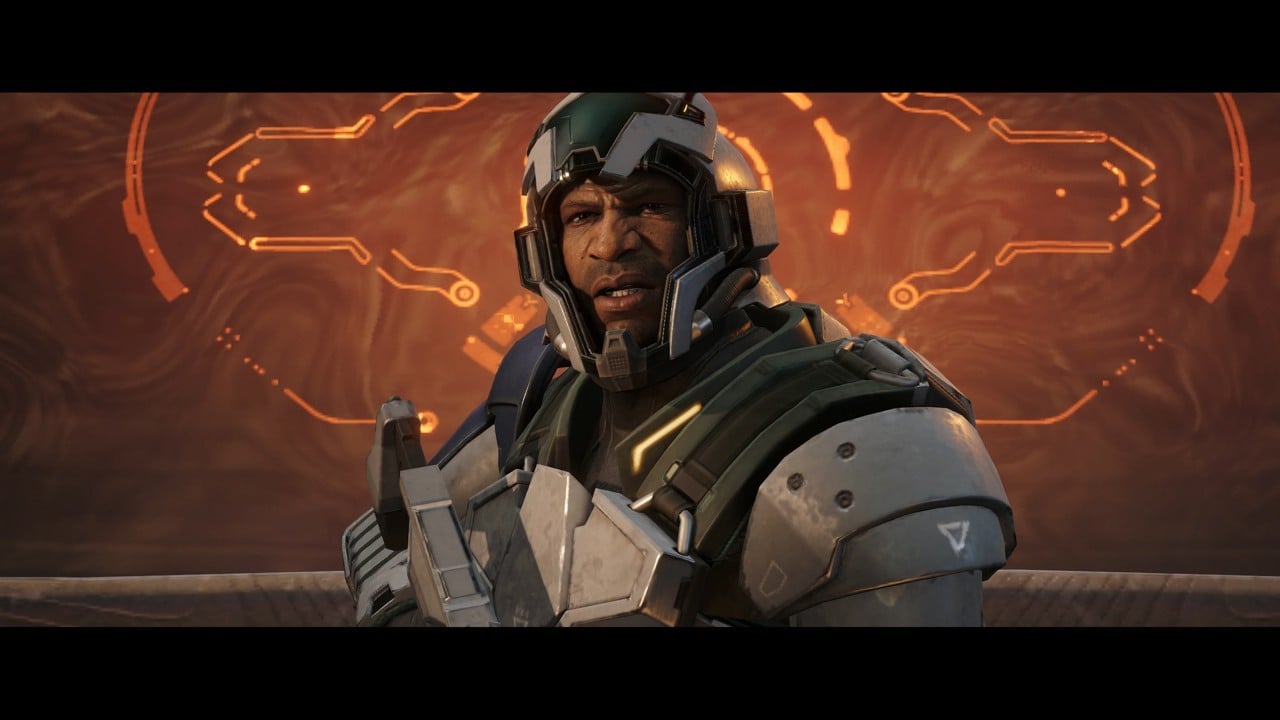
Image: Nintendo
"A veteran who has survived countless battles with the Space Pirate army, his stubborn personality often leads to conflicts with his superiors, but his sincere and compassionate nature make him a reliable presence on the battlefield."
Private First Class 'Armstrong'
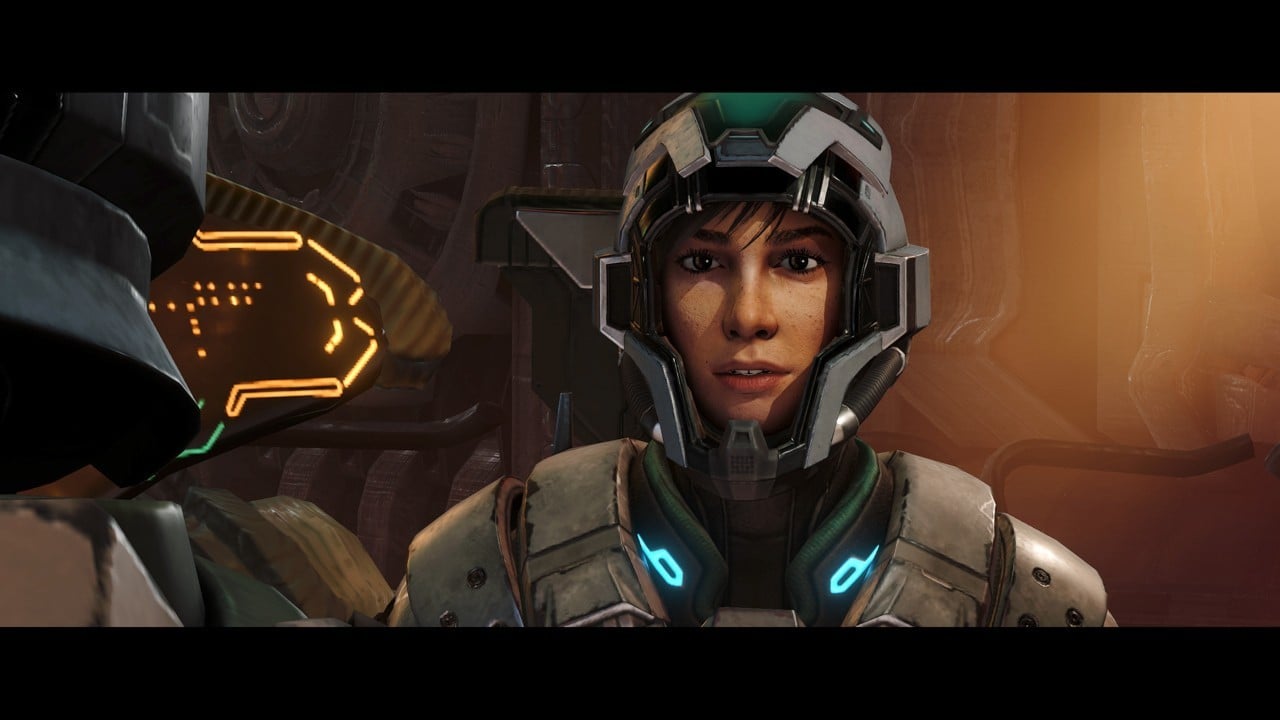
Image: Nintendo
"Private First Class of the Galactic Federation Forces. Possesses exceptional structural knowledge and operational skills with vehicles, mastering them intuitively. Her bright and proactive personality leads to frequent problem-solving successes, and she holds an admiration for Samus Aran."
Android 'VUE-995'
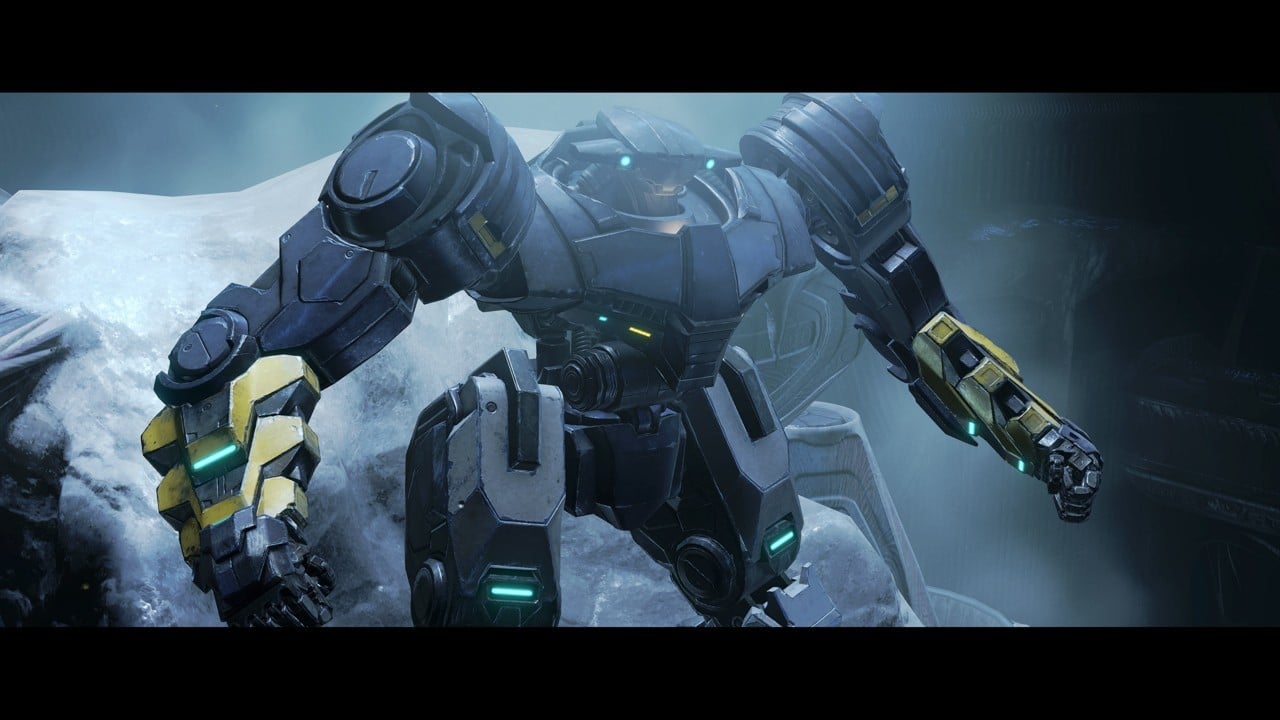
Image: Nintendo
"A combat android belonging to the Galactic Federation Army. It pilots fighter jets, armored vehicles, and bipedal manned combat mecha on behalf of humans . It is not equipped with a program that allows it to have emotions , but there are cases where pseudo-emotions can be generated."
Samus and the team
Nintendo has also shared some more screenshots, cinematics and gameplay of Samus with the team, which you can see at the top of this page, and in the screenshots and video below:
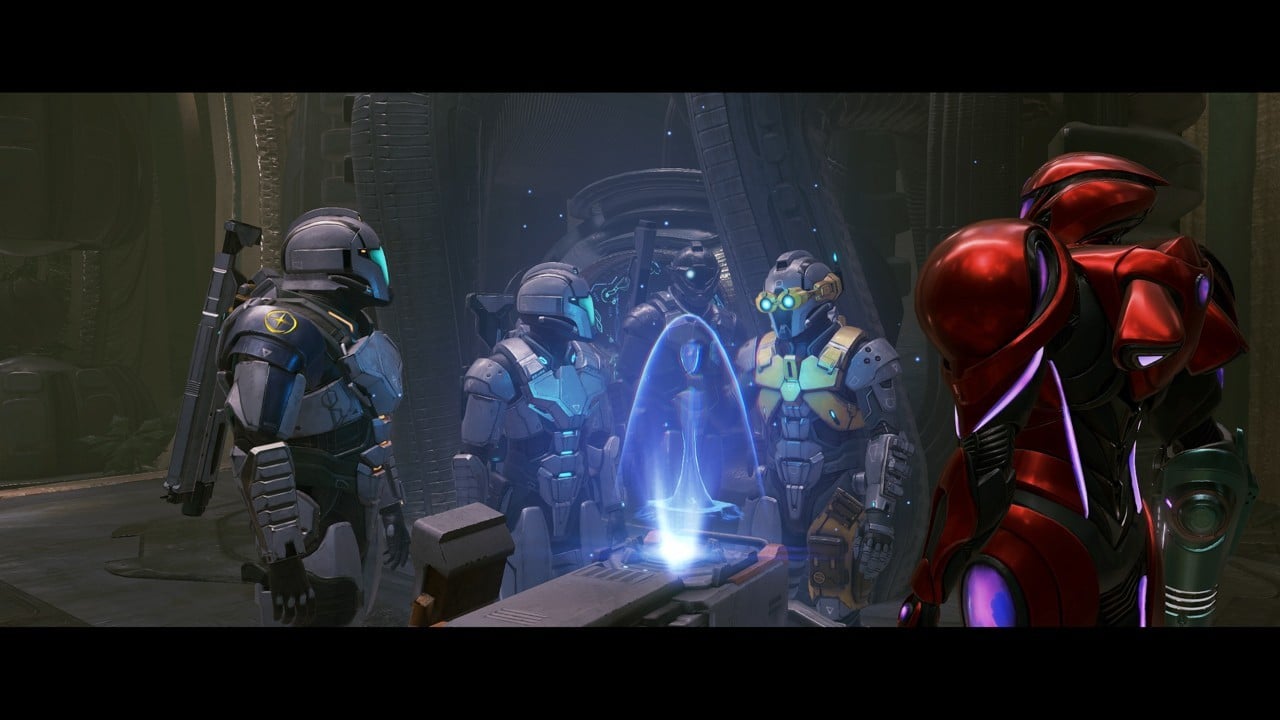
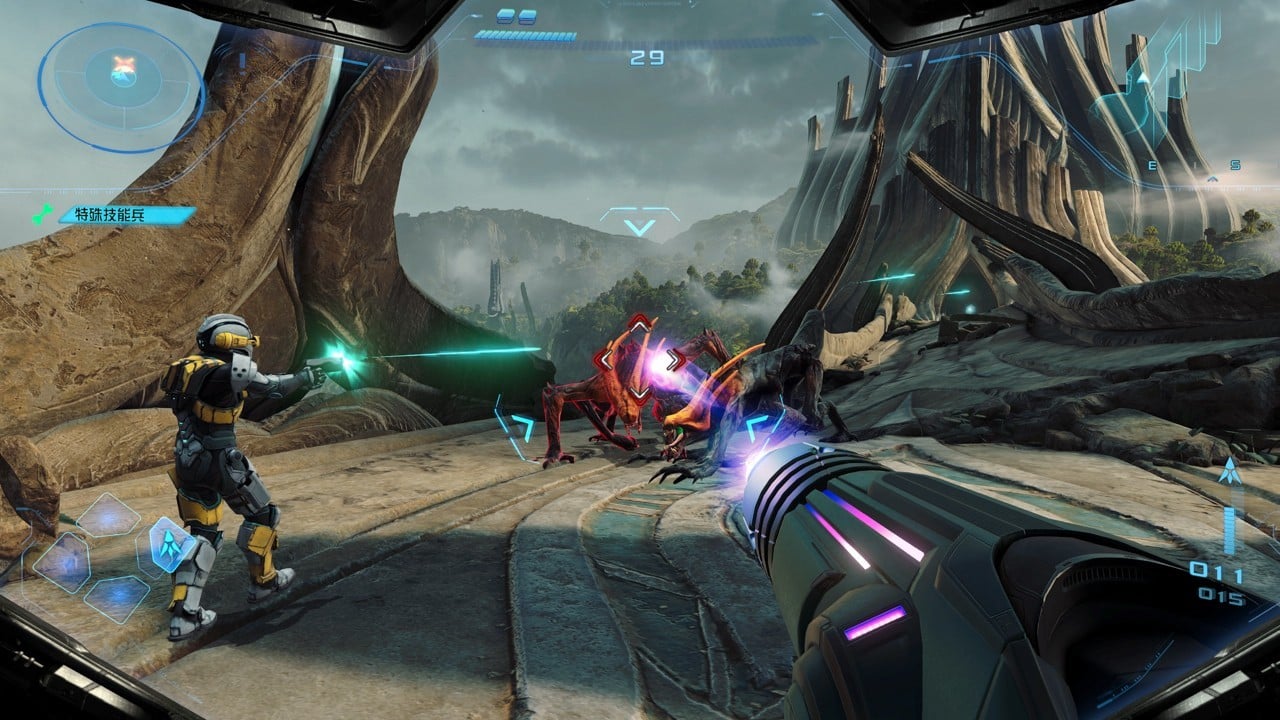
Images: Nintendo
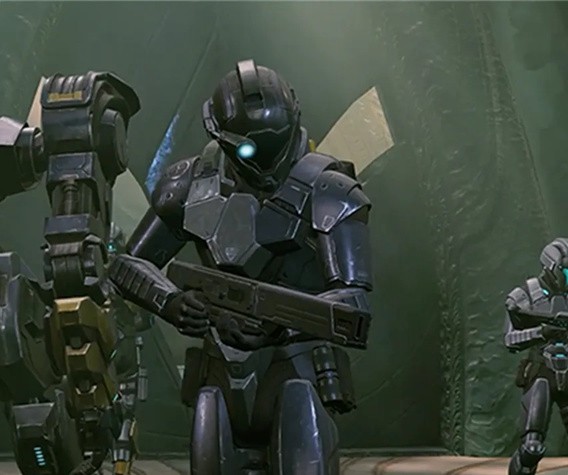
Images: Nintendo
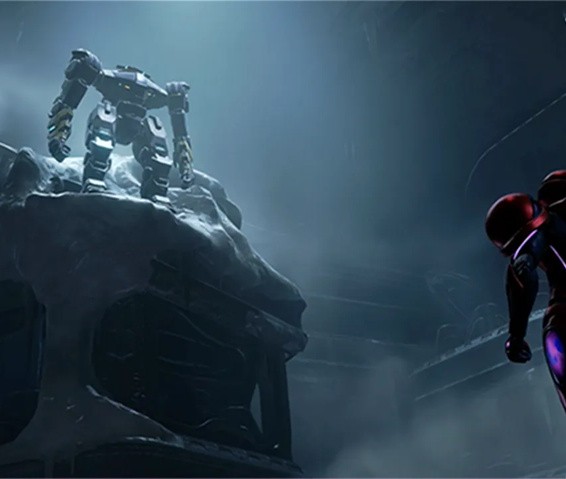
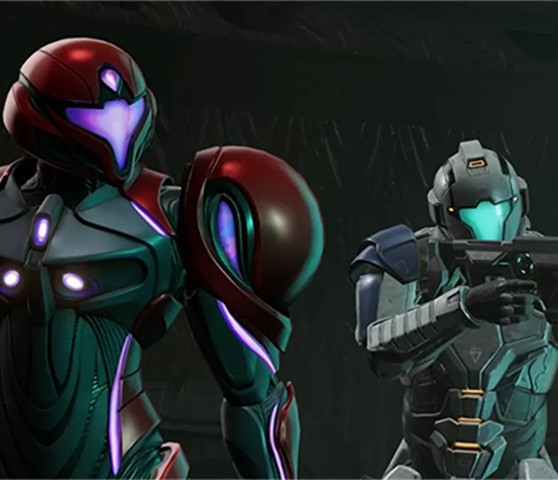
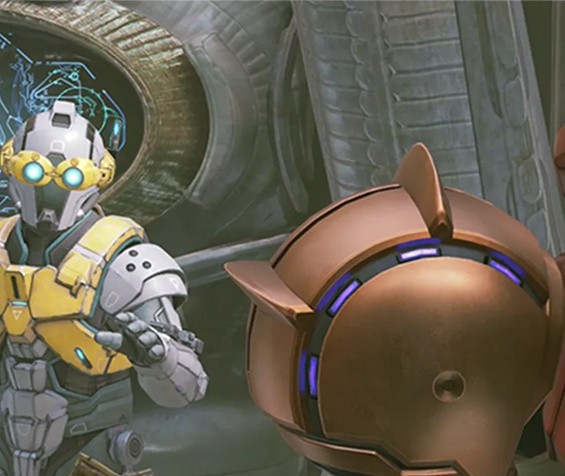
Images: Nintendo
Recommended Comments