




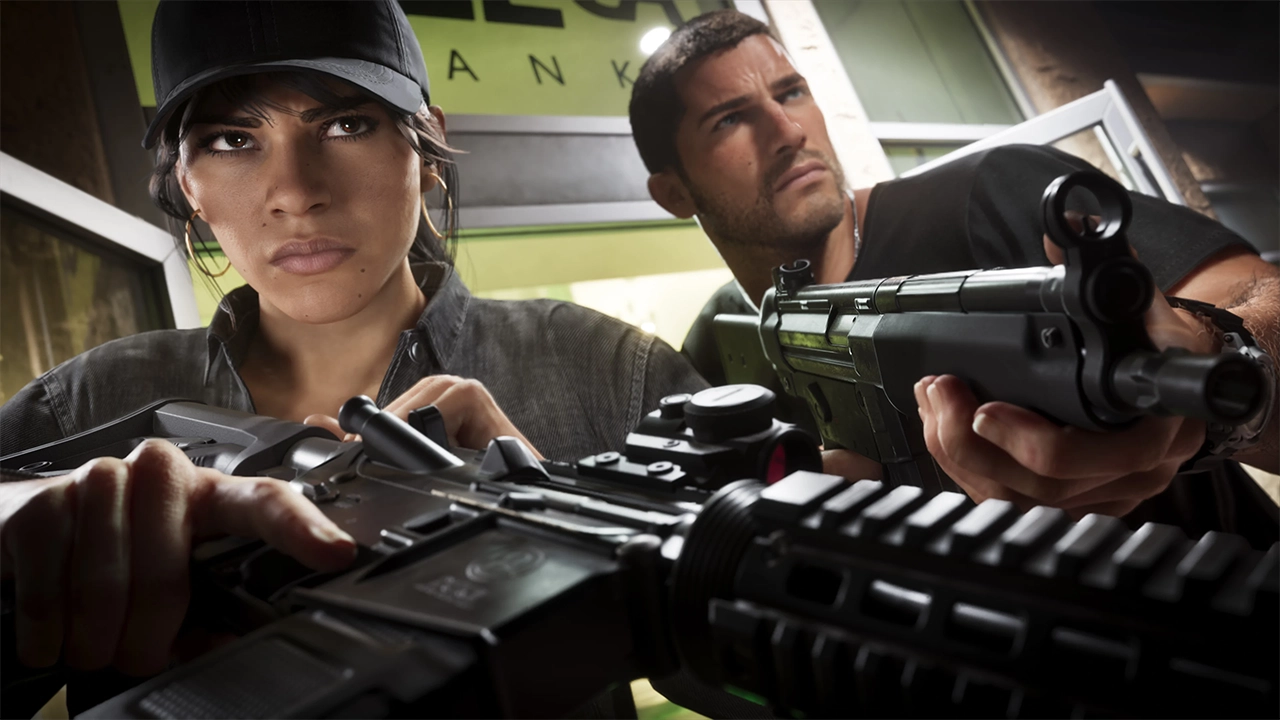

A week after launch, GTA VI's graphics settings have been compared across PS5, PS5 Pro, Xbox Series X and Xbox Series S, after months of debate over console graphics and performance. Dataminer Tex2 shared what appears to be Rockstar's full settings list, and RockstarINTEL compiled the settings that differ on at least one console. There is no official Rockstar statement, so everything here rests on the datamine.
Series X and base PS5 match. Xbox Series X and base PS5 have full parity in their settings. Series X's edge over the base PS5 comes from performance and VRR support, not from the game's graphics configuration.
PS5 Pro gets the extras. PS5 Pro adds ray-traced shadows and higher global illumination, among other changes. BVH quality is Ultra, where the other consoles use High, and motion blur scale is set to 1.5. One oddity is that directional and local shadow quality are both Low on PS5 Pro, below the High setting on the other consoles, and the article doesn't explain why.
Series S takes the cuts. Texture quality (Medium), texture streaming (Low), tessellation (Low) and hair quality (Medium) are all lowered, and vehicle HD count drops to 0 from 2. Population, AI and physics are mostly Medium, and alpha tinted shadows are disabled. The biggest change is upscaling, since Series S uses FSR 4.1 with a 1080p upscale target, compared with 4K on the other three consoles.
What all four share. Reflection quality (Low), mirror quality (High), soft shadows (High) and POM quality (Medium) are the same on every console. The list gives no frame rate targets for any console.
The author calls some online claims about console differences placebo and says the list settles the comparison. He also suggests these scalable settings could make the game easy to adjust on PC. That is a guess, and an official PC version hasn't been confirmed.
GTA VI Console Settings Comparison
Setting | PS5 Pro | PS5 | Xbox Series X | Xbox Series S |
|---|---|---|---|---|
Global Illumination Quality | High | Medium | Medium | Medium |
Directional Shadow Quality | Low | High | High | Medium |
Local Shadow Quality | Low | High | High | Low |
BVH Quality | Ultra | High | High | Low |
Ray Traced Directional/Local Shadows | High | None | None | None |
Alpha Shadow Quality | High | Medium | Medium | Low |
Alpha Tinted Shadows | Enabled | Enabled | Enabled | Disabled |
Texture Quality | High | High | High | Medium |
Tessellation | High | High | High | Low |
Vehicle Max Texture Quality | Ultra | Ultra | Ultra | Medium |
Motion Blur Scale | 1.5 | Not Set | Not Set | Not Set |
Recommended Comments