




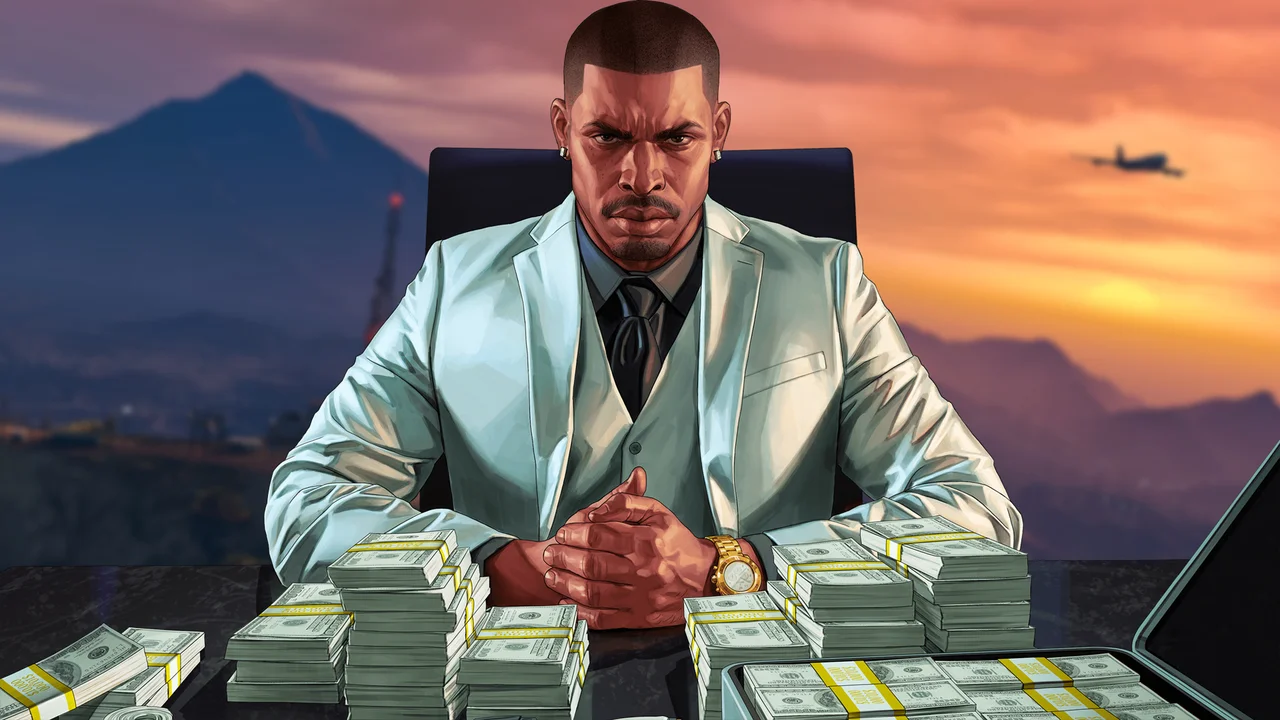

Rockstar Games is surprising GTA Online players with a generous, no-strings-attached cash bonus promotion delivered straight to select inboxes. Announced via targeted emails from Rockstar Propaganda on February 19, 2026, the offer lets players collect up to GTA$1,500,000 simply by completing sell missions over the next three weeks.
This comes at the perfect time following the December 2025 “A Safehouse in the Hills” update, which introduced luxurious new mansion properties. The bonus money is clearly designed to help players recoup some of those hefty real estate costs—or fund their next big purchase.
Promotion Breakdown
The deal is straightforward and player-friendly:
Week 1: February 19 – 25, 2026 → GTA$500,000
Week 2: February 26 – March 4, 2026 → GTA$500,000
Week 3: March 5 – 11, 2026 → GTA$500,000
Total possible bonus: GTA$1,500,000
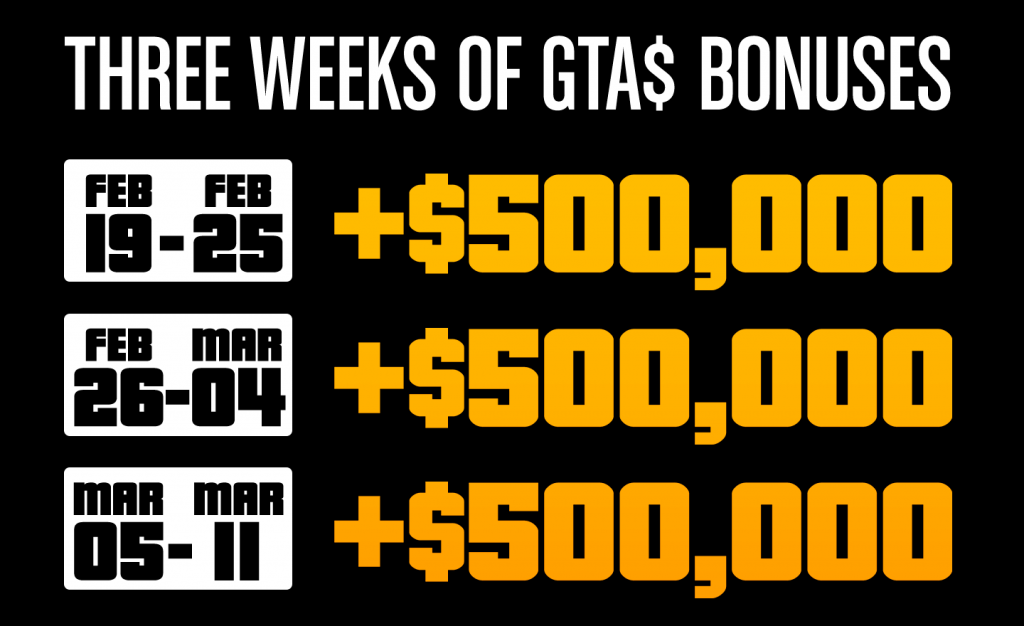
According to the email and multiple player reports (including screenshots shared on X), completing just one qualifying sell mission per week is enough to trigger each GTA$500,000 bonus. The money is automatically deposited into your Maze Bank account within 72 hours of completing the sale.
Qualifying Sell Missions
Any of the following business sell missions count toward the promotion:
Special Cargo Sell Missions (CEO Office)
Vehicle Cargo Sell Missions (CEO Office)
Gunrunning / Arms Trafficking Sell Missions
Nightclub Warehouse product offloads
Motorcycle Club (MC) Business product deliveries
Air Freight Cargo Sell Missions
Acid Lab Sell Missions (especially popular for quick solo runs)
How to Claim Your Free GTA$
Check your email – Look for the subject line “Just for You: Get Up To GTA$1,500,000 in GTA Online Bonuses” from Rockstar Propaganda. (It may land in spam/junk folders.)
Log into GTA Online during each weekly window.
Complete one sell mission from the eligible list above.
Wait up to 72 hours for the bonus to hit your Maze Bank account.
Important note: This appears to be a targeted promotion. Not every player has received the email yet, even those subscribed to Rockstar emails. However, community reports and sites like Sportskeeda and Gameranx suggest it may roll out more broadly—worth trying a sell mission regardless.
Pro Tips to Maximize the Deal
This week (Feb 19–25) already features 2X GTA$ and RP on Counterfeit Cash Sell Missions and Street Dealer Sales as part of the Lunar New Year event week. If you own a Counterfeit Cash Factory, knock out your promotion sale while earning double rewards.
Easiest options for casual players: Acid Lab sells (quick, solo-friendly) or Nightclub Warehouse goods (passive buildup).
Stack with friends or solo—most of these missions scale well either way.
Whether you’re a high-rolling CEO, a patched-up Biker President, or just someone looking to afford that shiny new mansion in the hills, this is one of the easiest free-money handouts Rockstar has offered in months.
Fire up GTA Online, make that sale, and watch the cash roll in. What are you spending your GTA$1.5 million on first? Let us know in the comments!
Recommended Comments