
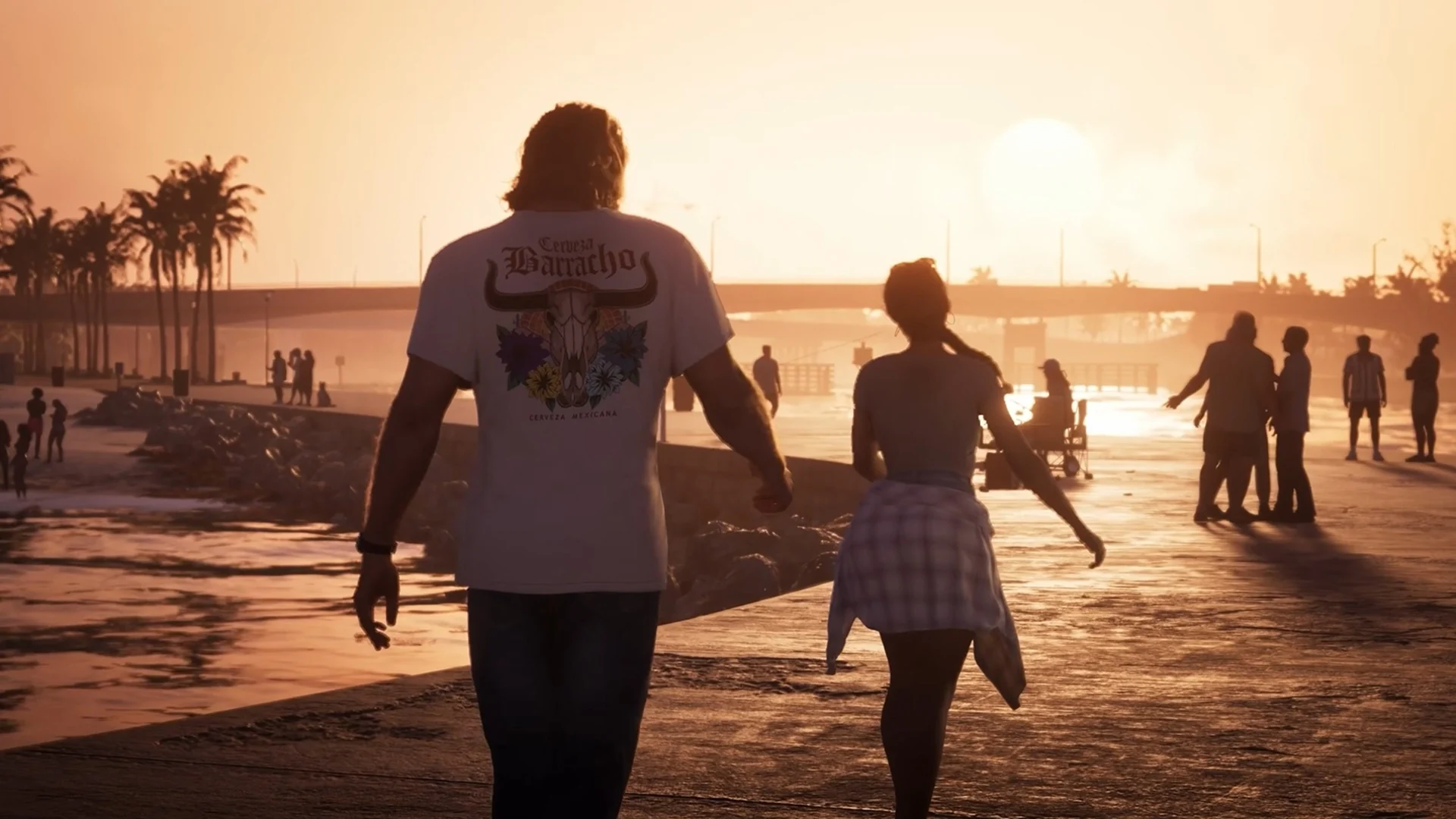

Circana's launch-day engagement data suggests Grand Theft Auto VI reached well beyond the hardcore fanbase.
Grand Theft Auto VI didn't just sell. According to new data from Circana, it got a huge share of console owners to launch it on day one, and those players stayed for a very long time.
Circana's Player Engagement Tracker shows that 61% of active US PlayStation 5 players opened GTA 6 on November 19, launch day. On Xbox, 56% of active Series X|S players worldwide did the same. Players who booted the game averaged 513 minutes on PS5 and 494 minutes on Xbox, or just over eight hours each.
"Absolutely bonkers"
Circana's Mat Piscatella didn't hold back, calling the figures "absolutely bonkers." The scale is clearer next to the competition. Fortnite, the second most-played game that day, drew 10% of active players. On PS5, GTA 6 pulled in six times that share.
Piscatella also described the audience as "the everyperson." That suggests the game reached people who don't normally buy a big release at launch, not just series loyalists.

A caveat on the numbers
The two platform figures aren't a clean side-by-side comparison. The PS5 number covers US players only, while the Xbox number is global. The shares also count anyone who used their console at all that day, so they measure a slice of active players, not the whole install base. The averages cover only players who actually launched GTA 6.
Where did the players come from?
One striking detail is what didn't happen. Genvid CEO Jacob Navok expected Fortnite and Steam concurrent-player counts to fall as people switched to GTA 6. They barely moved. Navok's read is that GTA 6 mostly drew back lapsed players rather than pulling people away from what they already played.
That cuts against pre-launch expectations. Sensor Tower had predicted that daily players on other games would collectively decline by over 10% in the month following GTA 6's launch, with Fortnite among the most exposed. Launch-day data can't settle that, since the forecast covered a full month, but the early signs don't show a mass exodus.
For context, the other heavily played games between November 6 and 19 were Fortnite, Call of Duty, GTA V, Roblox, and NBA 2K27.
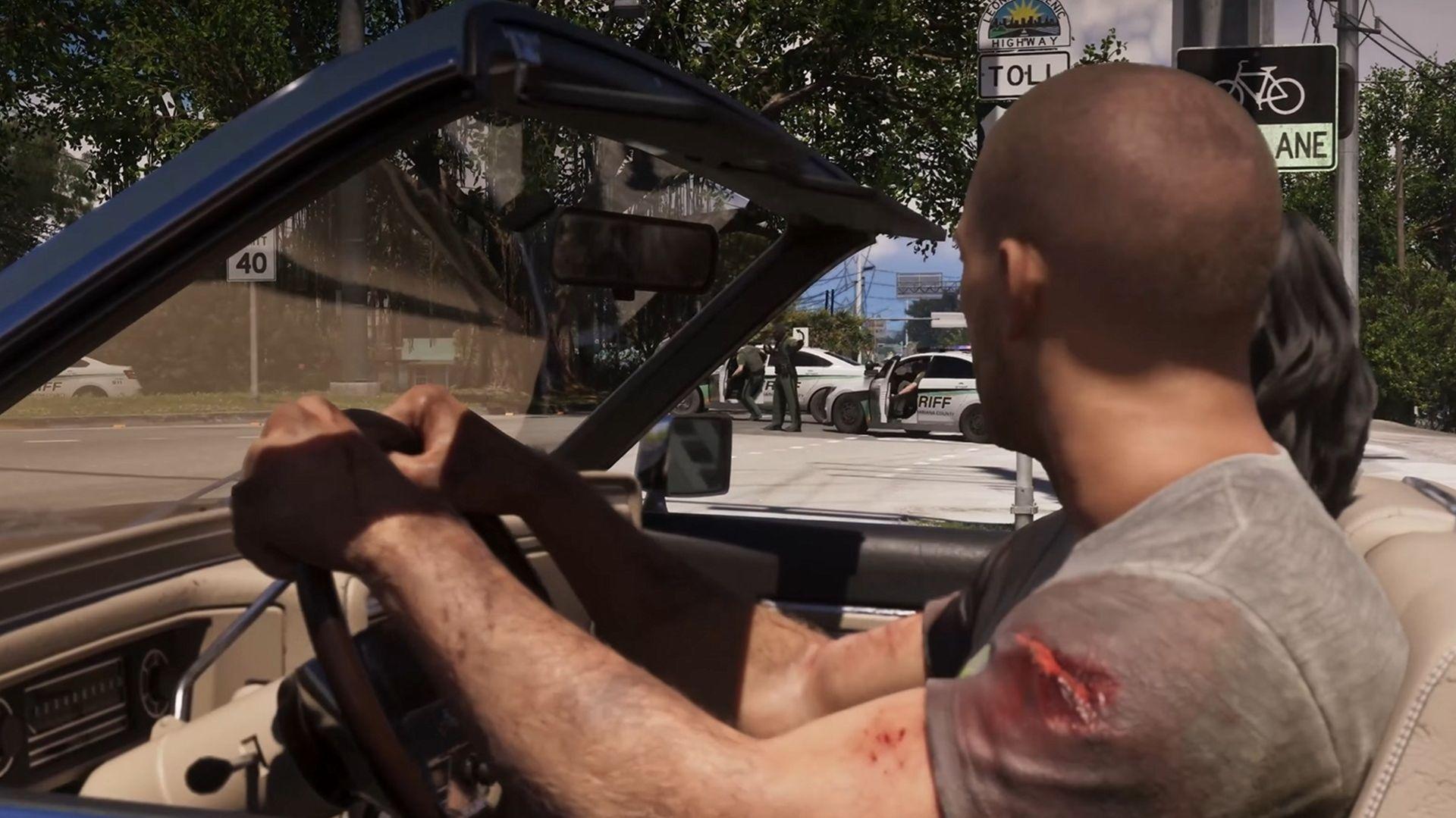
A record-setting launch
The engagement numbers land on top of a launch that was already historic:
A $3.79 billion day-one record
A tied-highest Metacritic score ever, at 99
A streaming record of more than 6 million peak viewers at launch
More than 2 million players using the New Zealand trick to start early
Employers, including Palworld developer Pocketpair, reportedly gave staff time off to play
Nintendo also released a Zelda: Ocarina of Time remake in the same month, so the competition wasn't exactly quiet.
What it means for GTA Online
One launch day isn't a trend, and it doesn't prove GTA 6 has fixed the industry's problems. The more immediate question is retention. A broad audience that spent eight hours in Vice City on day one still has to be given reasons to stay, and that matters for GTA Online's future. Rockstar now has to turn a record opening into lasting engagement.
Recommended Comments