




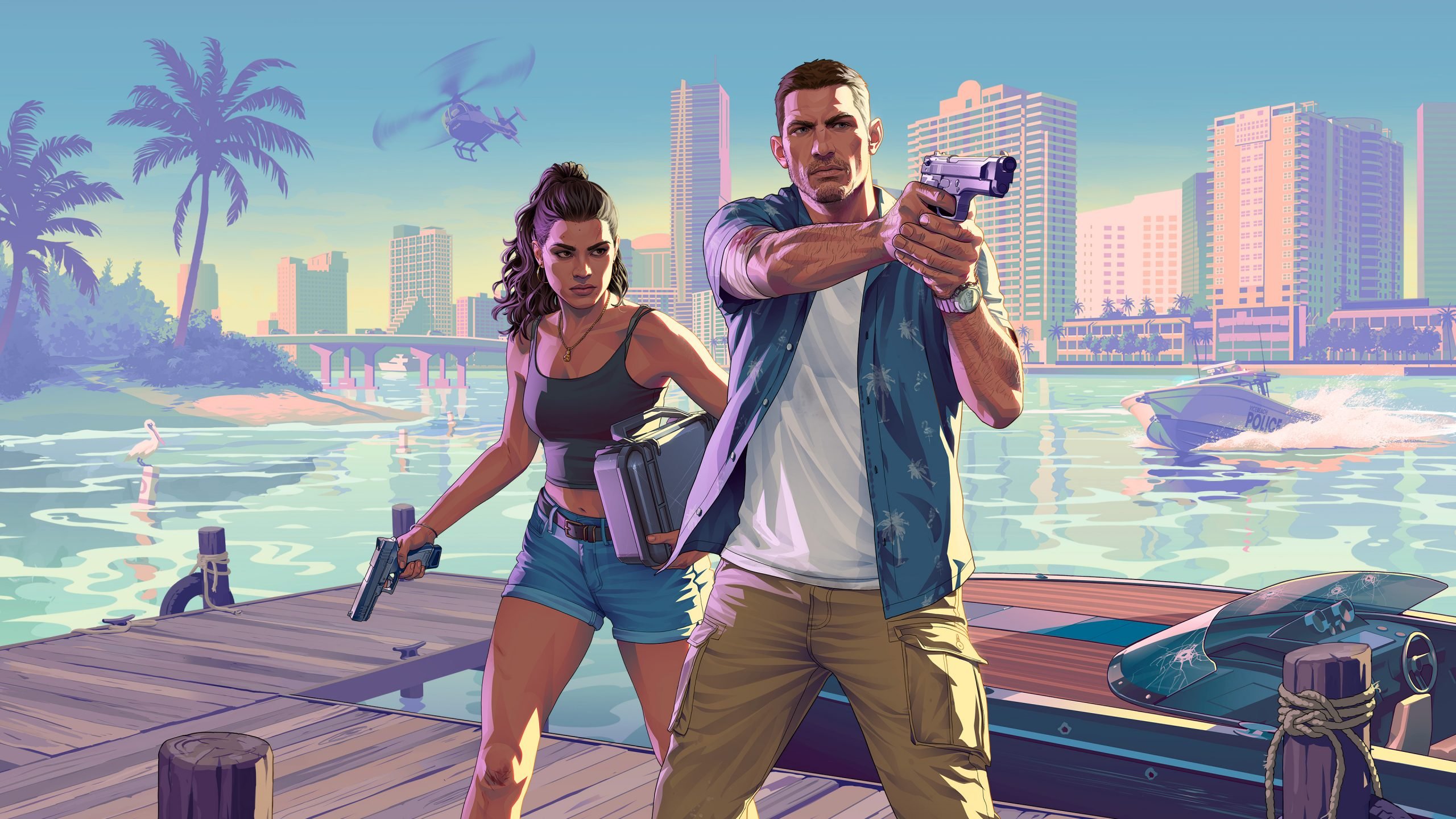

Yesterday, March 1, 2026, the internet lit up with excitement over a seemingly minor backend tweak to Grand Theft Auto VI’s listing on the PlayStation Store. Social media was flooded with speculation that pre-orders were finally about to drop — perhaps even hinting at separate standard and deluxe editions. But according to a detailed breakdown from RockstarINTEL, the change is far less dramatic than it first appeared.
What Actually Happened
A pair of title IDs surfaced in the PlayStation Store database: PPSA01547_00 and PPSA29660_00. Many fans (and some gaming outlets) jumped to the conclusion that the dual IDs signaled two different versions of the game — one standard, one deluxe — and that pre-orders could go live any day now.
That theory spread quickly, fueled by the long wait for any concrete purchasing details since Rockstar first revealed the game’s 2025 trailer (now pushed to 2026).
The Experts Weigh In — And Shut It Down
Two trusted voices quickly stepped forward to clarify the situation.
PlayStationSize, a well-known analyst with a strong track record of accurately decoding PlayStation Store data, explained that all editions of a game share the same core title ID. Multiple IDs are completely normal and often tied to regional differences (for example, the U.S. version of GTA V has a different ID than the Japanese version). The presence of two IDs does not mean new editions or imminent pre-orders.
Independent game developer Cowcat Games (who has shipped multiple PS5 titles) added even more context. These IDs simply represent the chronological order in which a game is first added to Sony’s internal systems.
PPSA01547_00 dates back to very early in the PS5 lifecycle.
PPSA29660_00 was created more recently.
For comparison, GTA V’s PS5 remaster (released 2022) uses PPSA01721_00, while Cowcat’s own first PS5 game from mid-2022 sits at PPSA06665_00. The older ID may have been reserved by Rockstar years ago; the newer one is likely just for another region.
Why the Hype Got Out of Hand

The article notes frustration with how quickly some fans dismissed PlayStationSize’s expertise in favor of wild speculation. “Their knowledge is valuable,” it stresses, “and is someone you should be listening to rather than uneducated consumers on Twitter.”
In short: this was a routine database housekeeping move — not the green light for pre-orders or special editions.
What It Means for Fans
Rockstar has yet to open pre-orders or reveal pricing and edition details. The PlayStation Store page for GTA VI remains in wishlist-only mode, with no “Add to Cart” button in sight. While the game is still on track for its highly anticipated 2026 launch, this latest Store update changes nothing about the timeline.
The RockstarINTEL piece ends on a practical note: stay tuned to reliable sources, sign up for newsletters, and avoid getting swept up in every database blip.
Bottom Line
A backend ID tweak sparked a wave of premature celebration, but the truth is far more mundane. No deluxe edition reveal. No surprise pre-order launch. Just Sony doing what Sony does — and two knowledgeable voices setting the record straight.
GTA VI fans will have to keep waiting (patiently, hopefully) for the real news. When Rockstar finally flips the switch on pre-orders, you’ll hear about it from every corner of the internet — not just a quiet database change. Until then, the wait continues.
Recommended Comments