




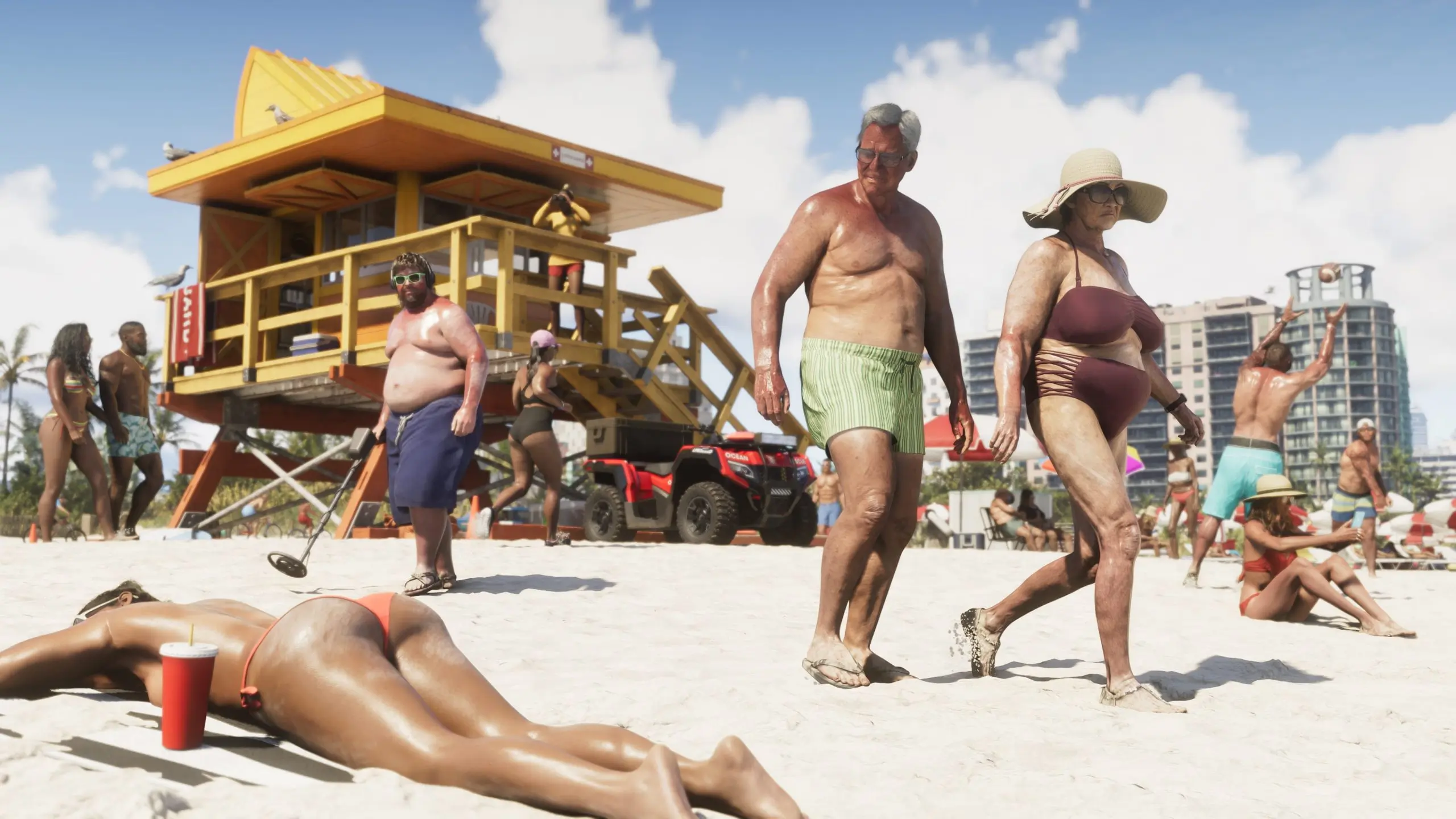

Grand Theft Auto 6's most prolific leaker just topped every previous release. The mysterious figure known as Cyberleek, who has been drip-feeding gameplay footage from the game for weeks, has now published a clip from a location fans are calling "Nudist Town" — and it's by far the most explicit material to surface from the game so far.
What the Leak Shows
The clip, which runs a little over two minutes, drops protagonist Jason Duval into a pool-and-bar complex populated almost entirely by nude and semi-nude NPCs. Dozens of characters can be seen lounging, dancing, and drinking around the pool, with saunas and full-body nudity rendered in a level of detail that multiple outlets have called unprecedented for the series. At one point Jason uses a pair of binoculars to look around the area, drawing reactions from the NPCs he watches. Later, a confrontation breaks out: a naked NPC picks a fight with Jason, who knocks her into the pool before opening fire on the crowd — a reminder that even Rockstar's most eyebrow-raising location isn't exempt from the series' trademark chaos.
The footage marks the eleventh gameplay clip Cyberleek has leaked from GTA 6, following earlier releases showing a strip club, a gas station random encounter, plane travel over Leonida, and glimpses of the game's weapon wheel and combat systems.
How the Location Was Chosen
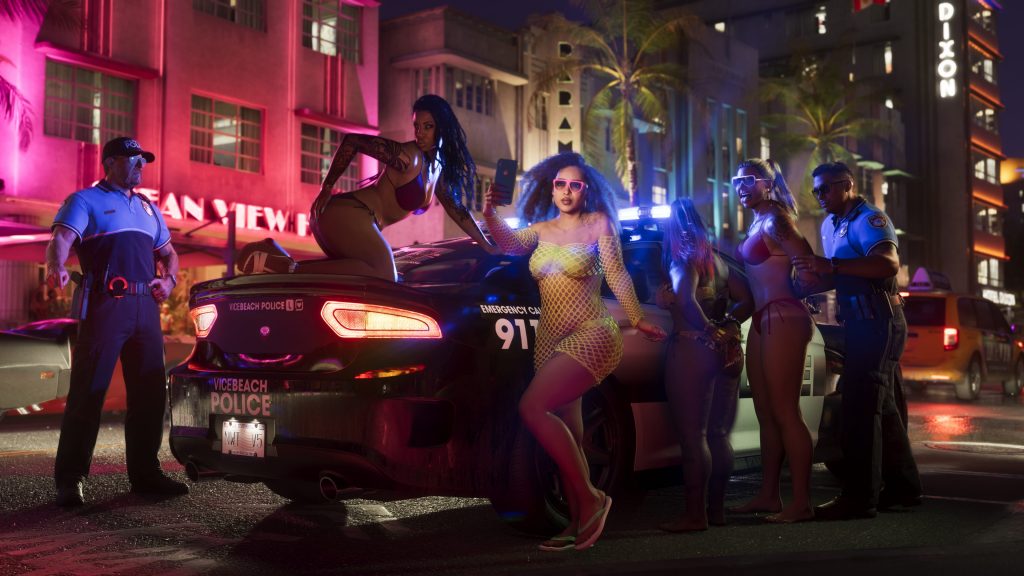
Notably, this leak wasn't random. Cyberleek ran a public poll asking followers to choose the next location to be leaked, with "Nudist Town" beating out a beach setting and a second strip club reveal. It's a format the leaker has leaned into throughout the campaign, turning what would normally be a straightforward act of piracy into an ongoing, audience-driven event — complete with a meme coin tied to the leaks that has reportedly ballooned to a multimillion-dollar market cap.
The watermark on this latest clip has drawn particular attention. According to reports, Cyberleek used it to tease that Lucia gameplay could be next, but only under a strange set of conditions: a follower poll to approve a Lucia-led prologue reveal, plus a demand that ten fans show up dressed as leeks outside Take-Two or Rockstar's offices during business hours holding physical copies of a game.
Why the Timing Matters
The leak's timing is what stings most for Rockstar. It landed just days before the debut of "Grand Theft Auto VI: An Extended Look," the new gameplay trailer set to premiere on Netflix this week. That presentation is reportedly set to run around 30 minutes and include cast reveals alongside a deeper look at mechanics and activities — exactly the kind of moment Rockstar has spent months building anticipation for. With Cyberleek having now leaked location after location on their own timeline, some of that surprise has already been chipped away before Rockstar gets to control the narrative itself.
Take-Two has moved to pull down earlier leaked clips as they've surfaced, but so far that hasn't stopped new ones from replacing them almost as quickly. Whether legal pressure escalates further — or whether Cyberleek's next release actually delivers on the Lucia tease — remains to be seen.
Recommended Comments