




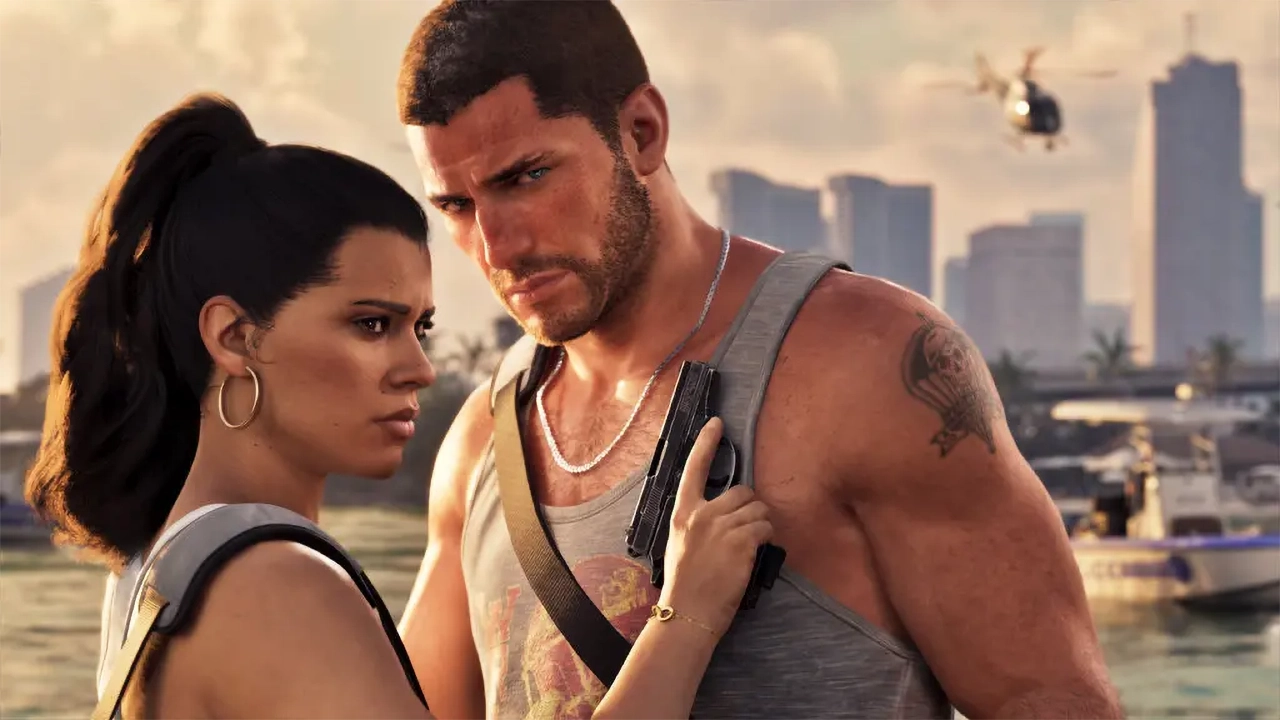

Grand Theft Auto 6's newly released Extended Look trailer left little doubt that Rockstar has built one of the most visually ambitious open-world games ever attempted. Dense crowds, lifelike lighting, and intricate character animation dominate the nearly 30-minute reveal. But alongside the praise, a familiar concern has resurfaced: the game appears to be locked to 30 frames per second, with no confirmed 60 FPS option in sight.
A Bridge the Technical Team Hasn't Crossed
The footage in the trailer reportedly comes from an in-development build running at 30 FPS, and that looks to be Rockstar's target at launch. Rob Nelson, head of development at Rockstar North, fielded questions from outlets and creators invited to the studio ahead of the trailer's debut, and he reportedly deflected inquiries about higher frame rates, describing it as a bridge the technical team hasn't yet crossed. That leaves fans with no firm timeline — or promise — of a performance mode arriving at launch or afterward.
It's not the first time Rockstar has punted on this question. A separate report, citing comments attributed to Nelson during the same media session, indicated consoles are currently running the game at 30 FPS and that the studio still needs to consult its technical team before deciding whether a 60 FPS mode is even feasible, now or down the line.
History Repeating
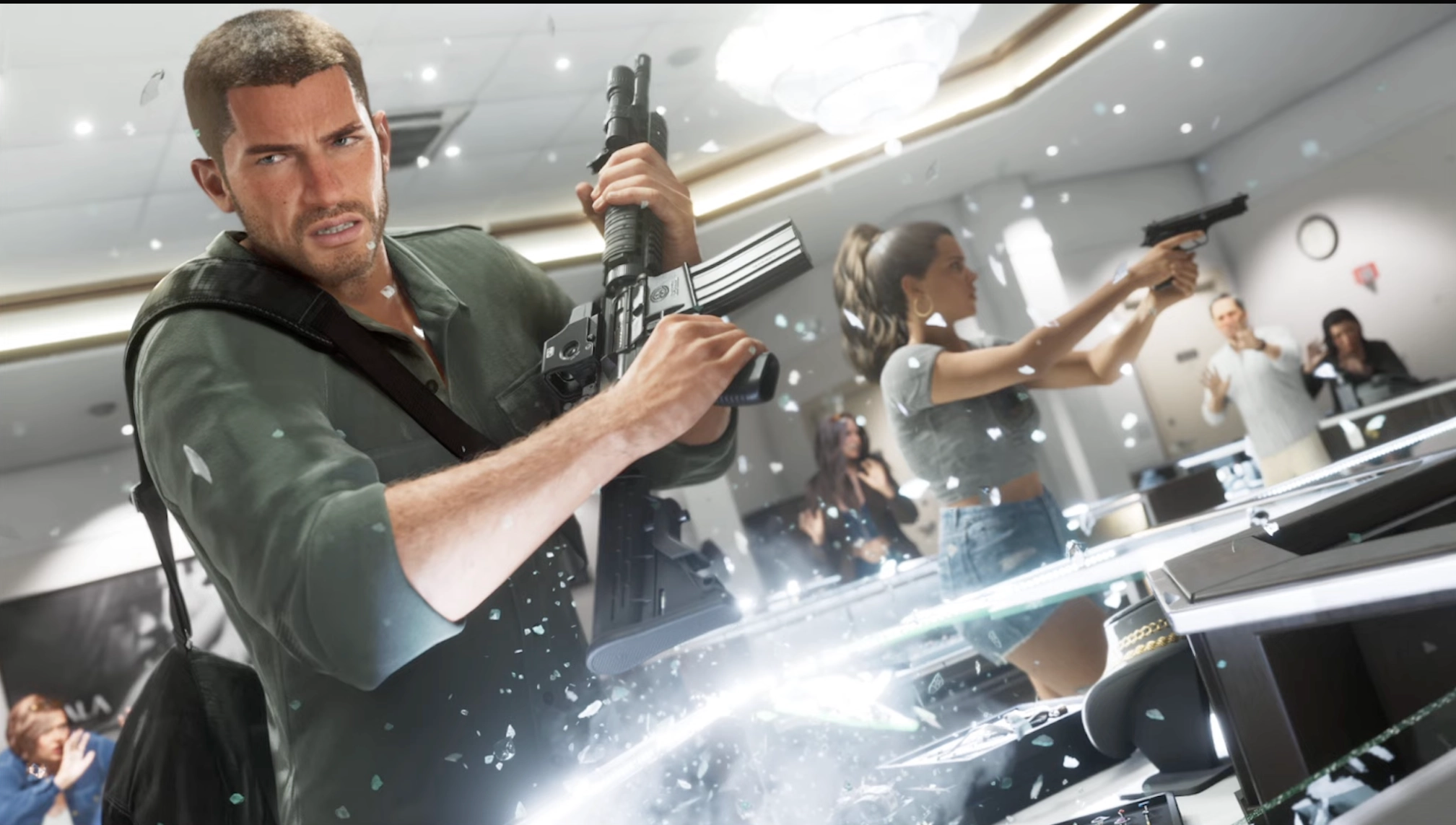
For longtime fans, this will sound like déjà vu. Grand Theft Auto V didn't get a 60 FPS mode until its PS5 and Xbox Series X/S re-release — its third console generation. Red Dead Redemption 2, meanwhile, has never received a frame rate boost on console, years after launch. If GTA 6 follows that pattern, players could be waiting a long time for smoother performance, if it comes at all.
The tension comes down to trade-offs. Frame rate tends to matter more than resolution on a TV screen, since choppy motion is easier to notice from a couch than a slight drop in sharpness. But doubling the frame rate without gutting visual fidelity is a tall order for a game already pushing dense NPC crowds, detailed character models, and simulation-heavy systems — especially on the lower-powered Xbox Series S, which already has to make resolution concessions just to hit a steady 30 FPS.
Former Rockstar technical director Obbe Vermeij has weighed in on the debate as well, arguing that 60 FPS matters most for competitive multiplayer games, not a cinematic, story-driven adventure like GTA 6. He's also pointed out that even the PS5 Pro may not offer enough of a horsepower jump to make a real difference, given that its CPU is largely unchanged from the base console — the component most responsible for handling GTA 6's crowds and simulation systems.
What It Means for Launch
None of this threatens GTA 6's November 19 release date, and a locked 30 FPS experience won't stop the game from being a system-seller. But it does mean players hoping for a snappier, 60 FPS console experience shouldn't get their hopes up — at least not until Rockstar's technical team figures out whether that "bridge" can be crossed at all.
Recommended Comments