




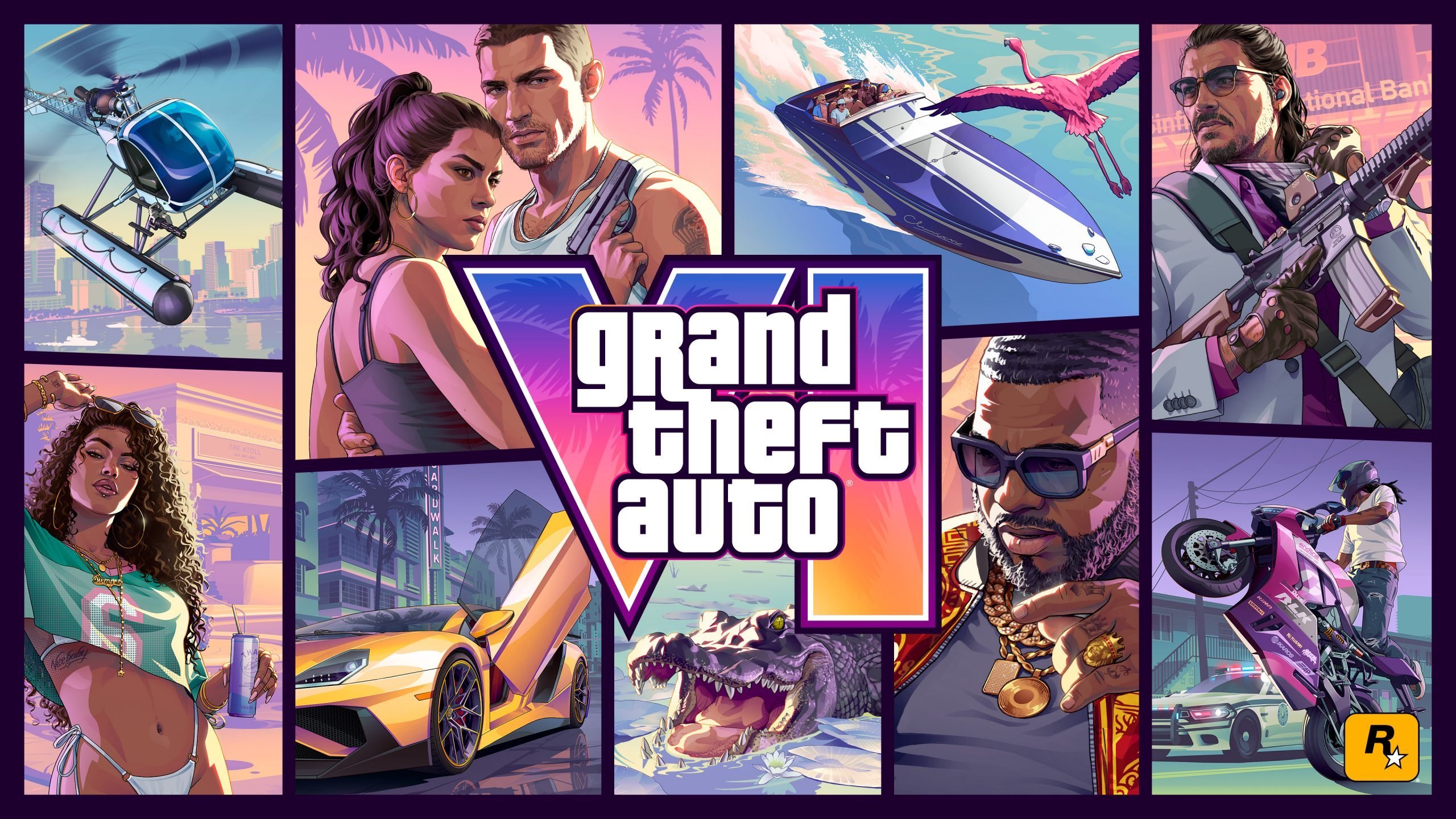

Rockstar Games has never treated box art as an afterthought, and the reveal for Grand Theft Auto VI proves the studio is sticking to that philosophy. Rather than slapping its two leads front and center, Rockstar built a nine-panel collage stretching across Leonida, mixing in vehicles, side characters, and even wildlife. As with past entries in the series, nothing on the cover feels random — every tile seems to hint at something about the world, the story, or the tone players should expect at launch.
Here's a full breakdown of all nine panels, working from left to right.
A Cover Built on Tradition
The collage format dates back to GTA III, and Rockstar has leaned on it ever since. GTA 6's version keeps that structure intact: eight tiles built around characters and vehicles, plus one entirely new addition — an animal — making an appearance on a mainline GTA cover for the first time.
Tile 1: The Sea Sparrow Takes Flight

The top-left panel continues a long-running tradition of opening the cover with a helicopter soaring over Vice City. This time it's the Sea Sparrow, a fan-favorite amphibious chopper with roots in Vice City, San Andreas, and Vice City Stories, and one that later resurfaced in GTA Online fully weaponized.
The cover version appears to carry the same loadout players might remember, including a minigun mounted beneath the cockpit. Because it can land on both solid ground and open water, the Sea Sparrow looks tailor-made for getting around Leonida's swamps, beaches, and waterways. It's also briefly visible in both official trailers, all but confirming its return for GTA 6.


Tile 2: Jason and Lucia Take Center Stage
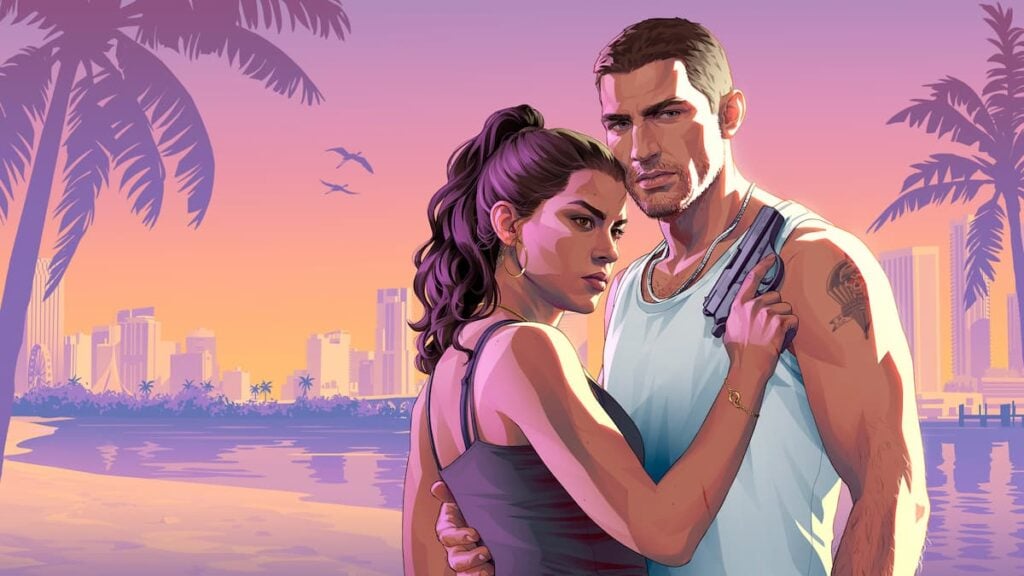
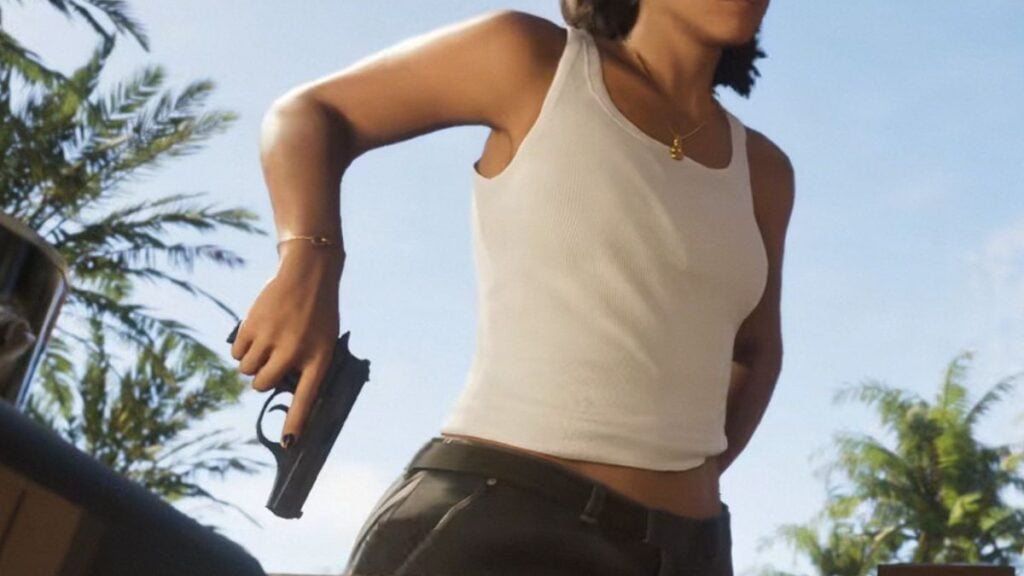
The central tile, reserved for the game's leads, belongs to Jason Duval and Lucia Caminos. The pose itself is fairly understated, but a closer look reveals a small weapon detail: Lucia is holding a pistol styled after the real-world Bersa Firestorm 380. That same sidearm shows up elsewhere in GTA 6's marketing, including a short clip where the pair pull weapons from a car trunk.

Tile 3: The Principe Alvino V1 Roars In
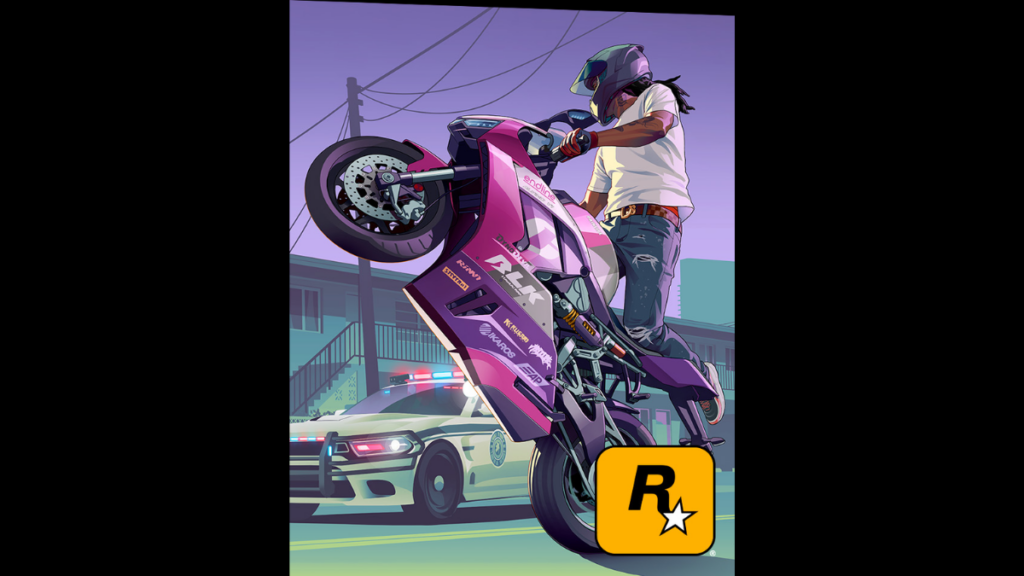
One of GTA 6's brand-new motorcycles, the Principe Alvino V1, gets its own spotlight here. It first surfaced in an official screenshot of Jason riding a green model while holding a pistol inspired by the Beretta 92FS. The box art swaps that color scheme for a pink-and-purple paint job instead.

The bike seems to come in several liveries and is shown mid-chase with a Vapid Police Cruiser on its tail. Placement-wise, putting a sportbike in the top-right corner also echoes the original Vice City cover, which famously featured a red PCJ 600 in roughly the same spot.
Tile 4: A Mystery Woman With Plenty of Clues
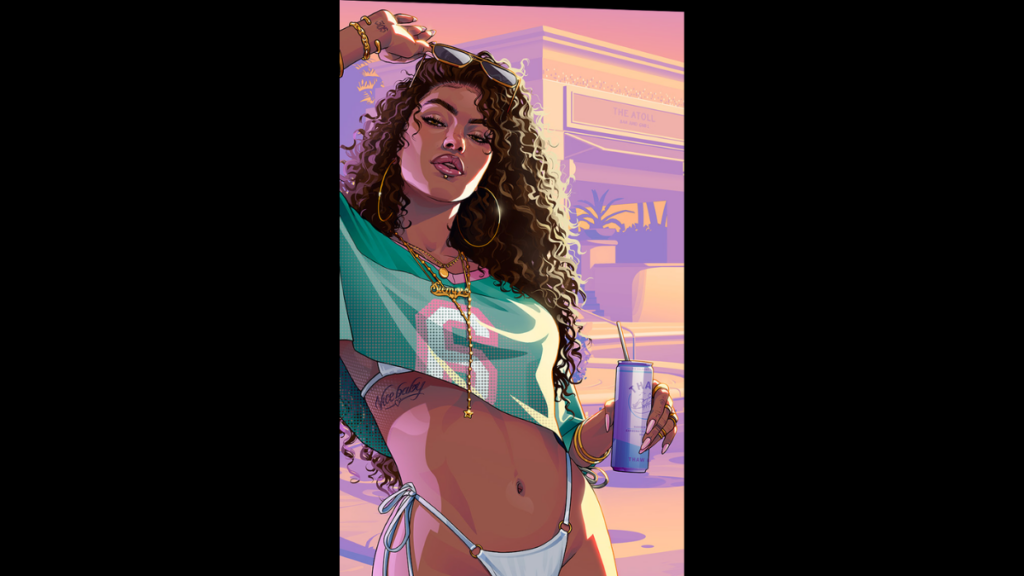
GTA covers have a habit of including a female character who never actually appears in-game, and this tile leans into that tradition hard, echoing the bikini-clad woman from the original Vice City box art. Here, an unnamed woman in a white bikini relaxes with a drink, and the surrounding details are stacked with potential hints:
A "Vice Baby" tattoo on her side, possibly tying her to Vice City itself
A "305" tattoo on her wrist, the real-world area code for South Florida
A cropped jersey for the Vice City Manatees, suggesting local team pride
A necklace reading "Siempre" — Spanish for "always"
A drink can branded "Thaw"
A bar visible behind her called The Atoll Bar and Grill, a location not seen anywhere else in marketing so far
Whether she ends up being a character players actually meet, or simply a cover fixture in the spirit of past games, remains to be seen. For now, the smart bet is not to overanalyze her role until Rockstar reveals more.
Tile 5: Boobie Ike, Vice City's Self-Made Legend

Boobie Ike earns his own panel as one of GTA 6's key supporting characters. He runs the Jack of Hearts strip club and has a financial stake in Only Raw Records alongside Dre'Quan Priest. Rockstar has framed him as a Vice City institution — someone who turned hustling on the street into a genuine business empire.


Tile 6: An Unnamed Pegassi Supercar
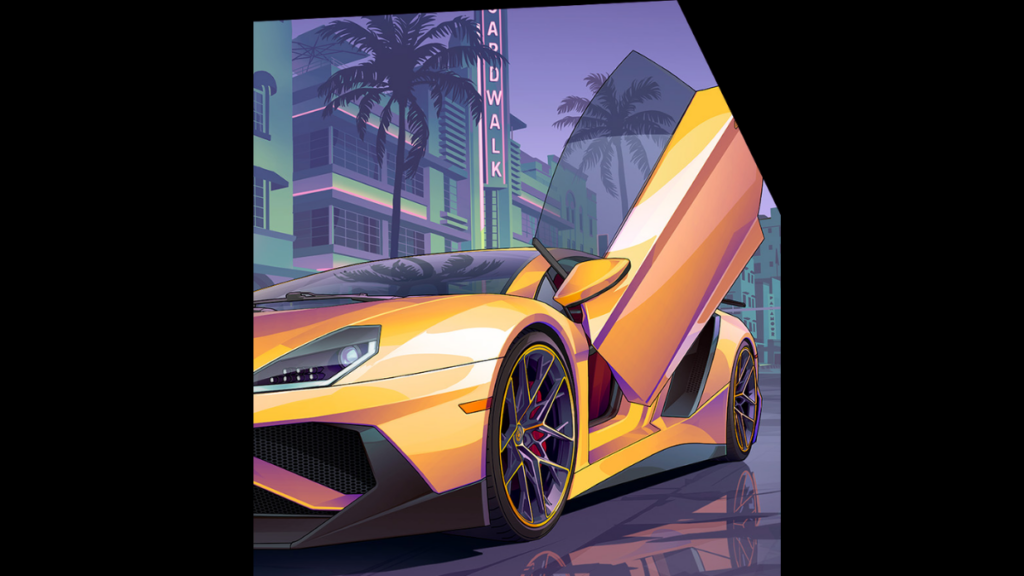
Following the established pattern of one helicopter, one bike, one boat, and one supercar per cover, this tile goes to a brand-new model from Pegassi — GTA's in-universe stand-in for high-end Italian manufacturers like Lamborghini, Pagani, and Ducati. The yellow model shown here sports scissor doors and clearly draws inspiration from the Lamborghini Aventador. It's parked along a Vice City street near Ocean Beach, with the Boardwalk sign glowing in the background.
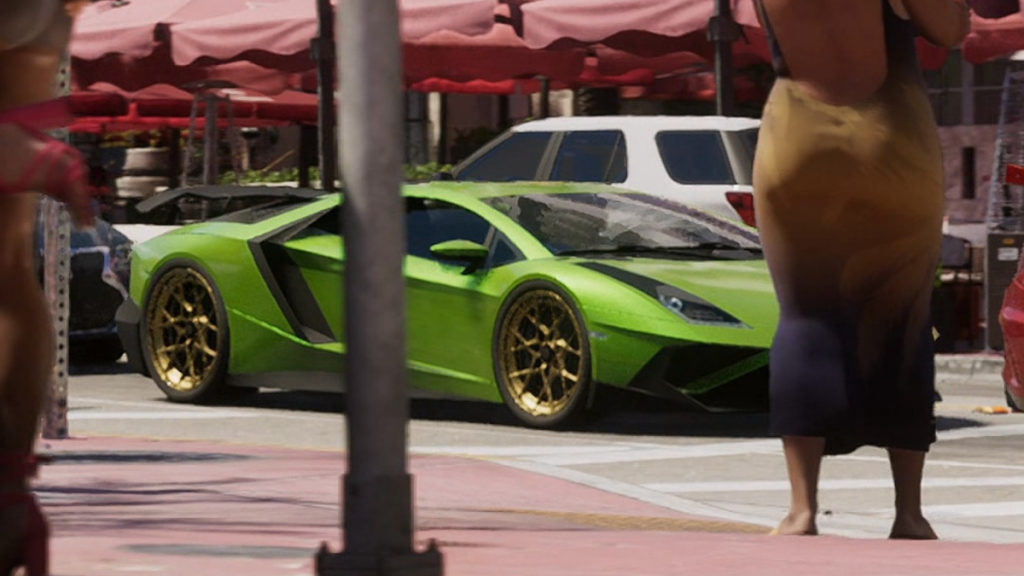
A green version of the same unnamed car briefly shows up in the second trailer as well.
Tile 7: An Alligator Joins the Cast
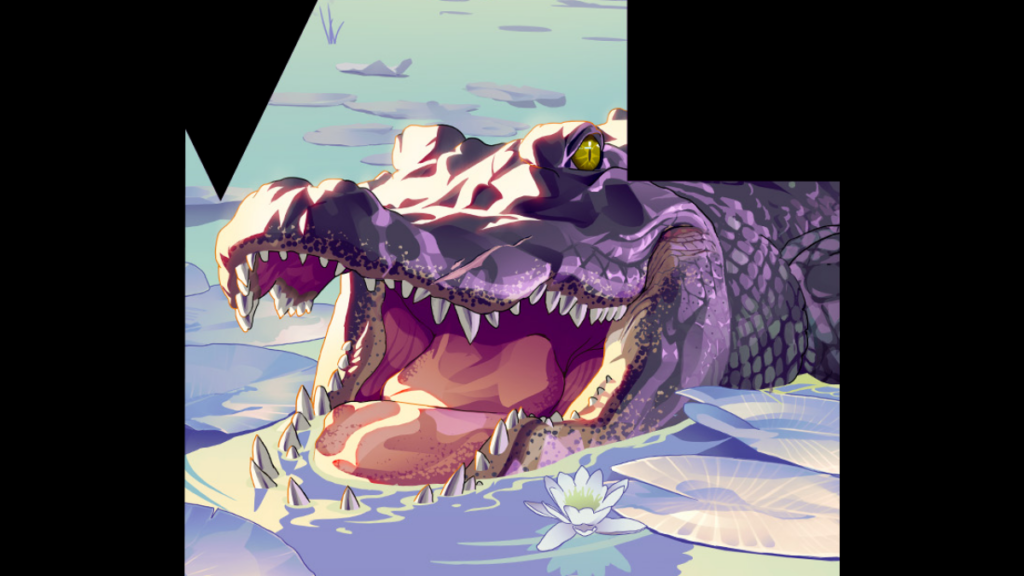
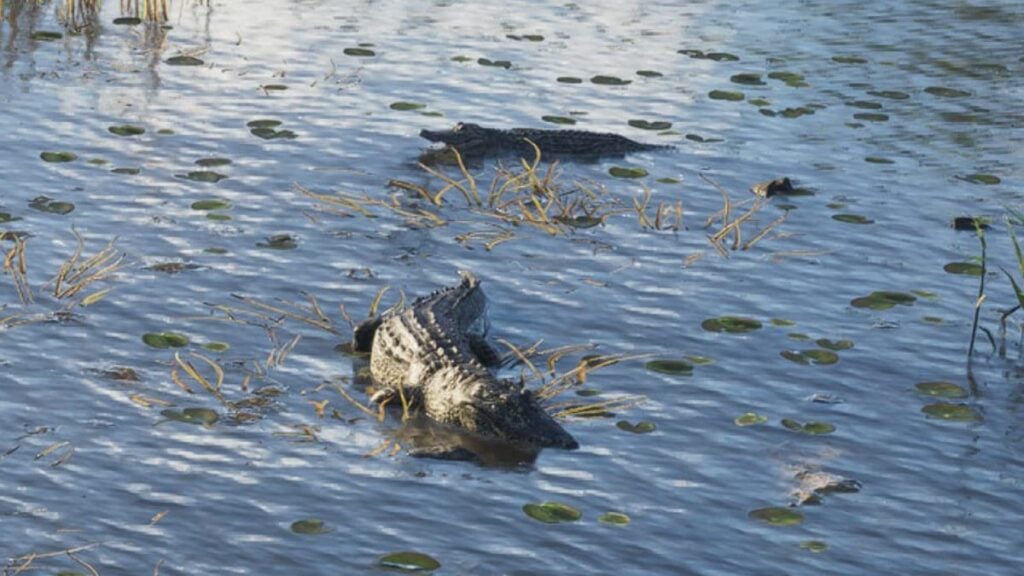
This marks the first time an animal has earned real estate on a mainline GTA cover. Given that Leonida is modeled after Florida, complete with swamps and a heavy reptile population, an alligator feels like an obvious — and fitting — choice. Alligators have already shown up repeatedly across screenshots and trailers, from swamp encounters to far stranger run-ins.
Tile 8: Raul Bautista Pulls Off Another Job
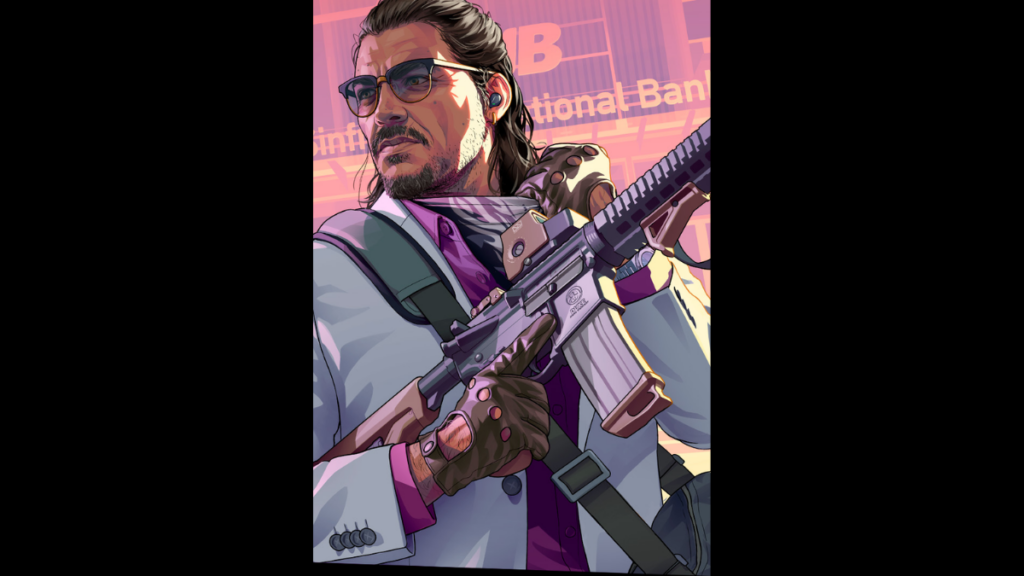
Raul Bautista, a veteran bank robber known for chasing high-risk scores, gets the eighth panel. He's shown outside the Sinfrontera National Bank with a duffel bag in hand, his bandana pulled down, and an assault rifle modeled after the M4A1 Block II — branded in-game under the fictional Duke label. The imagery strongly suggests this ties directly into a bank heist involving Raul, Lucia, and Jason together.
Tile 9: The Clarion Speedboat Closes It Out
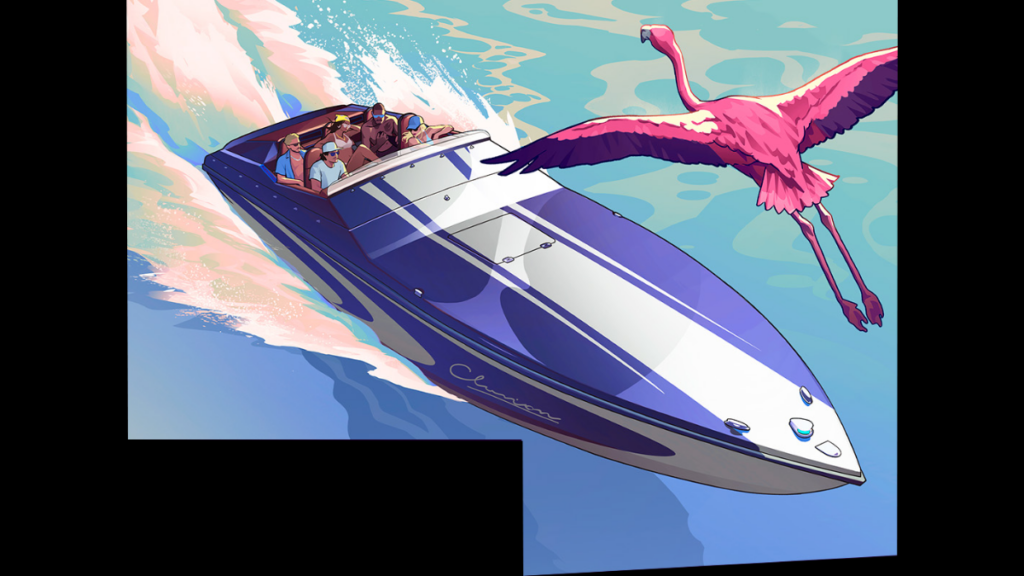
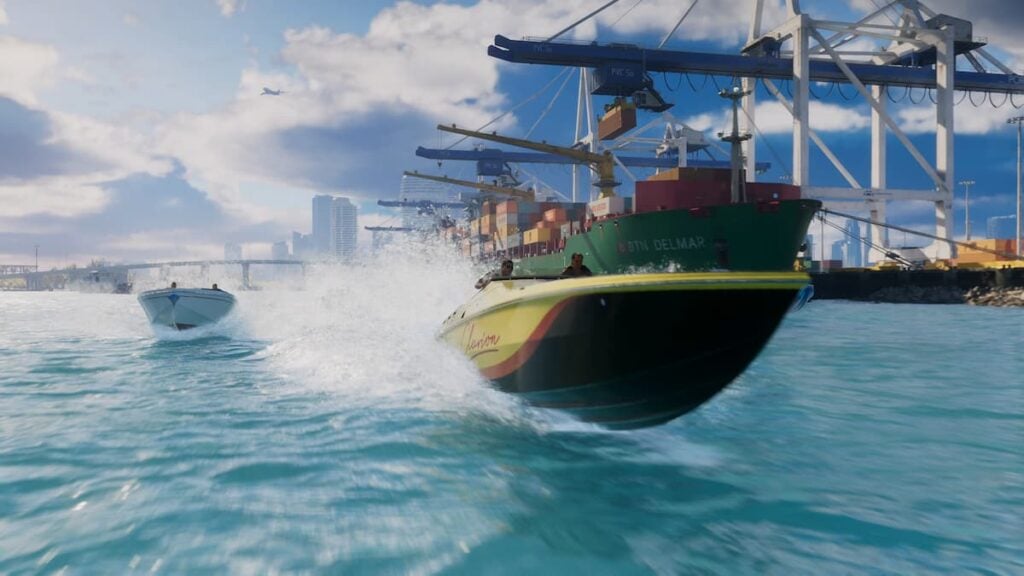
The final panel introduces a new speedboat called the Clarion. The cover shows a blue-and-white model carrying five passengers, with a flamingo gliding by overhead. The Clarion also turns up in the first trailer, weaving past other boats near a cargo ship.
Final Thoughts
Taken as a whole, GTA 6's cover does what Rockstar's box art has always done best: it rewards a close look. Between the returning vehicles, the new additions like the Clarion and the Principe Alvino V1, the wildlife making its series debut, and the still-unexplained mystery woman tucked into tile four, there's plenty here to chew on before launch. Expect more of these details to get clarified — or deepened — as Rockstar rolls out additional marketing ahead of release.
What do you think Rockstar is hinting at with the mystery woman in tile four? Let us know your theories.
Recommended Comments