




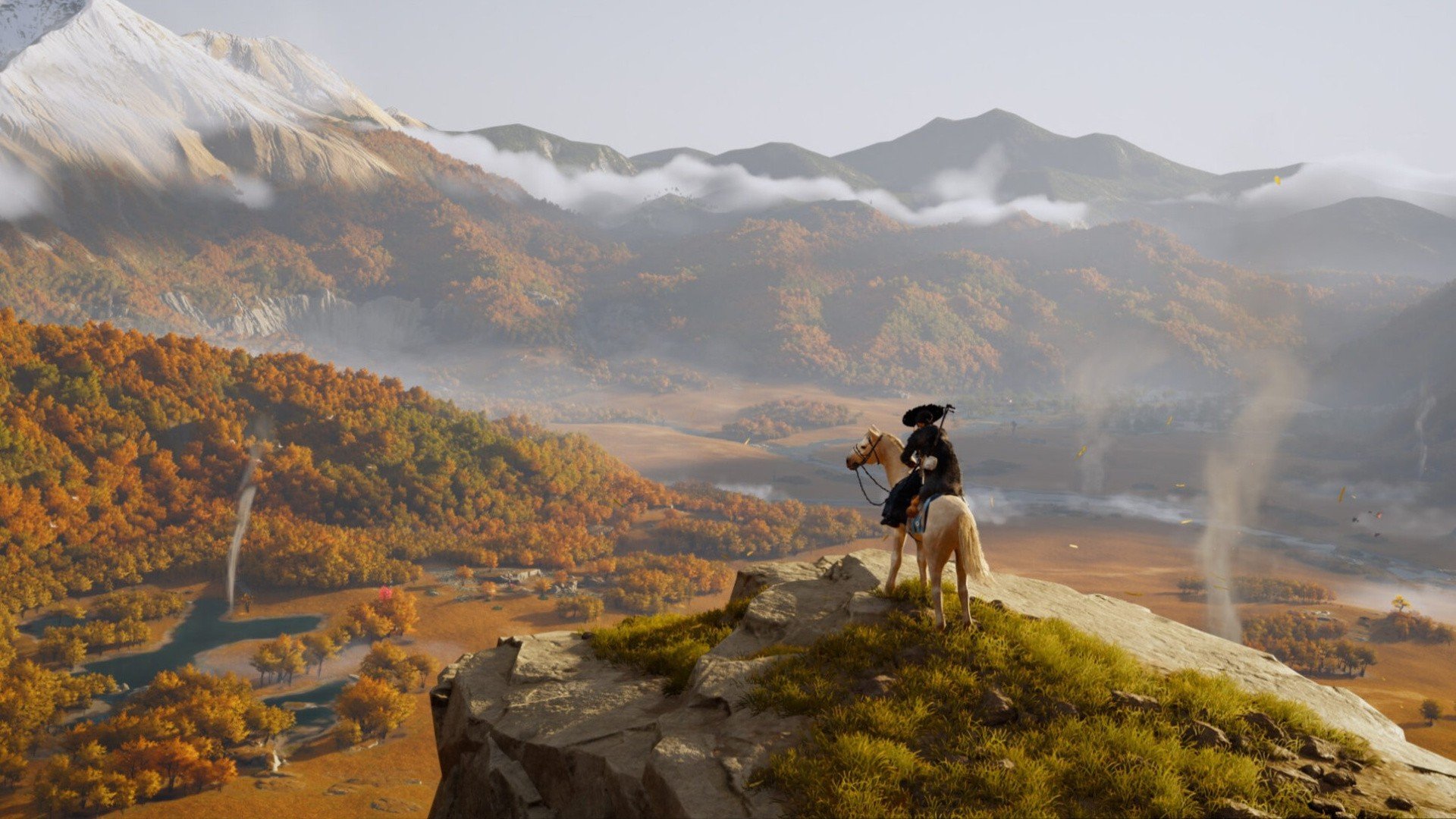

Ghost of Yotei's latest update — patch 1.1 — has resulted in some pretty significant performance boosts.
Analysed by our friends over at Digital Foundry, the update's introduction of VRR support is a win for all players, but it's an especially big deal on PS5 Pro.
Just to recap, version 1.1 was headlined by the addition of New Game+ when it launched last week, but developer Sucker Punch also snuck in some juicy new graphical settings.
A new 'Balanced' mode targets 40 frames-per-second, but really, it's the ability to uncap the game's frame rate that yields the most impressive results.
The aforementioned Balanced mode, with ray tracing, manages to hover between its intended 40fps and a smooth 60fps on PS5 Pro, with the uncap toggle enabled.
But even more impressive, the title's already excellent RT Pro mode jumps from 60fps to anywhere between 70 and 90fps, giving Atsu's adventure a seriously silky feel. Digital Foundry describes the jump as "incredible", given how well the open worlder performed to begin with.
Meanwhile, if you decide to switch ray tracing off and just dive into the standard Performance, Balanced, and Quality modes with the frame rate uncapped, you'll be treated to a roughly 33% fps increase across the board.
Oh, and on the base PS5, it's worth mentioning that Balanced can give you a very similar boost to what's available on PS5 Pro — as long as you're playing on a VRR-compatible 120Hz display. Uncapped, the frame rate can hit 60fps.
Have you given Ghost of Yotei a shot since Update 1.1? Behold those beautiful frames in the comments section below.
Recommended Comments