




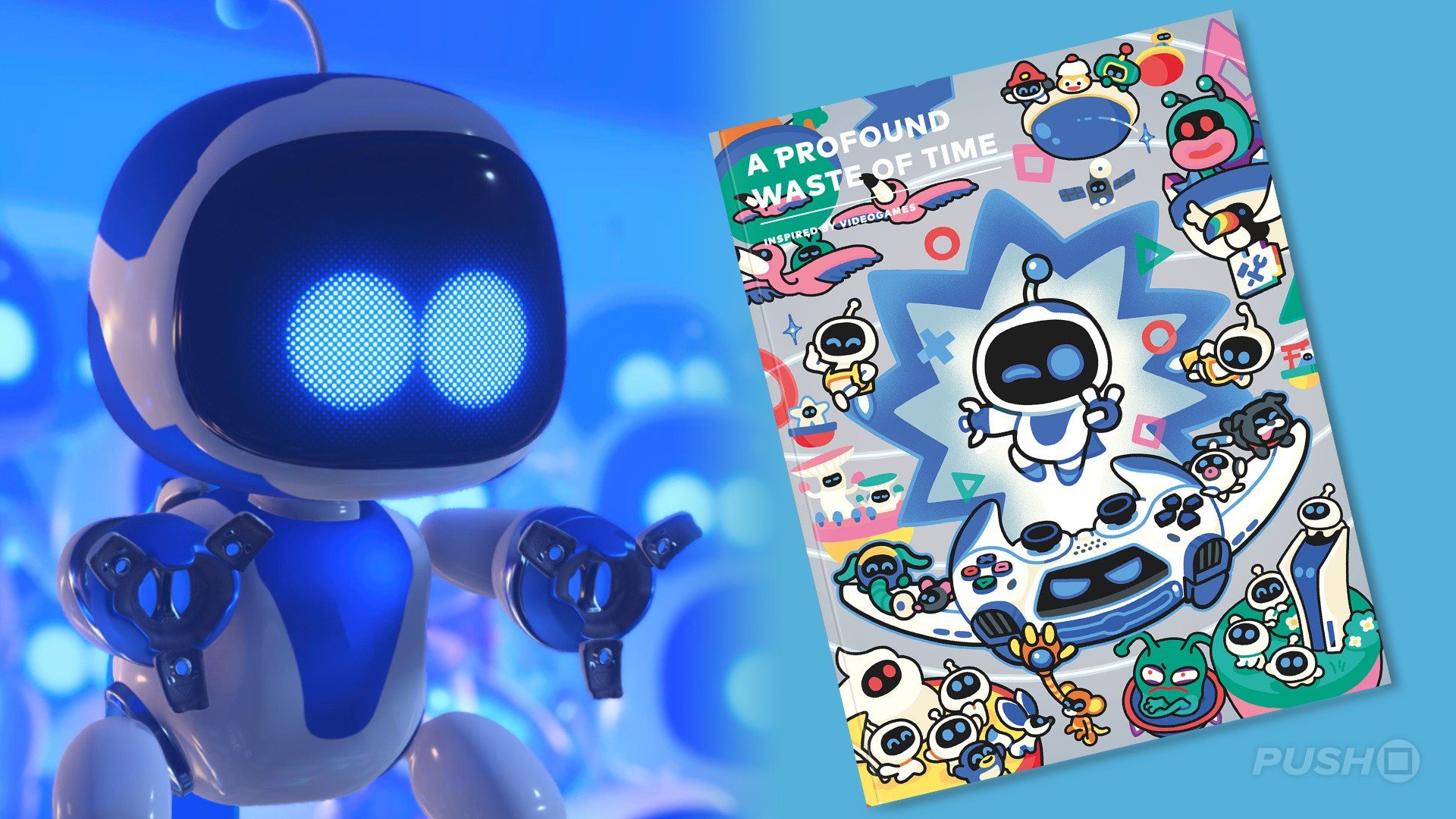

There aren't many surviving video game magazines today, but miraculously, some new ones pop up every so often, and they've evolved into seriously premium products.
One such example is A Profound Waste of Time, a gaming journal crowdfunded by readers, and its sixth issue is currently accepting pledges on Kickstarter.
This one may be of particular interest to PlayStation fans, as the leading feature in the new issue hones in on Astro Bot.
A big interview with Nicolas Doucet is the main attraction, speaking about "how his studio, Team Asobi, channels the wonder of early cinema into a new language of play, one built on clarity, rhythm, and joyfulness" as well as PlayStation's 30th anniversary.
The issue features original (and very cute) artwork on its cover, with a lenticular layer on the special edition that allows Astro to emote as you turn the mag in your hands.
It's a beautiful object, and full of other interesting features too, including interviews with Team Ninja president Fumihiko Yasuda and Giant Squid's Matt Nava.
If you're interested, you can back the new issue on Kickstarter. A pledge of £25 (~$33) gets you the standard version, while the special edition requires a pledge of £45 (~$59). The estimated delivery is December 2026.
Again, A Profound Waste of Time's issues are made to be quality products, and typically contain nearly 200 pages full of original work, hence the price tag.
Will you be snagging a copy? Tell us in the comments section below.
Recommended Comments