




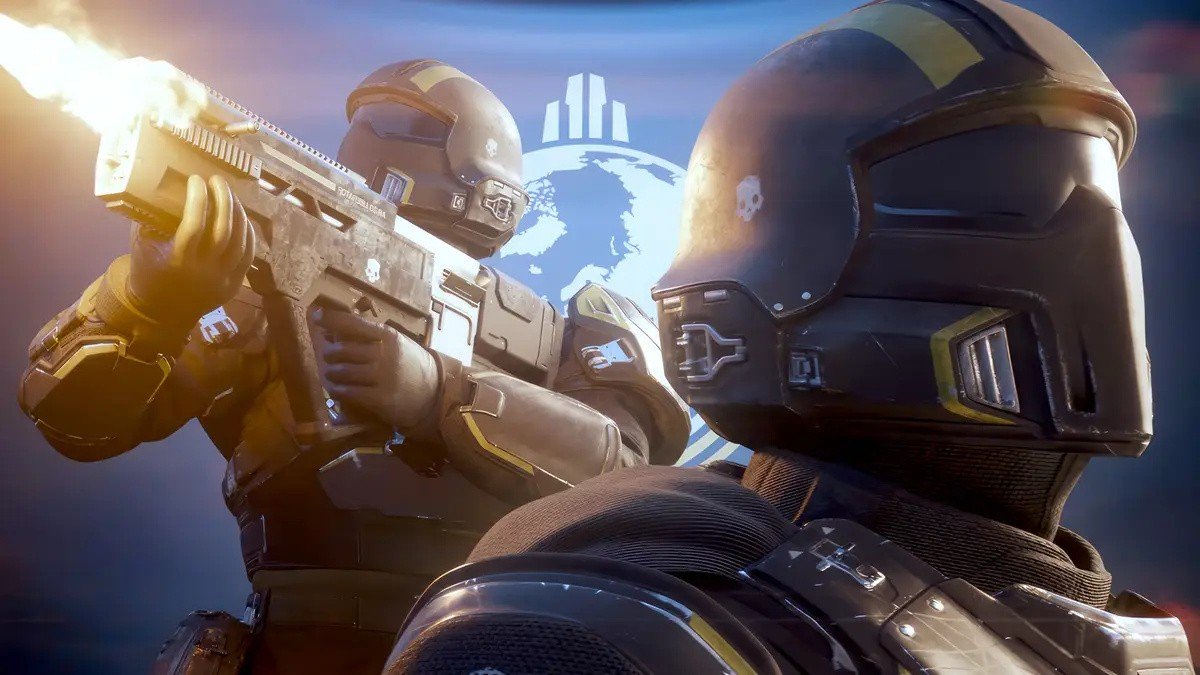

Work on the movie adaptation of a smash hit co-op shooter Helldivers is now well underway.
Justin Lin of Fast & Furious fame will direct the film, based on a script written by horror movie veteran Gary Dauberman. He’s best known for writing the screenplays for It and Annabelle.
As you’d expect, the film will be released by Sony Pictures Entertainment, with PlayStation subsidiary PS Productions overseeing the project. Additional organisations involved will include Lin’s own Perfect Storm Entertainment.
While we don’t know much about the plot itself, Starship Troopers will likely be a massive inspiration, as Helldivers is effectively a video game adaptation of the 90s hit.
We’d expect a blend of comedy and action, although Dauberman’s involvement does potentially hint at some horror elements as well.
Lin is not a gamer, and he apparently leaned into that with his pitch for the project.
According to the Hollywood Reporter, his goal is to flesh out the overall fiction of the franchise and “find the humanity” in the characters.
Of course, he already has an existing relationship with Sony, as he’s also been hired to direct the live action adaptation of anime One Punch Man.
There’s no word on any casting decisions or a target release date just yet, but it sounds like this project is moving along pretty quickly, so don’t be surprised if we get a lot more news soon.
Recommended Comments