




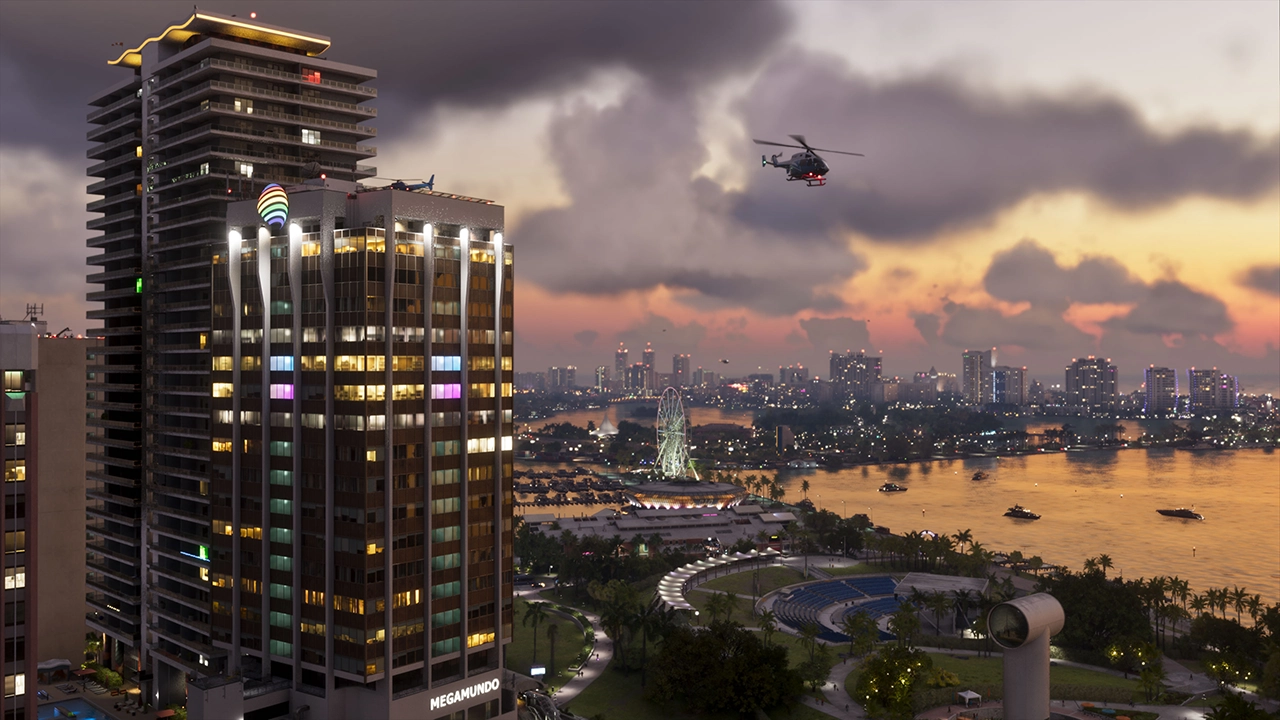

Downtown Miami is moving toward letting Rockstar Games take over its skyline with Grand Theft Auto VI advertising, and the timeline is tight: banners could start going up as early as next month.
According to a report from The Miamian, Miami District 2 Commissioner Damian Pardo is sponsoring an ordinance heading to the city commission agenda on September 10th that would authorize temporary banners, building wraps, and promotional displays advertising GTA VI across the city. The kind of signage waivers being proposed are typically reserved for major sporting events, like this summer's World Cup, which makes the carve-out for a video game launch notable in itself.
The deal, in numbers
Per a spokesperson for Pardo's office, the proposal caps things at a maximum of six banners in downtown Miami, running for a total of 56 days. A draft of the legislation states the display window would run from October 15th through December 31st, putting the campaign squarely around GTA VI's November 19th launch.
None of it is free. Rockstar Games would pay $202,000 per banner, which works out to roughly $1.2 million if the city maxes out at six. That money isn't just going into a general fund, either; it's earmarked for the development of the Upperdeck Edward T. Graham Heritage Trail, a park project going in under the new I-395 bridge. Take-Two Interactive would also need to sign off on every piece of the marketing, and the downtown homeowner associations would need to agree to the deal before any of it can go up.
A tale of two Miamis
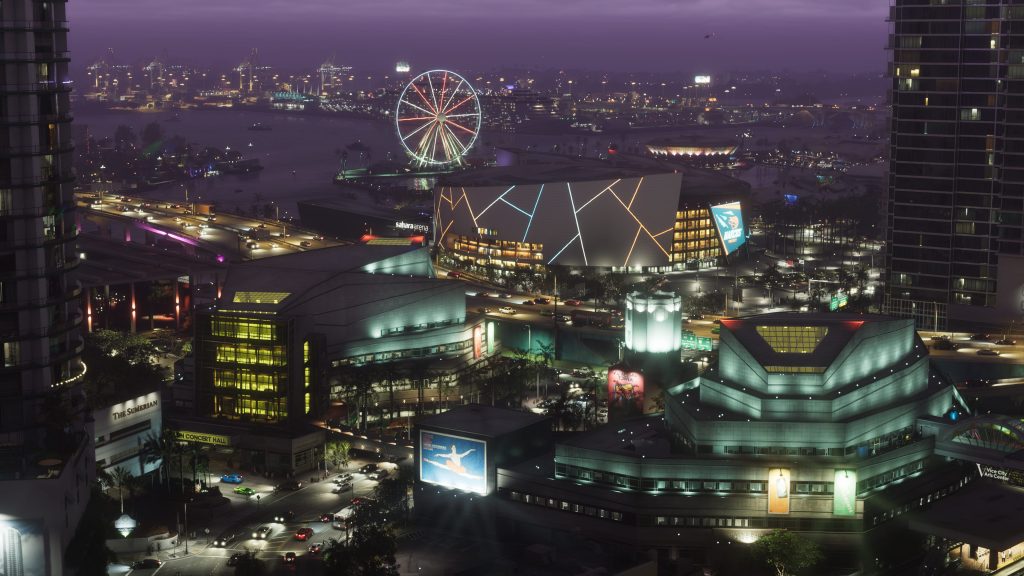
Pardo isn't operating in isolation here. He's following the lead of Miami-Dade Mayor Daniella Levine Cava, who has been pushing for a much bigger, county-wide takeover promoting the game and local tourism. That county-level pitch is the more audacious of the two: reported ideas have included a "Vice City Airport" rebrand of Miami International, GTA-branded Metromover trains, murals at PortMiami, and even Vice City logos stamped on manhole covers.
That version, though, has run into real resistance. Miami-Dade Sheriff Rosie Cordero-Stutz has objected on the grounds that GTA's fictional world runs on the exact crimes her department polices every day, and at least one commissioner has called the campaign questionable. A chief judge has also reportedly pushed to keep courthouses out of it entirely.
The city's ordinance is a scaled-down, more palatable version of the same idea: temporary, privately funded, and confined to downtown billboards rather than public transit and government buildings, with the proceeds tied to a park rather than county coffers.
Why it matters
Whichever version survives, it points to just how much local governments in South Florida see GTA VI's launch as a real-world economic event, not just a gaming one. Vice City has always been Rockstar's exaggerated, slightly cruel caricature of Miami; there's an irony in the actual city now angling to dress itself up as that caricature for a cut of Rockstar's marketing budget. Whether that irony survives a homeowners' association vote is the next thing to watch, starting with Thursday's commission meeting.
Recommended Comments