




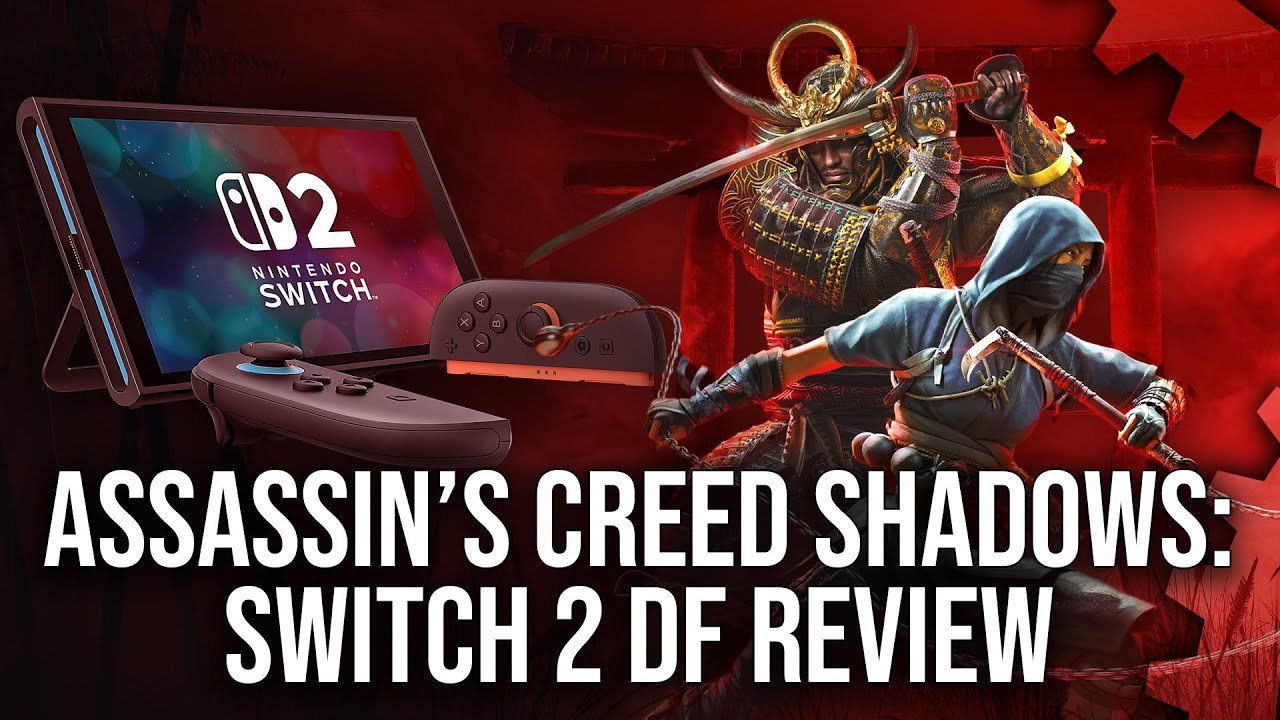

December has gotten off to quite the start, hasn't it? With so many new games launching on Switch 2, we're sure that you're keen to find out how each and every one of them runs on the fresh hardware and, as ever, the tech experts over at Digital Foundry are here to do just that.
This time, it's Assassin's Creed Shadows' Switch 2 port that's being put under the microscope. The above video sets a baseline of the Xbox Series S version and compares the technical flair of the new Nintendo hybrid from there. So, what does DF make of it?
Visually, the Switch 2 has some obvious cutbacks from the Series S edition. Without SSR, the handheld version is lacking most water reflection and movement, and you'll notice some decrease in foliage at a middle distance. Textures also come in at a decreased resolution, and, ironically, the titular shadows don't hold up as well as they do elsewhere — though, at half the storage size of the Series S release, this is hardly surprising.
All that said, DF describes the Switch 2 edition as "a pretty handsome rendition of the game", one that comes in very close to the Series S.
In terms of image quality, the game utilises DLSS technology to help along the docked mode's typical 648p resolution, and produces a much better image than that number would suggest in the process. This is, of course, reduced in handheld play, where DF counted resolutions as low as 400p, but it all remains "pretty respectable" in action and is even considered "more reliable in portable play than when docked".
The game mostly sticks to its 30fps target in typical play, though its frame pacing is rather poor, and there are occasional dips in particularly taxing locations or cutscenes.
Recommended Comments