




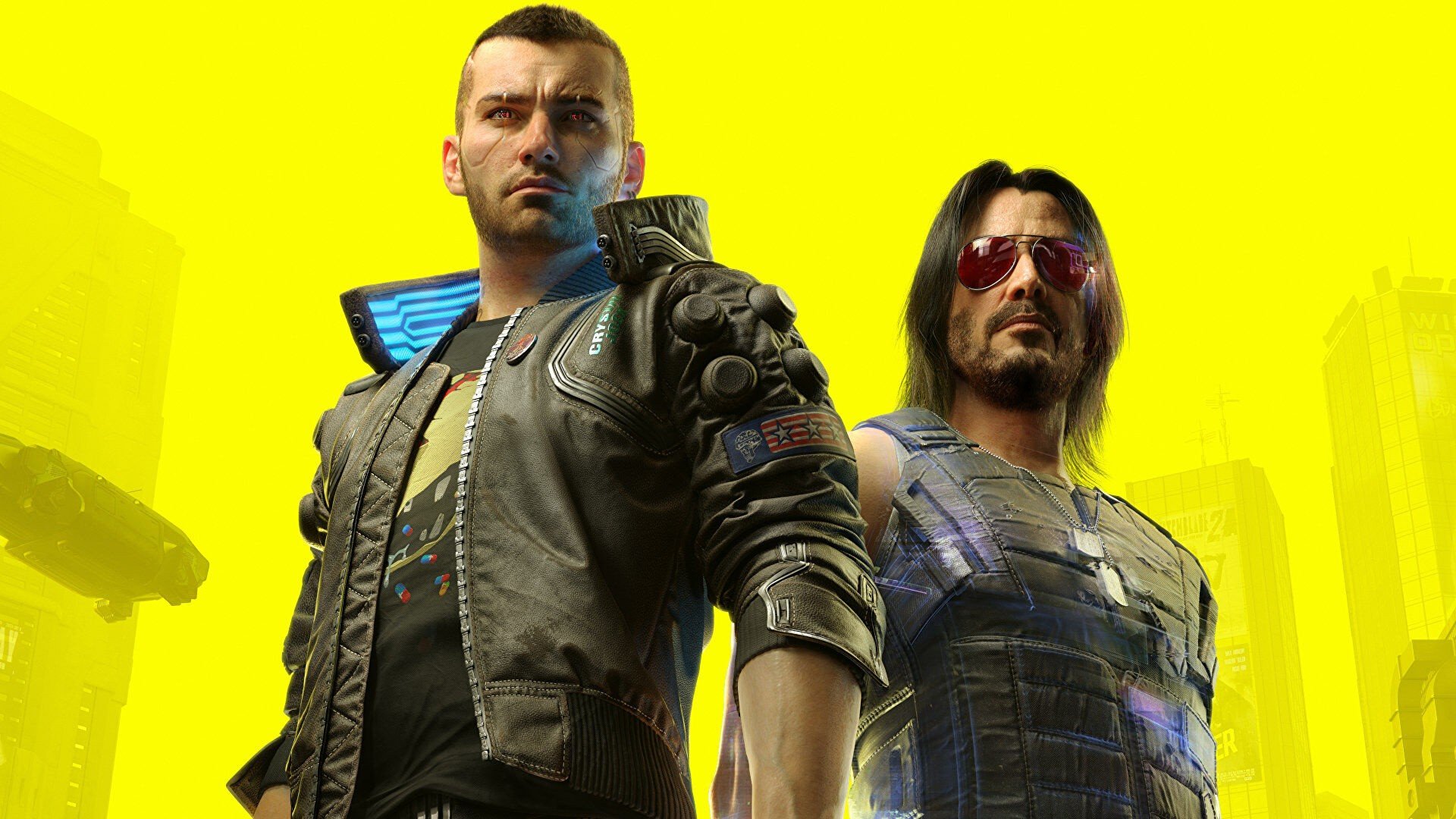

It's actually mad to look back on the beginnings of Cyberpunk 2077 and compare that time to where the game is now.
It's taken basically five solid years of updates — along with one hell of an expansion — to turn things around, but the open world RPG is now a colossal commercial success, with developer CD Projekt Red confirming that it's topped 35 million sales in its latest business briefing.
That's a ridiculous achievement for any title, but in Cyberpunk's case, it just goes to show how things can (eventually) turn around.
At this point it's worth mentioning that we're fast approaching the game's fifth anniversary. It first launched for PS4 on the 10th December, 2020. And honestly, we'd be shocked if CDPR doesn't have some kind of surprise up its sleeve.
But what about the sequel, the currently named Cyberpunk 2 (previously known as Project Orion)? Well, the company's continuing to ramp up development on that one, with developer numbers increasing from 116 in July of this year, to 135 as of the 31st October.
For comparison, CDPR currently has 447 employees hard at work on The Witcher 4, which is obviously targeting a release well before the next Cyberpunk.
Did you ever think Cyberpunk 2077 would go on to be such a heavy hitter? What are your hopes and dreams for the sequel? Help yourself to some new chrome in the comments section below.
Recommended Comments