




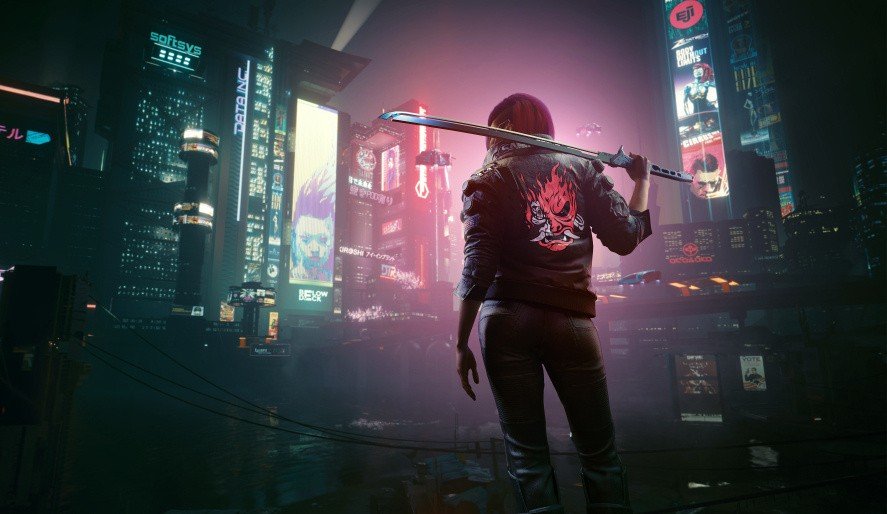

Cyberpunk 2077 developer CD Projekt Red might be teasing something for the game's imminent fifth anniversary.
We've written about this before, but it wouldn't surprise us in the least if the company has plans. After all, third-party developer Virtuos is — as far as we know — still working on updates for the open world title, having helped create Patch 2.3 earlier in the year.
Some fans have theorised that the team's been working on another big update ever since, and the game's fifth anniversary would obviously be the perfect time to release it.
Anyway, this rumour's been reignited thanks to a new post from the official Cyberpunk 2077 account on social media.
For a while now, the account has been pointing out character birthdays — but with its latest post, it actually highlights the aforementioned anniversary, which takes place next week, on the 10th December.
Again, it's not hard to imagine CDPR having something up its sleeve for the occasion — and the company's always enjoyed posting cryptic teasers online.
Do you have any hopes and dreams for Cyberpunk 2077's fifth anniversary? Try to forget that original PS4 release in the comments section below.
Recommended Comments