






Rockstar Games has never been known for rushing its biggest releases onto PC, but a new wave of industry chatter suggests Grand Theft Auto VI might actually break that pattern.
The speculation traces back to the September 4 episode of the VGC Podcast, where veteran gaming journalist Andy Robinson said there's "a bit of noise" in the industry pointing toward an earlier-than-expected PC version of GTA 6. According to Robinson, "I do think they'll push the PC version up. There is a bit of noise about that. That perhaps the PC version might arrive sooner than some people might expect. Just because of everything that is going on." He stopped short of citing a specific source, framing it instead as broader industry rumbling rather than confirmed insider knowledge.
Rockstar has confirmed November 19, 2026 as the launch date for GTA 6 on PlayStation 5 and Xbox Series X|S — but has said nothing official about a PC release, continuing the studio's long-standing pattern of staggering platform launches. That pattern has historically meant lengthy waits: GTA IV took over seven months to reach PC, GTA V took over a year and a half, and Red Dead Redemption 2 needed about a year. The original Red Dead Redemption is the extreme outlier, having taken more than 14 years to arrive on PC at all.
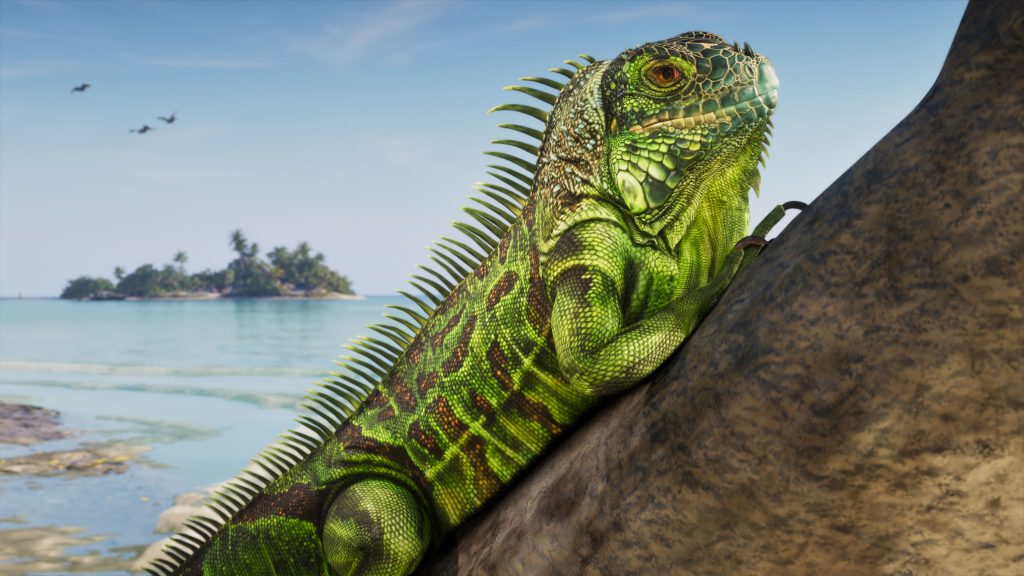
What's fueling the idea that GTA 6 could buck that trend is the current console hardware market. Both PlayStation 5 and Xbox Series X|S pricing has been climbing rather than falling as the console generation ages, and Sony has pushed through additional global price increases this year. That dynamic could make a console-exclusive launch window less commercially appealing than it once was, giving Rockstar and Take-Two Interactive a stronger incentive to bring PC players into the fold sooner rather than later.
This isn't the first time the idea of an accelerated PC release has surfaced. Corsair Gaming Vice President Ronald van Veen previously suggested during an investor call that his understanding was a console launch in autumn followed by a PC release in early 2026 — though Corsair later walked that back, clarifying the comment reflected personal speculation rather than information sourced from Rockstar or Take-Two. Independent leaker "Detective Seeds," who has previously offered accurate predictions about GTA 6's marketing timeline, has separately floated a theory that the PC version could land within three to six months of the console launch, rather than the year-plus gap fans have come to expect.
Still, none of this amounts to a confirmed release plan. Robinson's comments were framed as commentary and industry chatter, not a reported scoop with a release window attached, and Rockstar has yet to acknowledge a PC version of GTA 6 exists at all. For now, the safest assumption remains that PC players are in for at least some wait after the November console launch — but for the first time, there's a real narrative building for why that wait might be shorter than Rockstar's history would suggest.
Recommended Comments