






Jump to content
View in the app

A better way to browse. Learn more.

GTA Forum

A full-screen app on your home screen with push notifications, badges and more.

To install this app on iOS and iPadOS
  1. Tap the Share icon in Safari
  2. Scroll the menu and tap Add to Home Screen.
  3. Tap Add in the top-right corner.
To install this app on Android
  1. Tap the 3-dot menu (⋮) in the top-right corner of the browser.
  2. Tap Add to Home screen or Install app.
  3. Confirm by tapping Install.

Register

Interested in GTA ? Join our community on the GTA Forum ! Exchange knowledge, learn about new things, use guides, and stay up to date with GTA Online and FiveM.

Call of Duty: Black Ops 7 Is Already on Sale Just Two Weeks After Release

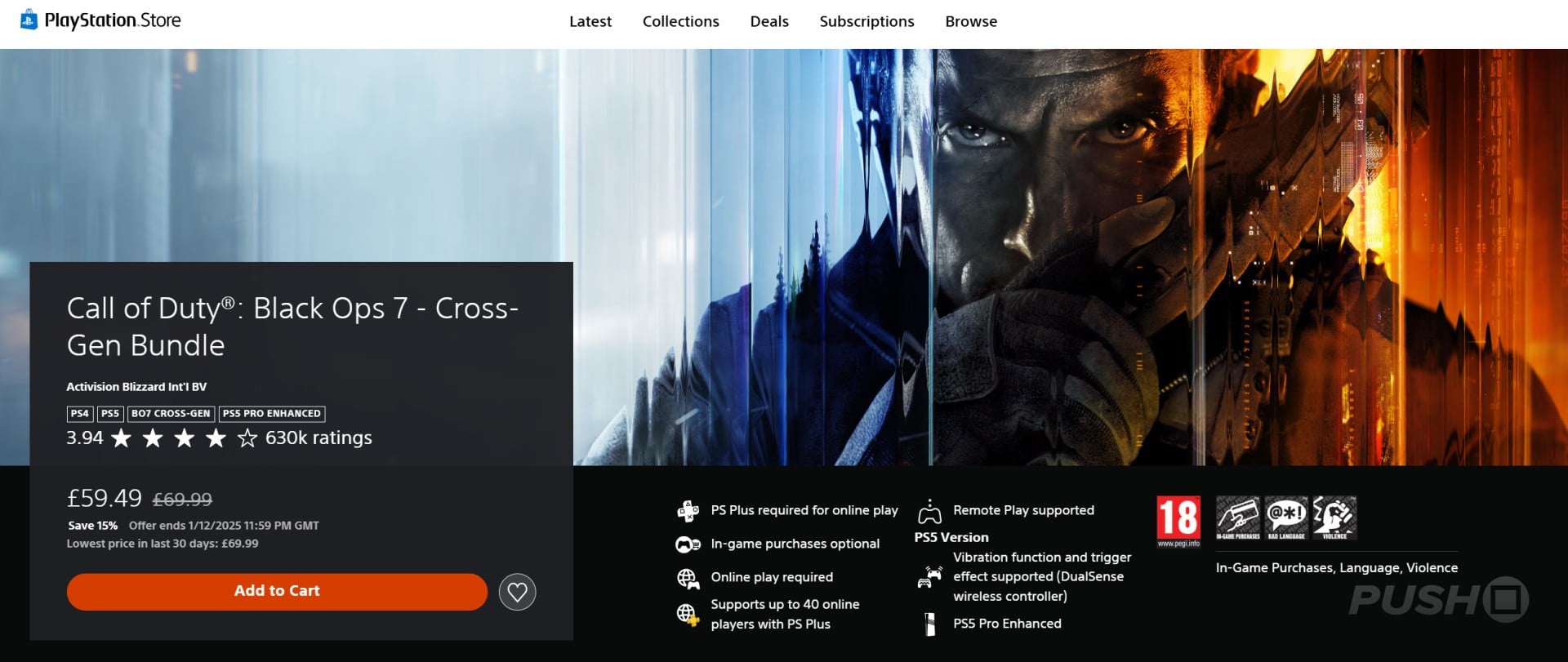
Just two weeks to the day after its PS5, PS4 release, Call of Duty: Black Ops 7 is already on sale on the PS Store. This is a separate offer from the huge PS Store Black Friday sale, and it's only live until midnight on Tuesday, 2nd December 2025.

Between now and then, you can save 15% on the base version of the game, making it £59.49 / $59.49.

This is an incredibly quick turnaround from a full-priced release to a sale, with the game having only been available for 14 days.
black-ops-7-ps-store-sale-2.large.jpg

Compared to past entries in the series, Black Ops 7 has been selling poorly and below the expectations of Activision. Its main competitor, Battlefield 6, is comfortably outselling it, and it's recording the franchise's worst launch in history in some countries.

In our Call of Duty: Black Ops 7 PS5 review, we gave the game a 6/10 and concluded: "The most ridiculous Call of Duty has ever been, all of Black Ops 7’s multiplayer strengths are overshadowed by the silliest campaign in the franchise’s history."

Are you tempted to pick Black Ops 7 up at £10 / $10 cheaper? Let us know in the comments below.

User Feedback

Recommended Comments

There are no comments to display.

Forum Statistics

  • Total Topics 576
  • Total Posts 608

Configure browser push notifications

Chrome (Android)
  1. Tap the lock icon next to the address bar.
  2. Tap Permissions → Notifications.
  3. Adjust your preference.
Chrome (Desktop)
  1. Click the padlock icon in the address bar.
  2. Select Site settings.
  3. Find Notifications and adjust your preference.