




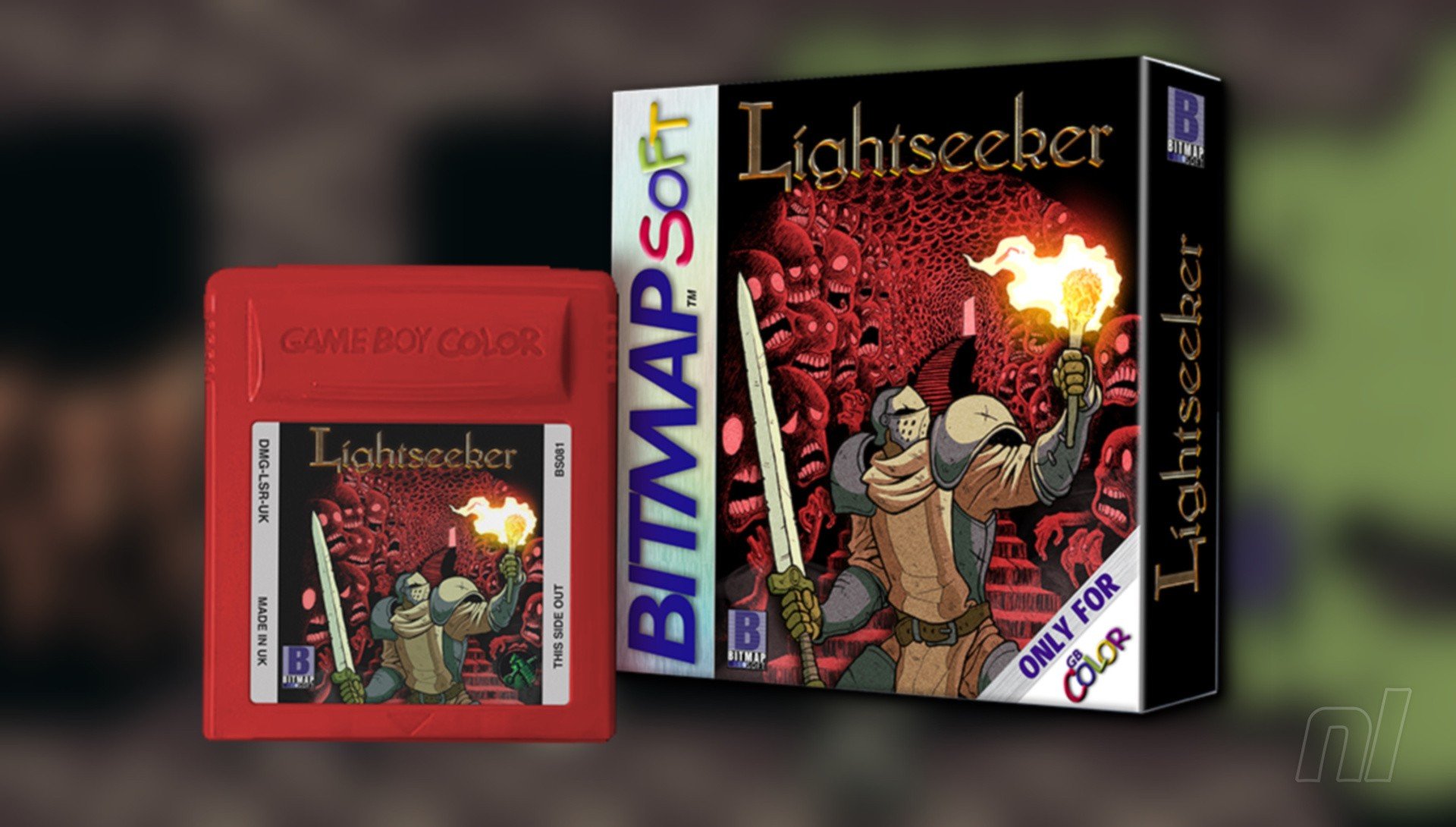

If you're itching to play a brand-new Game Boy Color game, then you're in luck. Bitmap Soft has announced it has opened pre-orders for its latest title, Lightseeker, over on its official website.
Priced at £10 for a digital copy and £50 for a physical Game Boy Color cartridge, Lightseeker is a roguelike of sorts in which you defeat enemies to gain rations, while keeping any loot you've obtained upon each inevitable death.
It looks neat from the screenshots, but gameplay footage is, at the time of writing, a little scarce. Still, Bitmap Soft had previously released Glory Hunters, which you may have recently seen received a digital release on the Switch eShop. So if you're not keen on picking up Lightseeker for the Game Boy Color, then you might want to hold off for a bit.
Let's check out the key features:
- Battle dozens of enemies and colossal bosses in brutal, fast-paced combat.
- Discover the lore of a world long lost to the dark.
- Collect armour, weapons, and cards to build your strength and uncover hidden stories.
- Earn achievements, play minigames, and master every challenge the Abyss offers.
- Choose your path: a stalwart knight, a deadly hunter, a feral eastern warrior, or the mysterious Scorched.



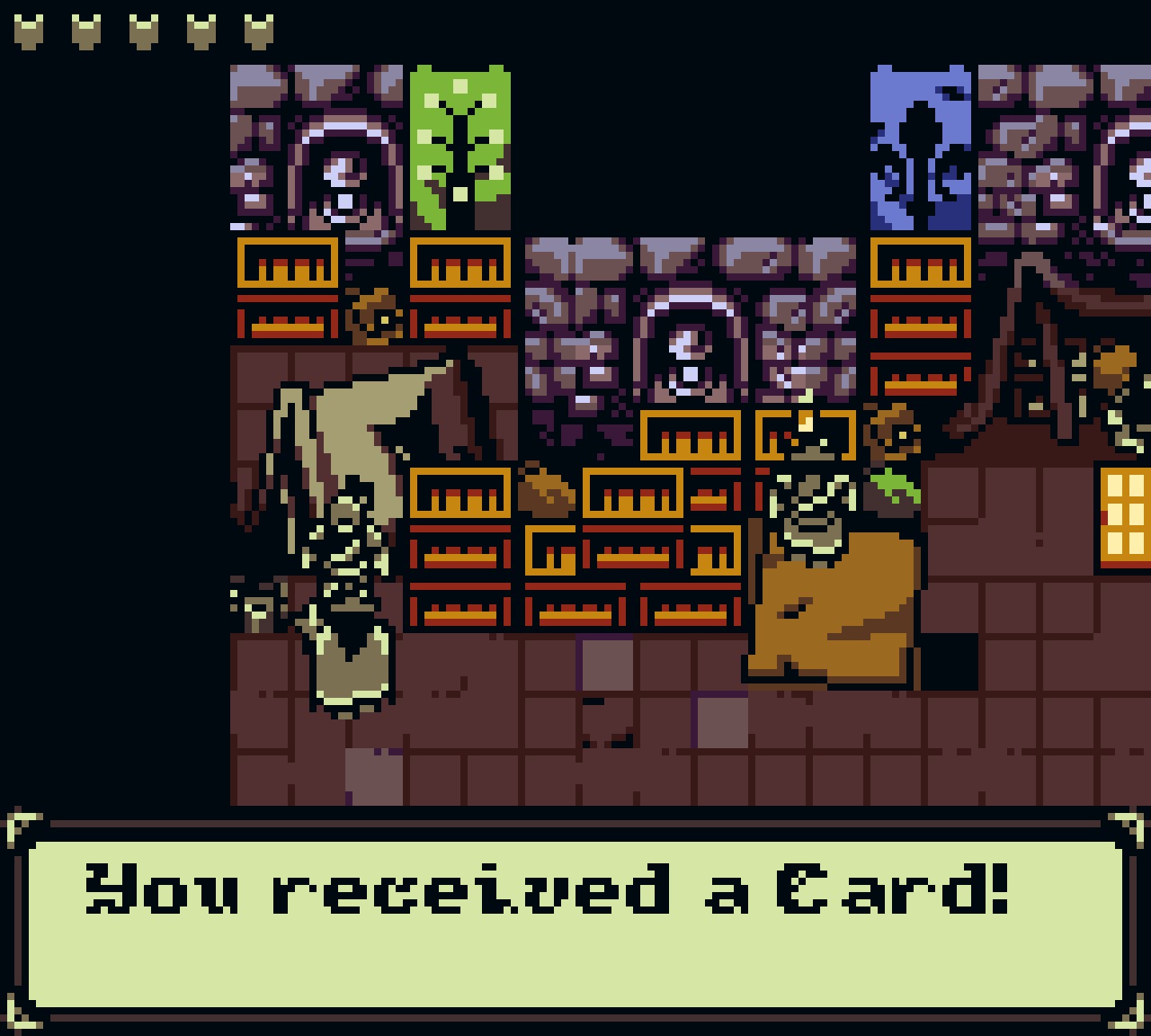
Images: BItmap Soft
Will you be picking up Lightseeker for the Game Boy Color? Let us know with a comment in the usual place.
Recommended Comments