





Jump to content
View in the app

A better way to browse. Learn more.

GTA Forum

A full-screen app on your home screen with push notifications, badges and more.

To install this app on iOS and iPadOS
  1. Tap the Share icon in Safari
  2. Scroll the menu and tap Add to Home Screen.
  3. Tap Add in the top-right corner.
To install this app on Android
  1. Tap the 3-dot menu (⋮) in the top-right corner of the browser.
  2. Tap Add to Home screen or Install app.
  3. Confirm by tapping Install.

Register

Interested in GTA ? Join our community on the GTA Forum ! Exchange knowledge, learn about new things, use guides, and stay up to date with GTA Online and FiveM.

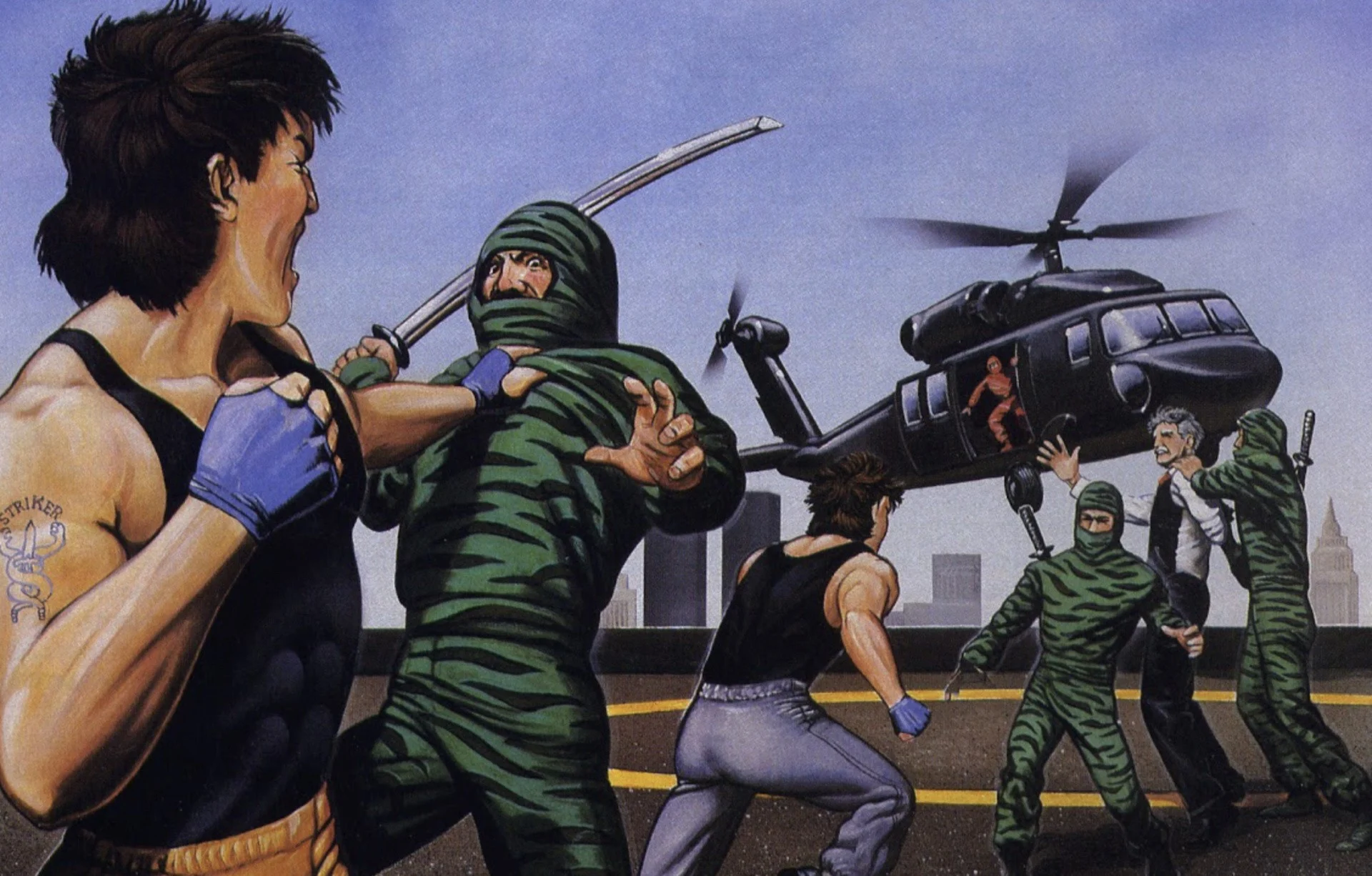
Look, Data East's Bad Dudes Vs. Dragon Ninja isn't a great game – we all know it.

However, it seems to have had a disproportionate impact on the world of video games thanks to its cool premise, amusing dialogue with "President Ronnie", and the fact that it came at a time when the entire world seemed to be utterly crazy about ninjas.

A hit in arcades and on the NES, Bad Dudes was never ported to a Sega system back in the day – but don't worry, because Andrea Baldiraghi is fixing that particular oversight with an unofficial port to the Genesis / Mega Drive.

Baldiraghi, as you may or may not be aware, is the person behind the upcoming Sega port of R-Type. The footage shown so far is looking very promising indeed.

Released in 1988, Bad Dudes was followed by Two Crude Dudes / Crude Buster, and both titles are available on modern-day systems like Evercade and Polymega.

User Feedback

Recommended Comments

There are no comments to display.

Forum Statistics

  • Total Topics 576
  • Total Posts 608

Configure browser push notifications

Chrome (Android)
  1. Tap the lock icon next to the address bar.
  2. Tap Permissions → Notifications.
  3. Adjust your preference.
Chrome (Desktop)
  1. Click the padlock icon in the address bar.
  2. Select Site settings.
  3. Find Notifications and adjust your preference.