




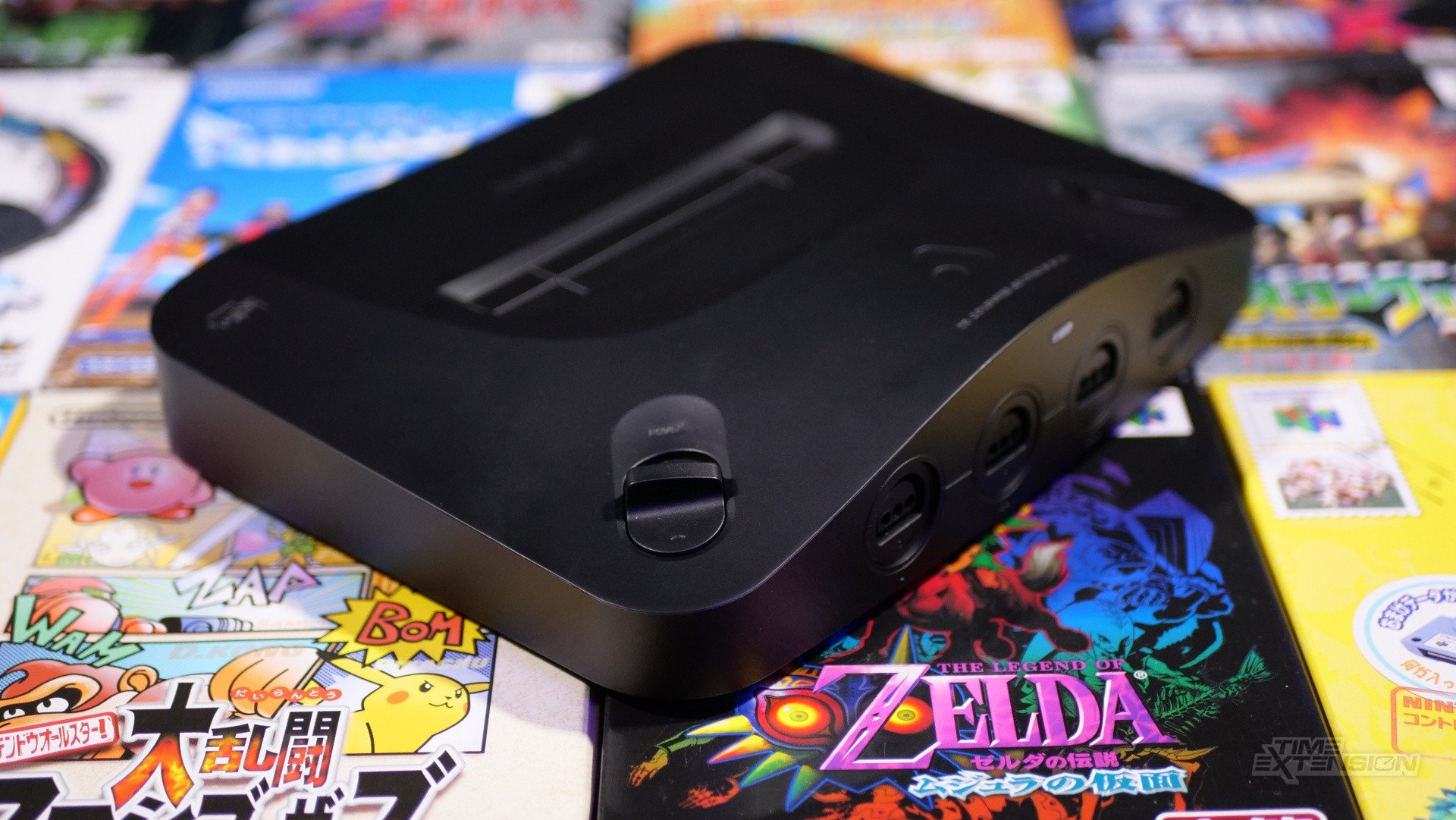

When we reviewed the excellent Analogue 3D recently, one negative we picked up on was the fact that flash cart compatibility was inconsistent.
Some Analogue 3D owners have reported that older flash carts work fine, while others have said that more recent examples, like the EverDrive X5 and X7, do not. From my testing, my X7 certainly didn't work with the FPGA console.
Thankfully, EverDrive creator Krikzz has released a new firmware – OS-V3.09 – for X5 and X7, which solves this issue (thanks, ReCollect64).
The catch is that you'll need an original N64 console to deploy the update on your EverDrive, as you'll need to install a new bootloader.
This will only impact cartridges that are already in the field, as Krikzz will include the new bootloader as standard with all new EverDrive X5 and X7 carts.
Krikzz says the only other potential fix is a hardware one, and that will be down to Analogue itself. "The only solution in this case [is to] install [a] 1K pulldown resistor at cartridge pin AD7, with this fix A3D will boot ED64-X even with old bootloader," explains Krikzz. "There is still a small hope that Analogue will make some effort on their side so that people who don’t have an original N64 can run cartridges with older bootloaders on the A3D."
It has been noted that games booted via flash carts are potentially incompatible with all of the Analogue 3D's overclocking features:
Here are the full update instructions, direct from Krikzz himself:
1. Download and Install OS-V3.09.https://krikzz.com/pub/support/everdrive-64/x-series/OS/OS-V3.09.zip
2. Download bootrom-v5.xx.b64 and copy in to any place on SD card. https://krikzz.com/pub/support/everdrive-64/x-series/bootloader/bootrom-v5.04.b64
3. Run the cartridge on an original N64 console (it will not start on Analogue 3D with an older bootloader).
4. In the cartridge menu, select the bootrom-v5.xx.b64 and press [A]
5. When the installer screen opens, click [START] to begin the installation.
OS-V3.09 also includes some stability fixes for the Analogue 3D. "As for ED64 V2X/V3, it seems like it already works fine with OS 2.13," reports Krikzz. "I don't have V3 at the moment, but my v2.5 works just fine with OS 2.13."
If you're looking to pick up a new EverDrive, Krikzz is holding a Black Friday sale as we speak.
Recommended Comments