





Jump to content
View in the app

A better way to browse. Learn more.

GTA Forum

A full-screen app on your home screen with push notifications, badges and more.

To install this app on iOS and iPadOS
  1. Tap the Share icon in Safari
  2. Scroll the menu and tap Add to Home Screen.
  3. Tap Add in the top-right corner.
To install this app on Android
  1. Tap the 3-dot menu (⋮) in the top-right corner of the browser.
  2. Tap Add to Home screen or Install app.
  3. Confirm by tapping Install.

Register

Interested in GTA ? Join our community on the GTA Forum ! Exchange knowledge, learn about new things, use guides, and stay up to date with GTA Online and FiveM.

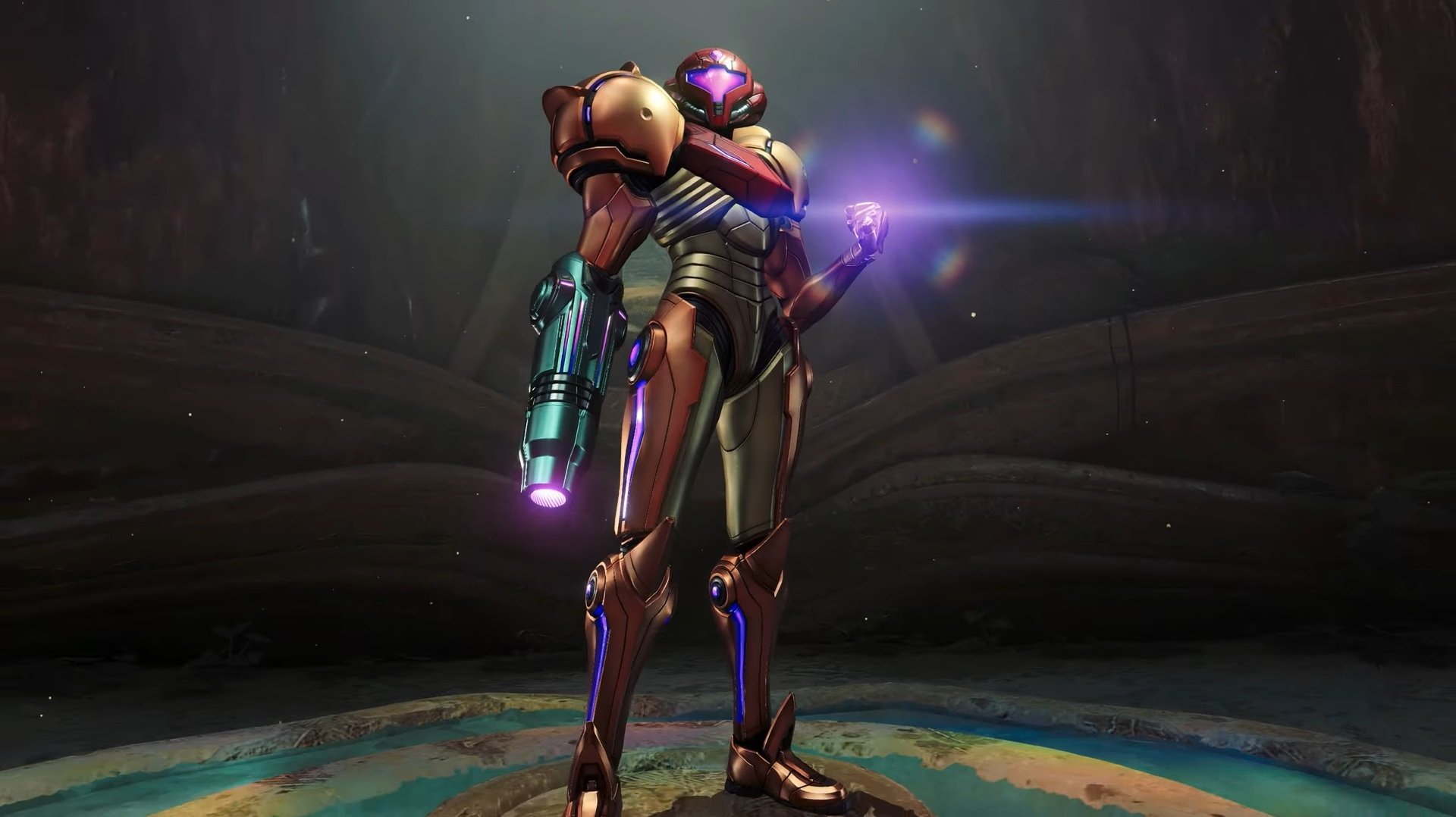
It has been eight years since Nintendo first announced Metroid Prime 4. It has been 18 years since the release of Metroid Prime 3: Corruption. And now, after all that time, Beyond's launch trailer is finally here.

Those who have kept up with every trailer drop until now won't find too much new footage in this one, but we challenge anyone who's been waiting for the best part of a decade to watch without feeling a little tingle down their spine.

The whole thing is a bit more story-based than we've seen in previous trailers, with a gritty narration teeing up Samus' might and narrative predicament, before a boatload of sequences show her in action. And stick around until the end for a particularly mysterious stinger!

The game has launched today on Switch and Switch 2.

What do you make of the MP4 launch trailer? Are you getting your copy today? Let us know in the comments.

User Feedback

Recommended Comments

There are no comments to display.

Forum Statistics

  • Total Topics 576
  • Total Posts 608

Configure browser push notifications

Chrome (Android)
  1. Tap the lock icon next to the address bar.
  2. Tap Permissions → Notifications.
  3. Adjust your preference.
Chrome (Desktop)
  1. Click the padlock icon in the address bar.
  2. Select Site settings.
  3. Find Notifications and adjust your preference.