




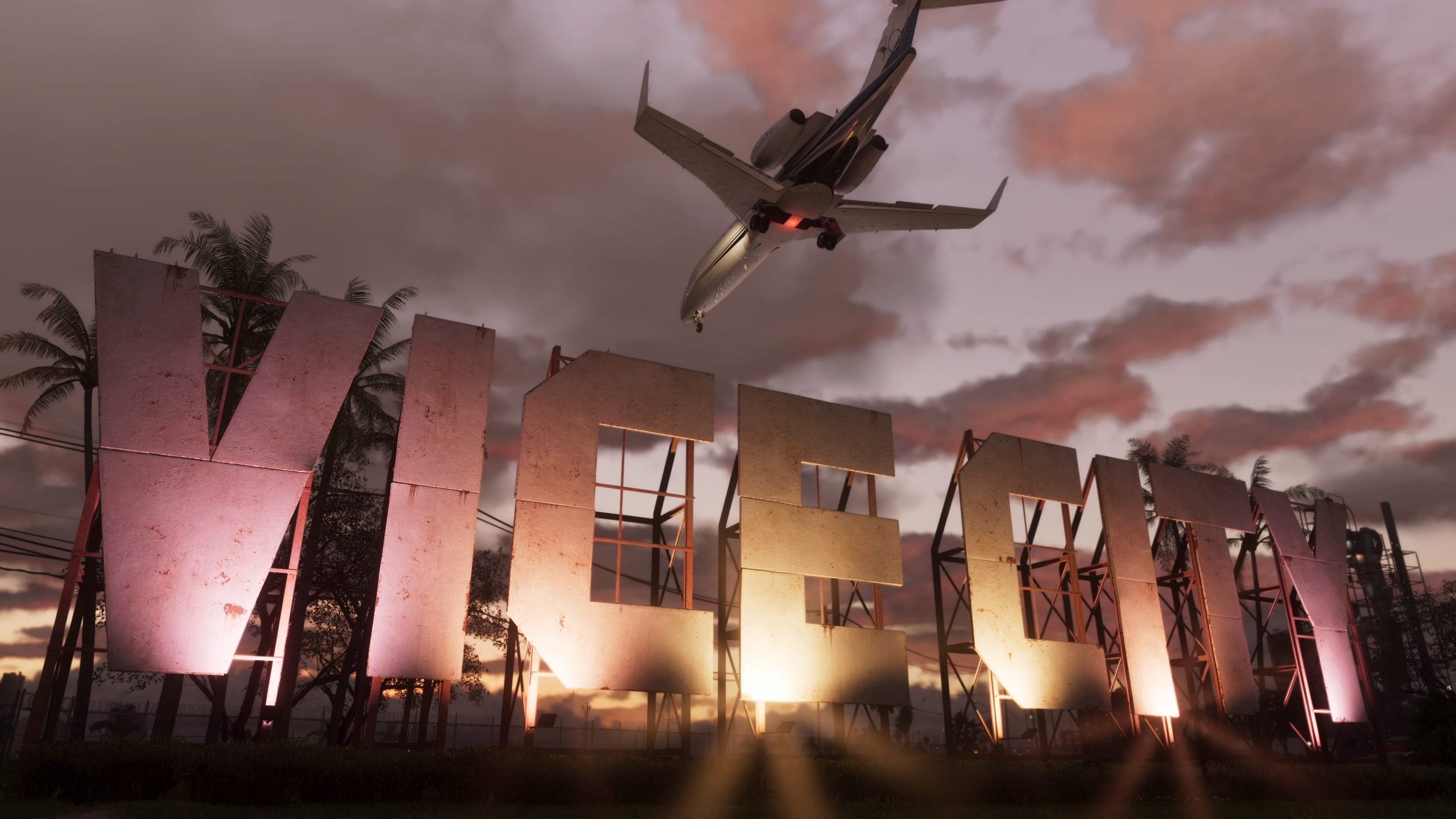

The leaks keep coming. Just hours after the ninth clip surfaced showing Jason getting "wasted" at a gas station, a tenth piece of leaked Grand Theft Auto VI gameplay has hit the internet — and this one takes us into the sky.
Posted by the leaker known as Cyberleek, the new footage is titled "Plane (Night)" and runs roughly one minute and 49 seconds. It picks up with Jason piloting a stunt plane — the same type of aircraft seen doing crop-dusting runs in an earlier daytime leak — soaring over Vice City International Airport and out toward the coastline after dark.
The scale is the story
What's grabbing fans' attention isn't just the airport itself, but everything visible around it. Flying above the city at night reveals just how sprawling Vice City's metropolitan area really is, with traffic still visibly dense even from high altitude. Leak trackers have called the skyline "extremely beautiful at night," with buildings fully lit up across the map.
The flyover also seems to confirm a returning Red Dead Redemption 2-style feature: location-specific wildlife encounters. As Jason flies over a body of water, an on-screen prompt reportedly reads "Fishing spot for large Common Snook" — a detail that may finally explain the mysterious crocodile icon spotted on the leaked map in earlier clips.
More music, more radio stations
True to form, this leak — like most of the nine before it — plays out with the radio running, and it's added a solid handful of new tracks to the growing, unofficial GTA 6 in-game playlist. Songs reportedly heard in this clip include:
"Go Insane" – Lindsey Buckingham
"The Fireman" – George Strait
"Million Dollar Baby" – Tommy Richman
"Skylarking" – Horace Andy
"Devil Woman" – Cliff Richard
"Girl" – Myke Towers
"Smile" – Jamiroquai
"Herz Aus Glas" – Marianne Rosenberg
The clip also appears to catch a radio talk segment called "The Wipe," and briefly shows the full in-game radio menu, listing station names including CircoLoco Records, V-Rock, Symphony FM, Stockyard FM, Backcountry Radio, Radio ON.U, Emotion, Dirty South Classics, and Honey FM. Several of those — V-Rock and Emotion among them — are returning names from the original GTA: Vice City, a nod longtime fans will appreciate.
Ten leaks and counting
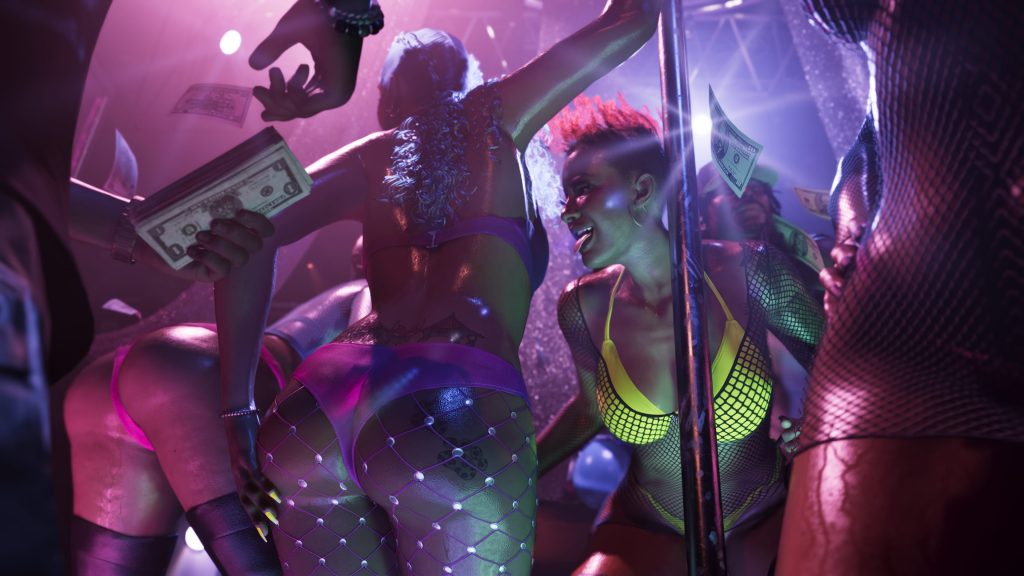
This marks the tenth unofficial gameplay clip to leak in the space of just over a week, following footage that has already shown off the weapon wheel, NPC combat, a strip club encounter, a gas station random encounter, and Jason's first leaked death screen. Rockstar Games and Take-Two have not commented on the authenticity of any of the clips, though the two companies have continued issuing copyright takedowns against posts sharing the footage — something many fans point to as tacit confirmation that the material is real.
Grand Theft Auto VI is currently set to release on November 19, 2026, on PlayStation 5 and Xbox Series X|S.
Recommended Comments